A file is not sent
A file may fail to send in the chat or upload to consultation documents because of size, format, or security check.
What should I check first?
Check internet connection, file size, and whether the file opens on the device. For medical documents, it is safer to use pdf, jpg, or png with readable content and a clear filename.
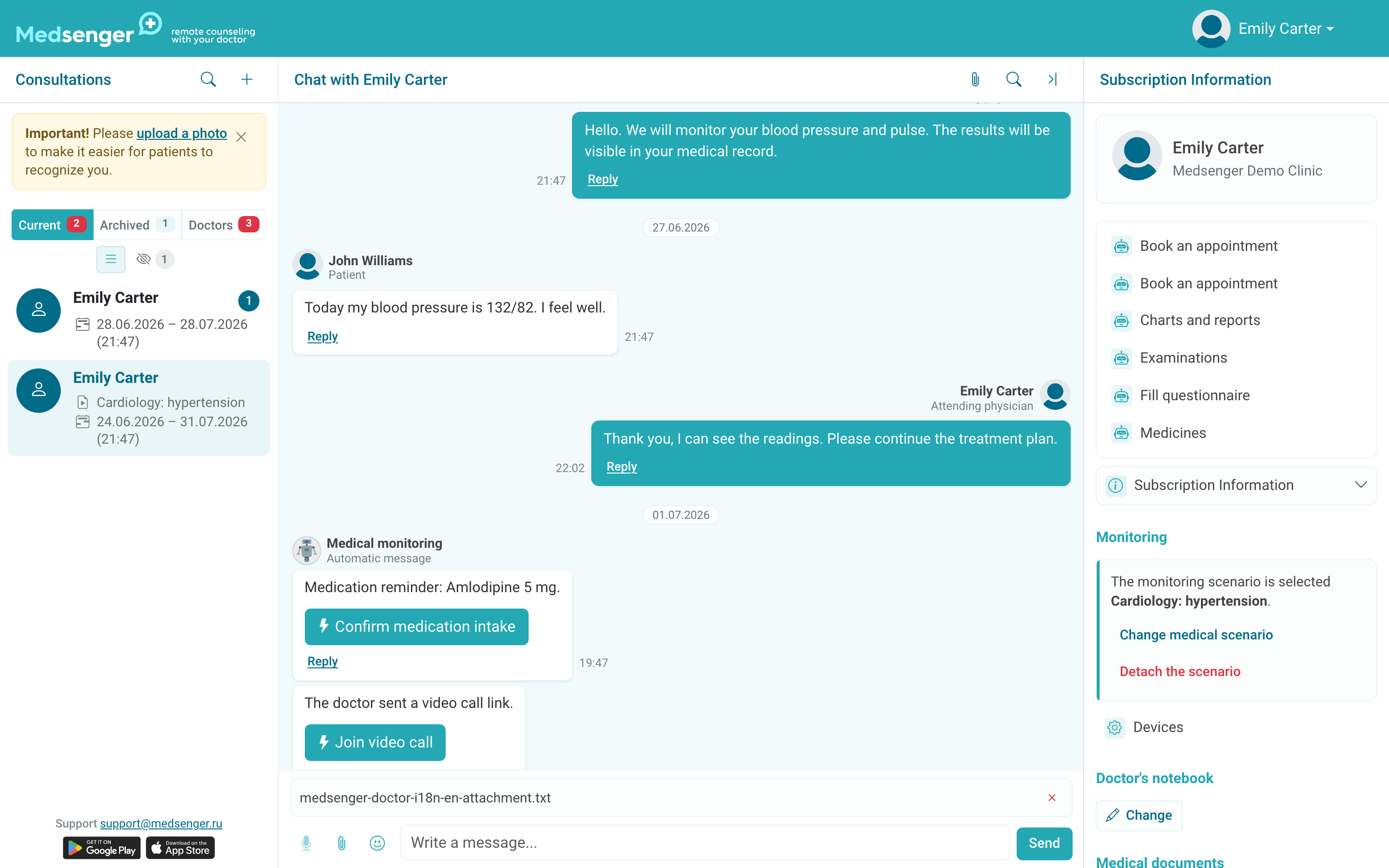
For work documents, pdf, docx, xlsx, jpg, png, and medical formats such as dcm are usually suitable. Use video and archives only when they are truly needed: they are harder to check and forward.
First choose the correct upload place: chat, medical documents, or memos. The difference is described separately: what is the difference between files, memos, and documents.
If one file is needed in several places, decide in advance which version will be primary.
If the patient sends a photo of a document, ask them to photograph the whole page without glare or blur. Archives are better used only when necessary: they are harder to review visually, and they may contain unsuitable files.
What is blocked?
Most often, executable files, scripts, installers, and files whose extension does not match content are blocked.
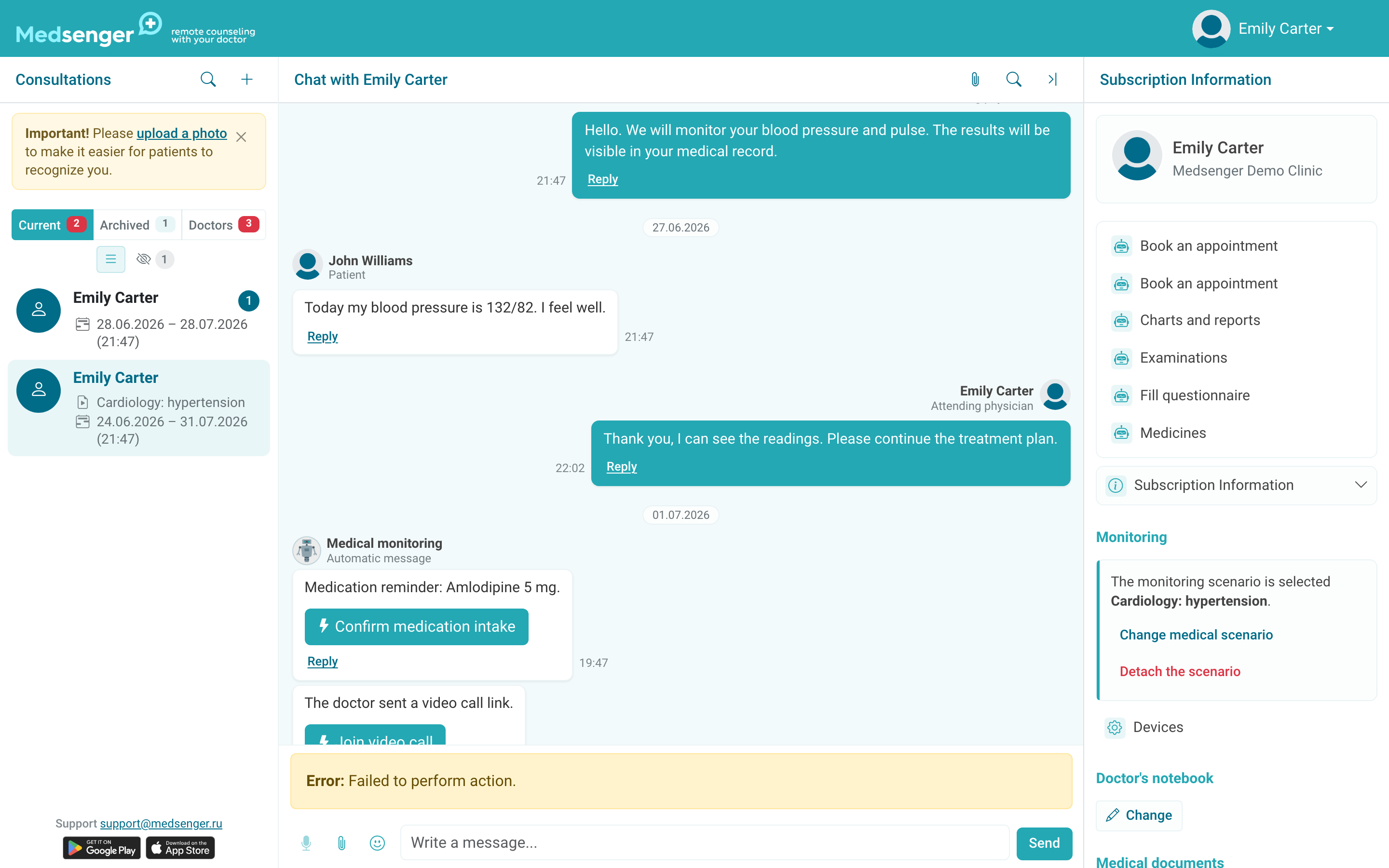
Examples of undesirable formats: exe, msi, bat, cmd, js, jar, vbs, ps1, sh, php, py, app, deb, rpm.
Ask the patient to save a document as pdf or a photo as jpg/png, reduce file size, remove special characters from the filename, and try sending the file through a desktop browser.
You can send the patient a link to the short guide: message or file is not sent.
If the error repeats, record the upload section, error text, file extension and size, patient, and approximate time.
If the file contains medical data, do not forward it outside clinic work channels. For diagnostics, send the file description, extension, size, and error screenshot.