How do I assign medications?
In Medications, specify the drug, dosage, intake rules, schedule, and whether reminders are needed.
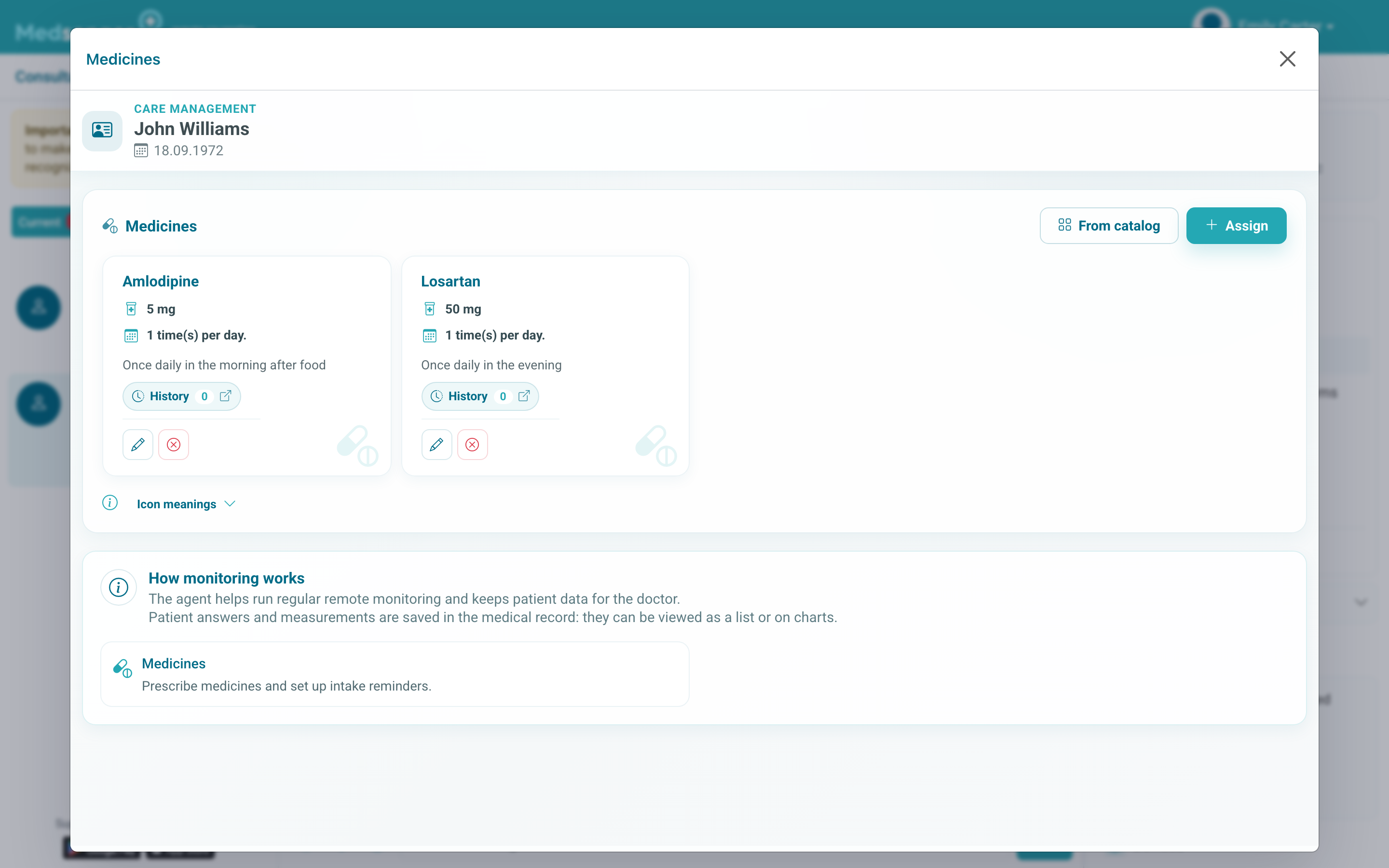
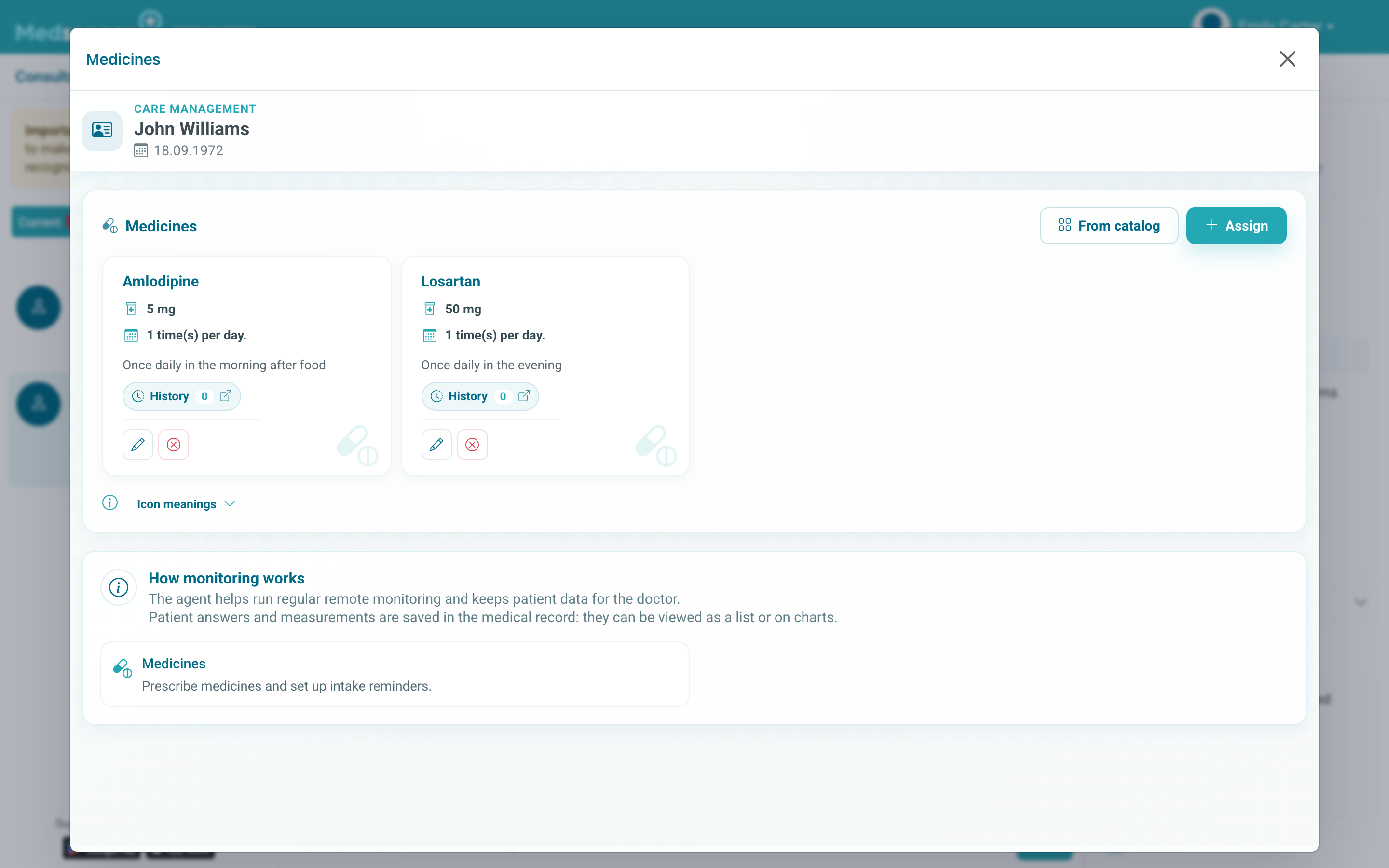
Click Assign new medication to open the assignment form.
In the form, fill in drug name, dosage, and intake rules. In the schedule, choose the mode: manually, daily, weekly, monthly, on specific dates, or every few days, then specify intake time.
If the assignment has a stop date, enable Add stop date and specify the end day. Without a stop date, the assignment remains active until it is changed or cancelled.
Also check settings: whether the patient may adjust dosage, whether video confirmation is needed, whether the doctor should be notified about missed doses, and whether the patient may disable notifications.
Fill in the assignment so the patient can follow it without additional clarification: when to take the drug, how much to take, what the end date means, and what to do after a missed dose if this is important under clinic rules.
If the patient must confirm intake, write this clearly in the comment. Intake marks can later be checked in assignment history, medication heatmap, or related reports if they are connected for the consultation.
After saving, check that the assignment appeared in the medication list with the correct period, schedule, and stop date. If the patient should receive a reminder, separately check the start date: future assignments do not require action right now.
When changing a regimen, finish the previous assignment or create a new one according to clinic rules. This prevents old reminders from reaching the patient and keeps the history of when intake rules changed.
Some clinics use video confirmation of intake. In this case the patient should follow the instruction in the message or form, and the doctor should check the result as a separate task.
Before enabling video confirmation, make sure the patient knows how to send confirmation from the phone.