Who is a doctor assistant?
A doctor assistant is a clinic employee connected to a specific consultation on the doctor's side. The assistant helps manage the patient in Medsenger: sees the conversation, can participate in discussion, and can work with consultation sections that are available under clinic settings.
In the interface, assistants are shown in the Consultants block. They are not relatives or patient representatives, but clinic employees with separate accounts.
An assistant is connected to a specific consultation, not to all patients of the doctor at once. If the same employee should help with several patients, they need to be added where clinic rules allow it.
A doctor of another specialty can be temporarily connected as an assistant if an additional opinion is needed for the patient. This doctor will see the consultation as a connected consultant and can write in the chat from their own account.
How do I connect an assistant?
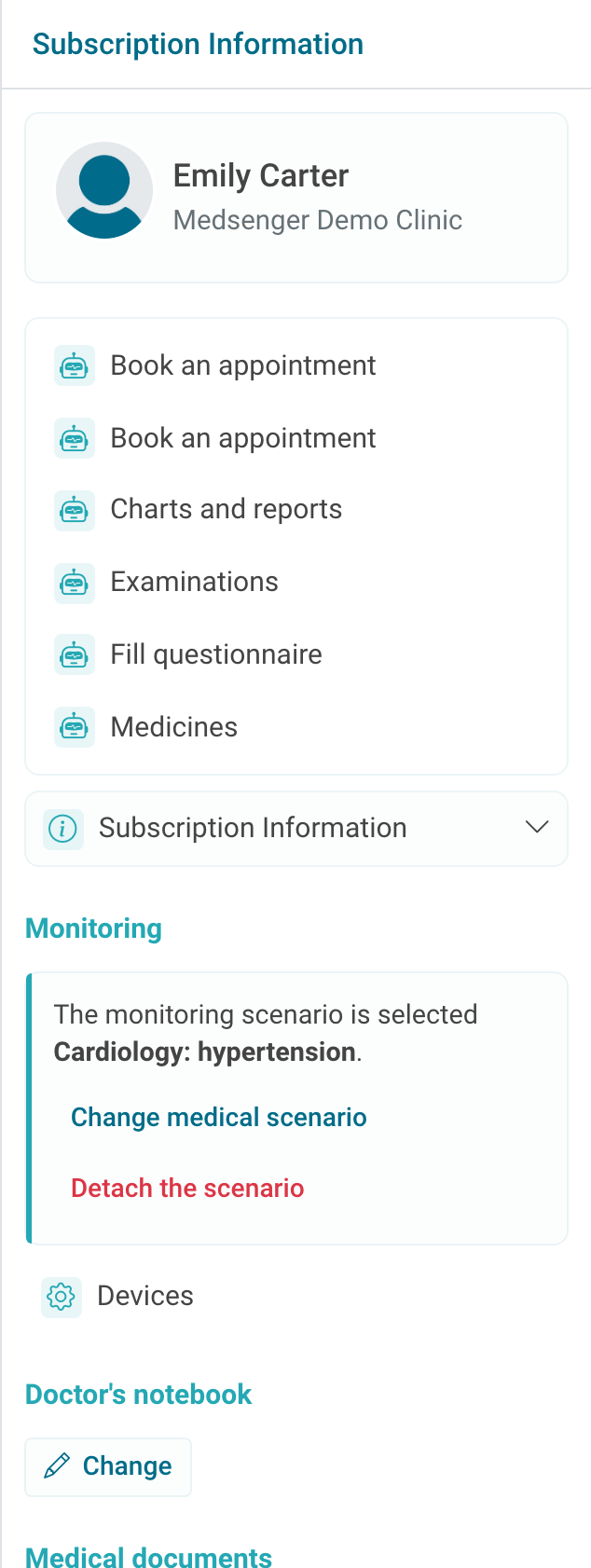
If the feature is enabled in the clinic, the right panel of the consultation shows the Consultants block. Click Connect.
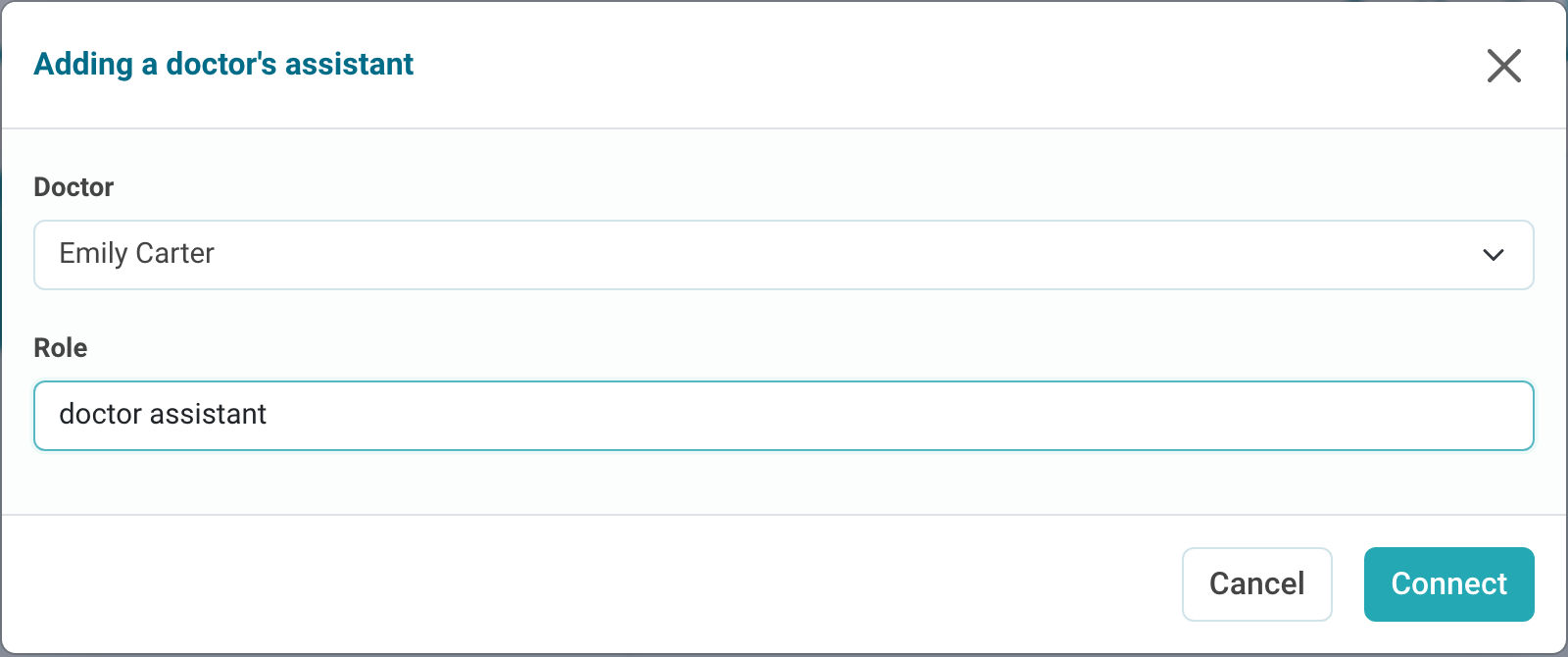
In the Add doctor assistant window, select the employee and specify the role. The role will be visible in the consultation, so write it briefly and clearly: for example, doctor assistant, on-call doctor, or nurse.
After connection, the assistant appears in the Consultants block. The primary doctor may have actions for notifications and disconnecting the assistant from the consultation.
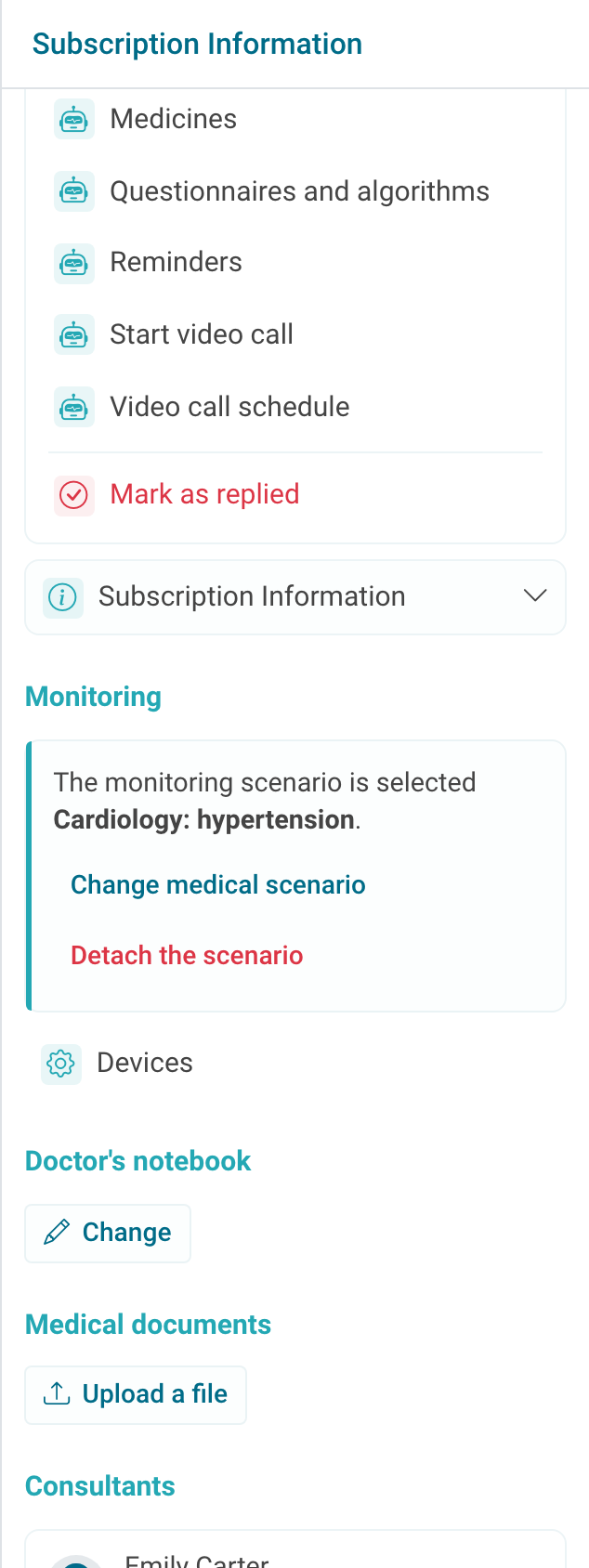
The bell next to the assistant controls notifications for this consultation. If notifications are disabled for the assistant, they may not receive an automatic notification about a new patient question.
If there is no Connect button, check that assistants are enabled for the clinic and that there is another doctor who can be connected to this consultation. You cannot connect an assistant who does not have an account or a suitable role in the clinic.
How do I work with an assistant?
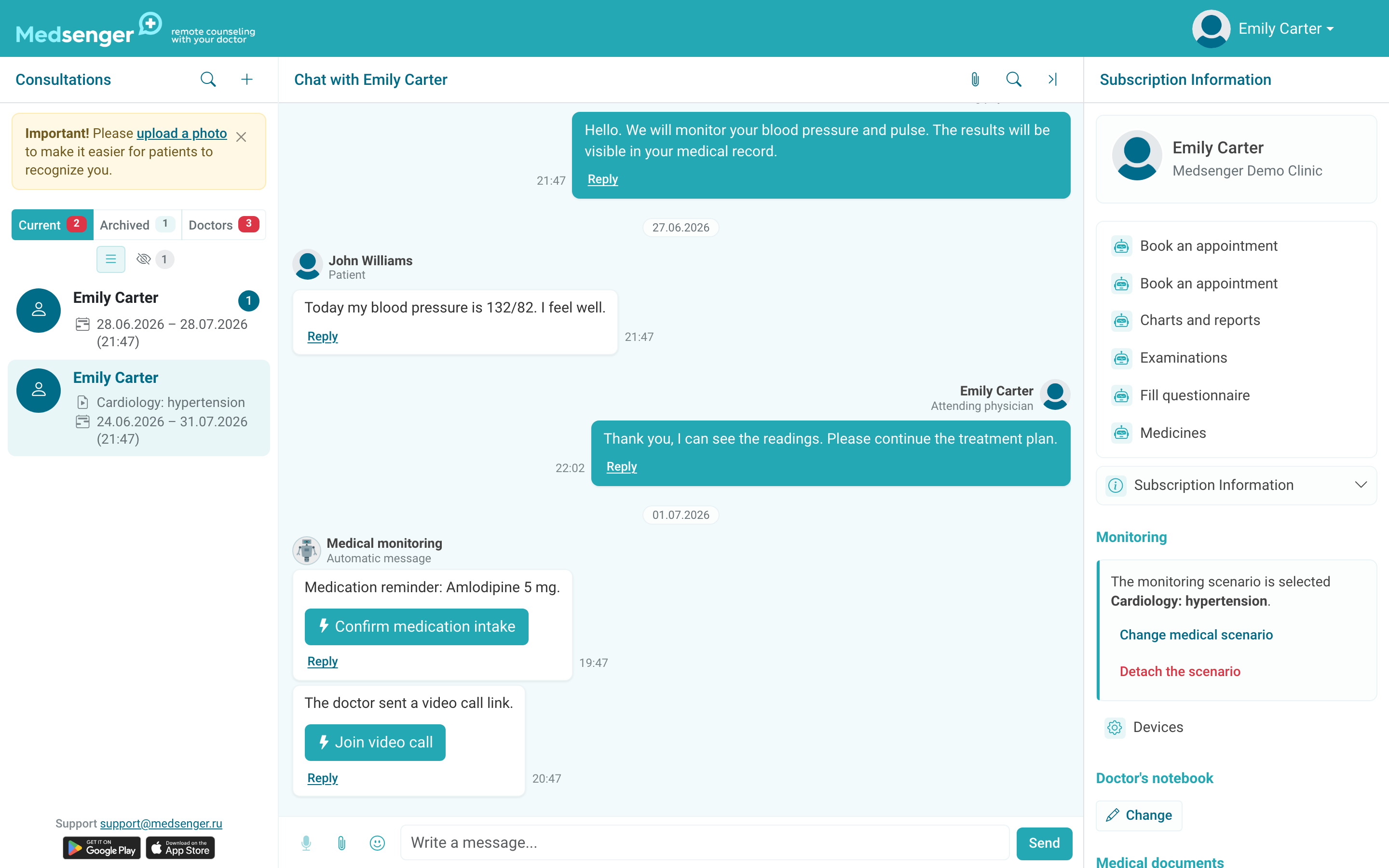
Assistant messages appear in the same conversation with a participant label. If several employees write in the chat, specify who you are answering and what needs to happen next.
If assistants are connected to the consultation, a patient message may have the Notify consultant button. Use it when a specific question should be shown to a specific assistant, especially if automatic notifications are disabled for them.
The assistant must not use the primary doctor's login and password. A separate account is required for work: this makes it clear who wrote a message, uploaded a file, or performed an action.
It is better to use the consultation chat for communication with the patient. Internal questions addressed only to the assistant or another doctor should be discussed outside the system or in the clinic's internal channels, so the patient conversation remains clear.
Agree in advance who answers the patient and who closes unanswered questions. If several employees read the chat, this does not mean the response deadline is closed: a doctor's answer or a correct mark under clinic rules is required.
The assistant's capabilities depend on clinic settings, role, and connected sections. If the assistant does not see the patient, a button, or a notification, check that they were added specifically to this consultation and that notifications are not disabled for them.