There is no data in the medical record
Data may not be displayed because of the selected period, missing completed forms, or a setting where answers are not saved as medical records.
Check the chain: the patient sent an answer, the answer entered the correct category, and the report period includes the answer date.
Check the report period
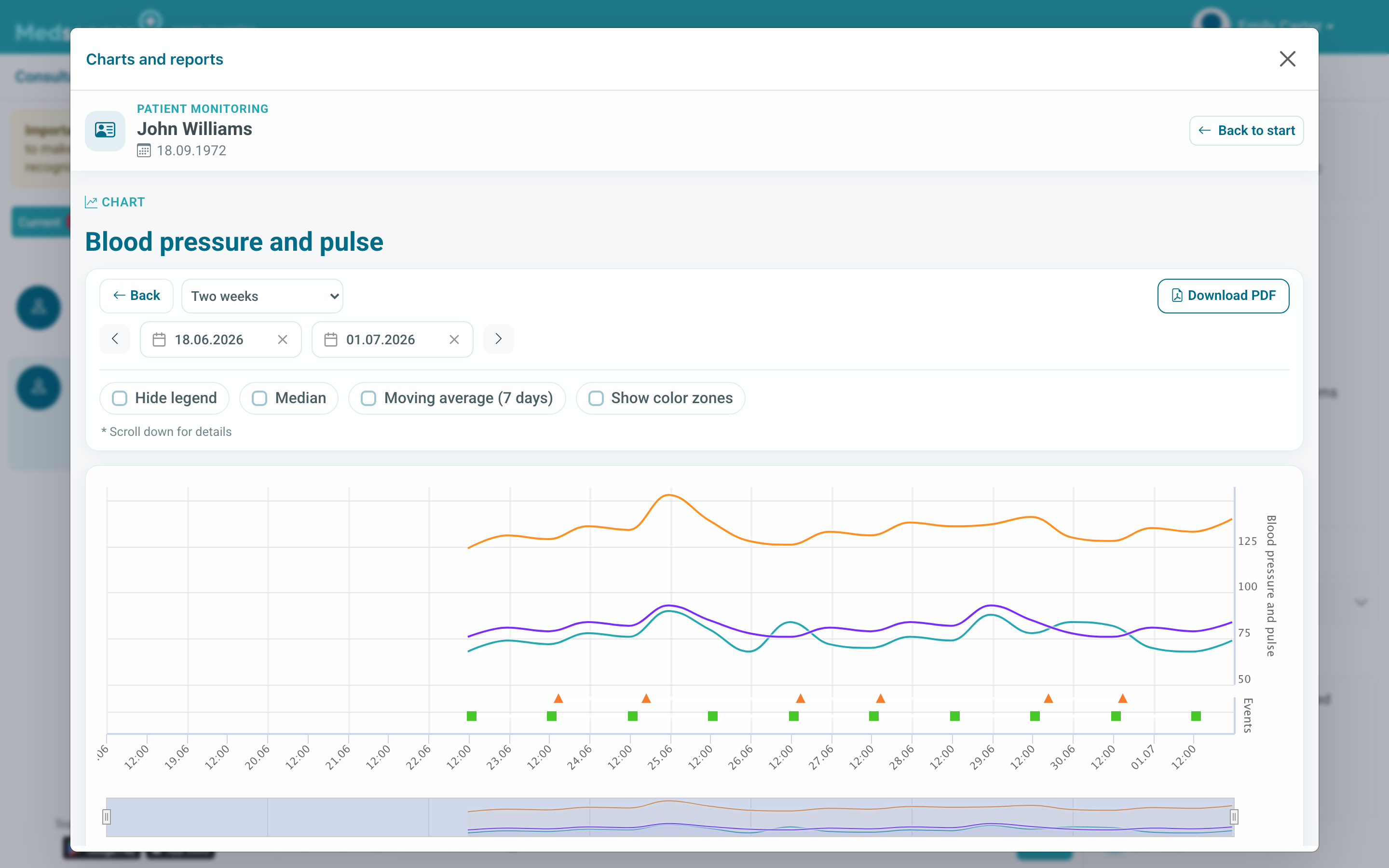
Expand the period and check that the patient really sent data on the selected dates. If the report supports PDF export, before downloading make sure the same period is selected as the one you are checking on the screen.
If data appeared in the chat but did not appear in the chart, this is not always an error: not every message becomes a medical record.
Check the data source
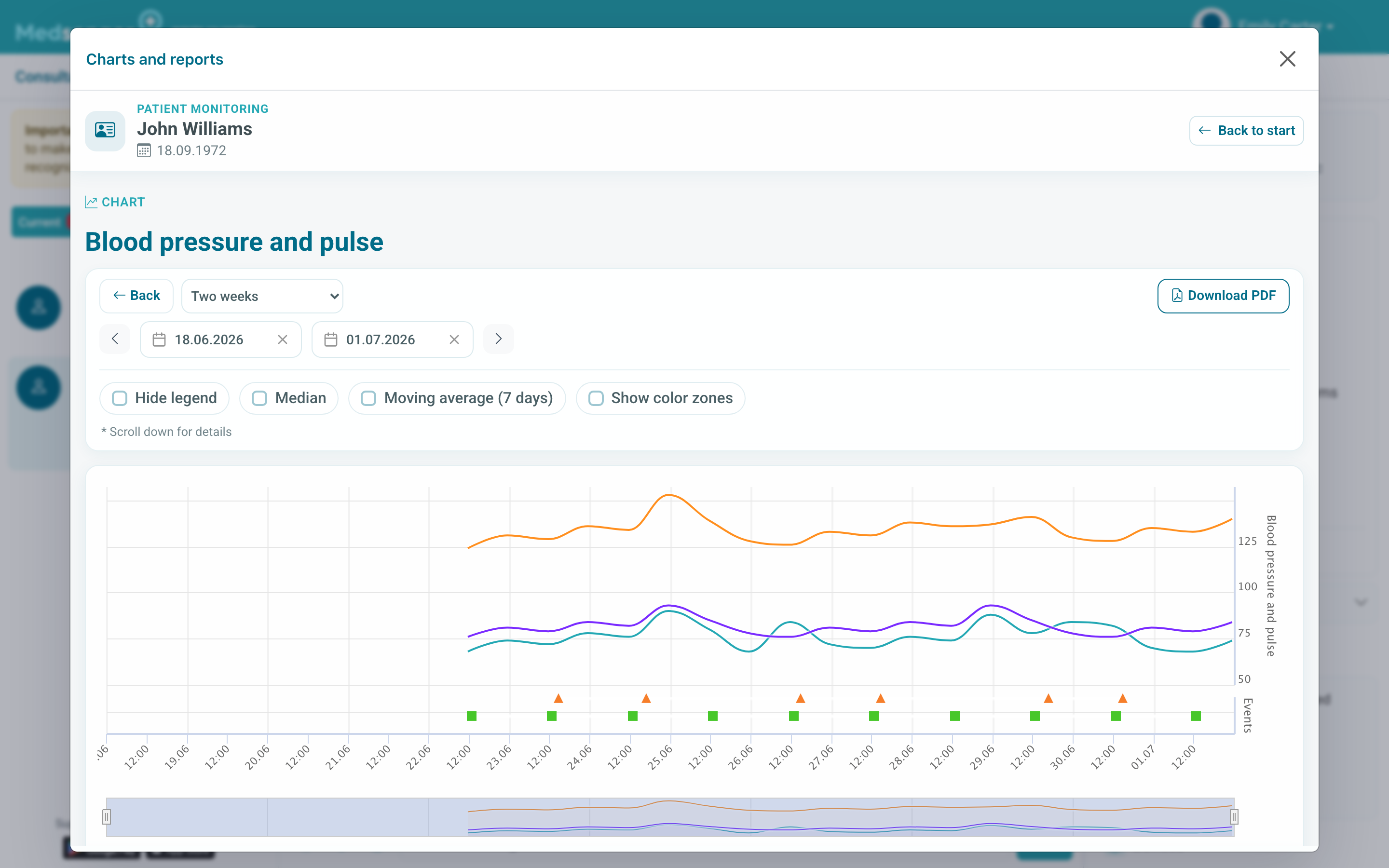
If data is missing only from one report, check whether the specific form or category saves answers to the medical record. For example, a free patient comment may remain in the chat and not become a numeric chart entry.
If the Charts and reports button is not displayed, this is a different problem: check monitoring connection, selected consultation, and role permissions. Use scenario buttons are missing.
If records still did not appear, contact Medsenger support. Specify patient full name, form or category name, completion date, which report you checked, and an example of the value that should have appeared.
When data appears, check it in the needed period and export the report if necessary: how to view charts and reports.