Scenario buttons are missing
If there is no Charts and reports, Questionnaires and algorithms, Medications, or other actions, first check consultation monitoring.
It is important to distinguish a missing button from an empty report: empty charts are handled separately in no data in medical record.
Check whether monitoring is connected
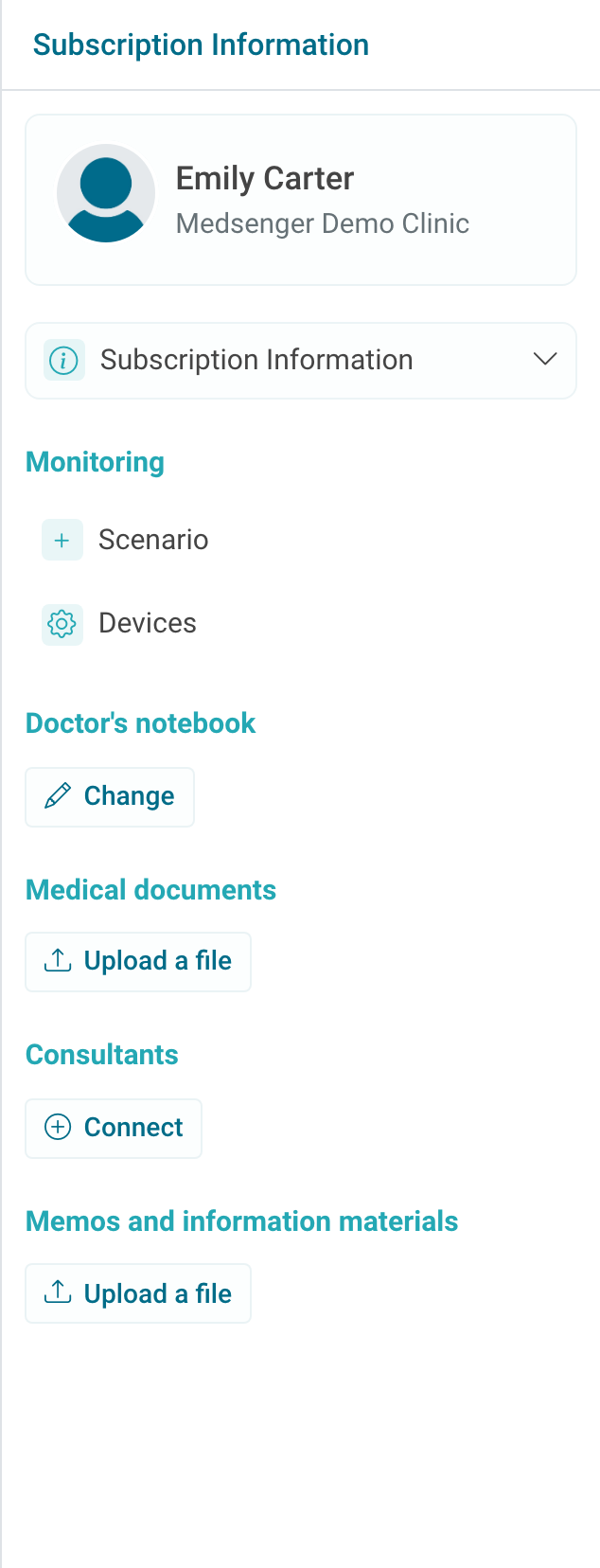
If the right panel has no selected scenario, connect the appropriate monitoring scenario. After connection, refresh the consultation page and check whether the needed buttons appeared. Different scenarios may have different button sets.
Connection guide: how to connect monitoring.
Check scenario actions
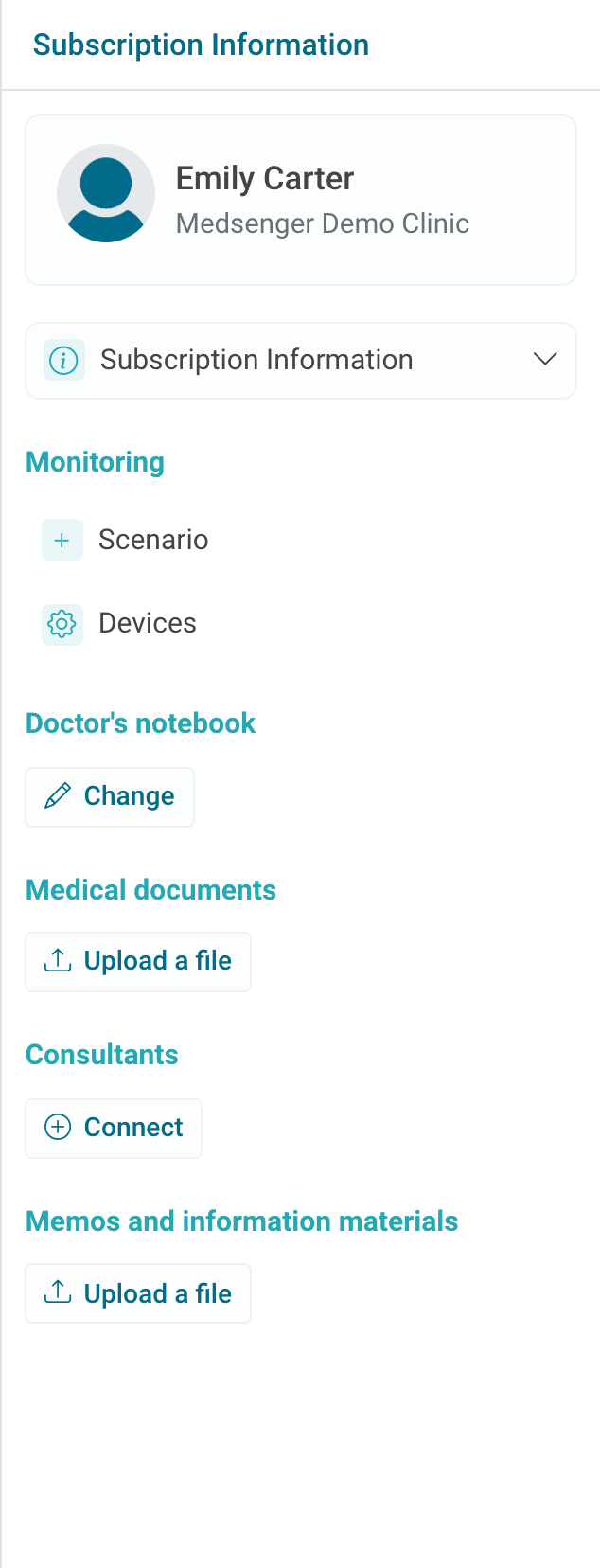
If a scenario is already connected but the button is still missing, check whether the correct scenario is selected and whether this action should be included in it.
Sometimes the button is missing not because of an error, but because this scenario does not contain the needed section. For example, a questionnaire scenario may not include medications or devices.
If the button is needed only for the doctor, check user role and selected consultation period. If the action should be available to the patient, check whether the consultation is activated and whether the patient received the invitation.
If the button should be available under clinic rules but does not appear, contact the clinic employee or Medsenger support. Specify patient full name, consultation number, scenario name, which button you expected to see, who should see it, and when the scenario was connected.