Where can I view profile and notifications?
The profile menu is in the upper-right corner. Open it if you need to check account details, change password, or view notification settings.
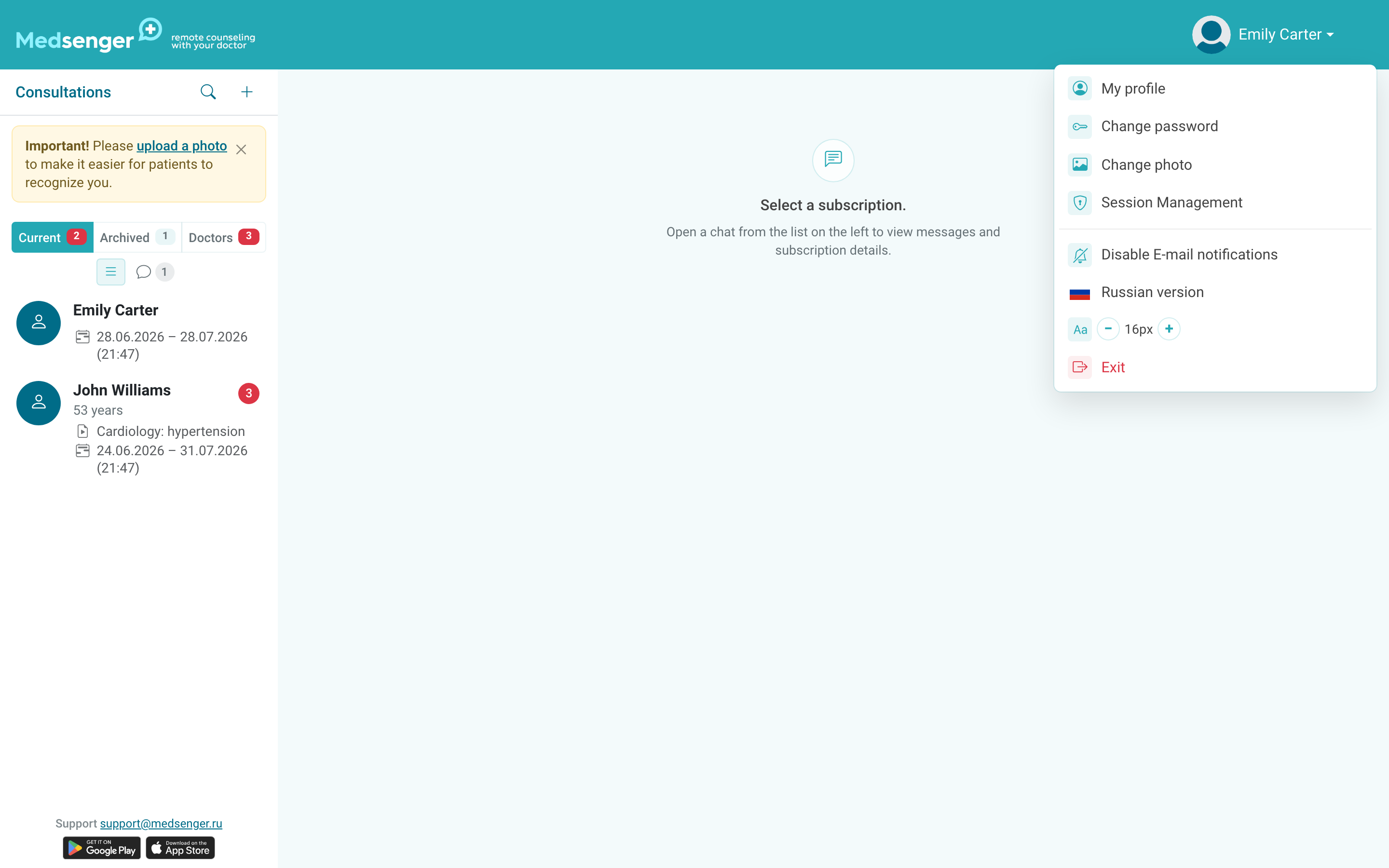
In the profile, you can change email, phone, full name, date of birth, photo, and password. If you change your work email, make sure this is the address used for login, notifications, and access recovery.
When changing email, Medsenger will ask you to confirm the new address with a code from an email and enter the current password. Do not start the change if you do not have access to the new mailbox right now.
Do not enter an address you cannot access permanently: service emails and password recovery may be sent there.
Email notifications about messages can be disabled in the profile. Do this only if you will still receive notifications another way: through the mobile app, duty mailbox, or clinic rules.
Otherwise, you may miss a patient message and get an overdue response under the response rule.
After changing contacts, check that you can log in again and receive service emails at the new address. If you changed email, check access recovery before losing access to the old mailbox.
If notifications stopped arriving, use the separate diagnostic guide: doctor notifications do not arrive.