How do I assign an education course?
A course contains materials and questions delivered to the patient's chat according to the clinic's program. Use a course when information should be provided step by step rather than in one message.
Where can I see the patient's courses?
Open the consultation and select Patient courses in the right column. The first screen shows the courses already connected and the points earned by the patient.
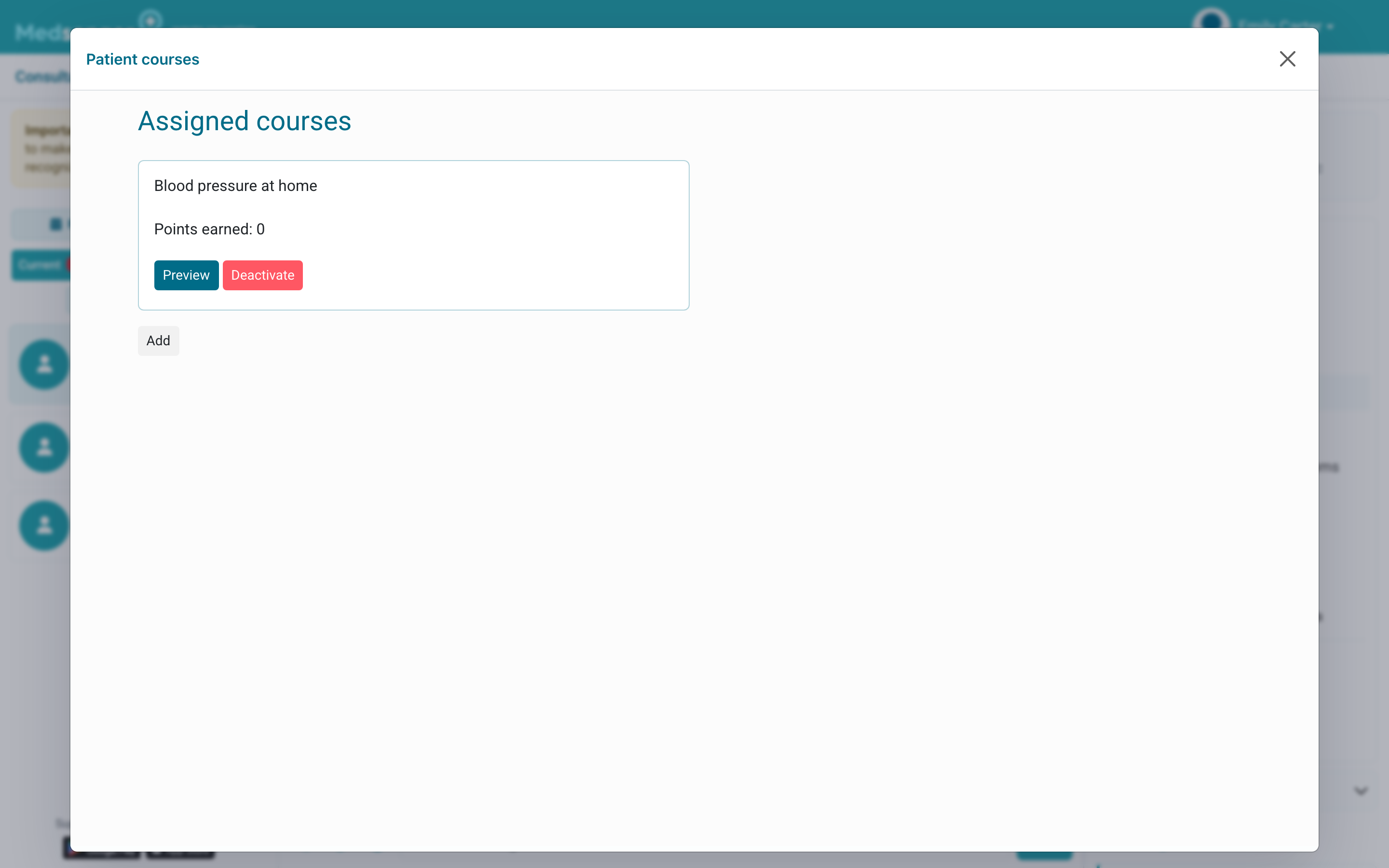
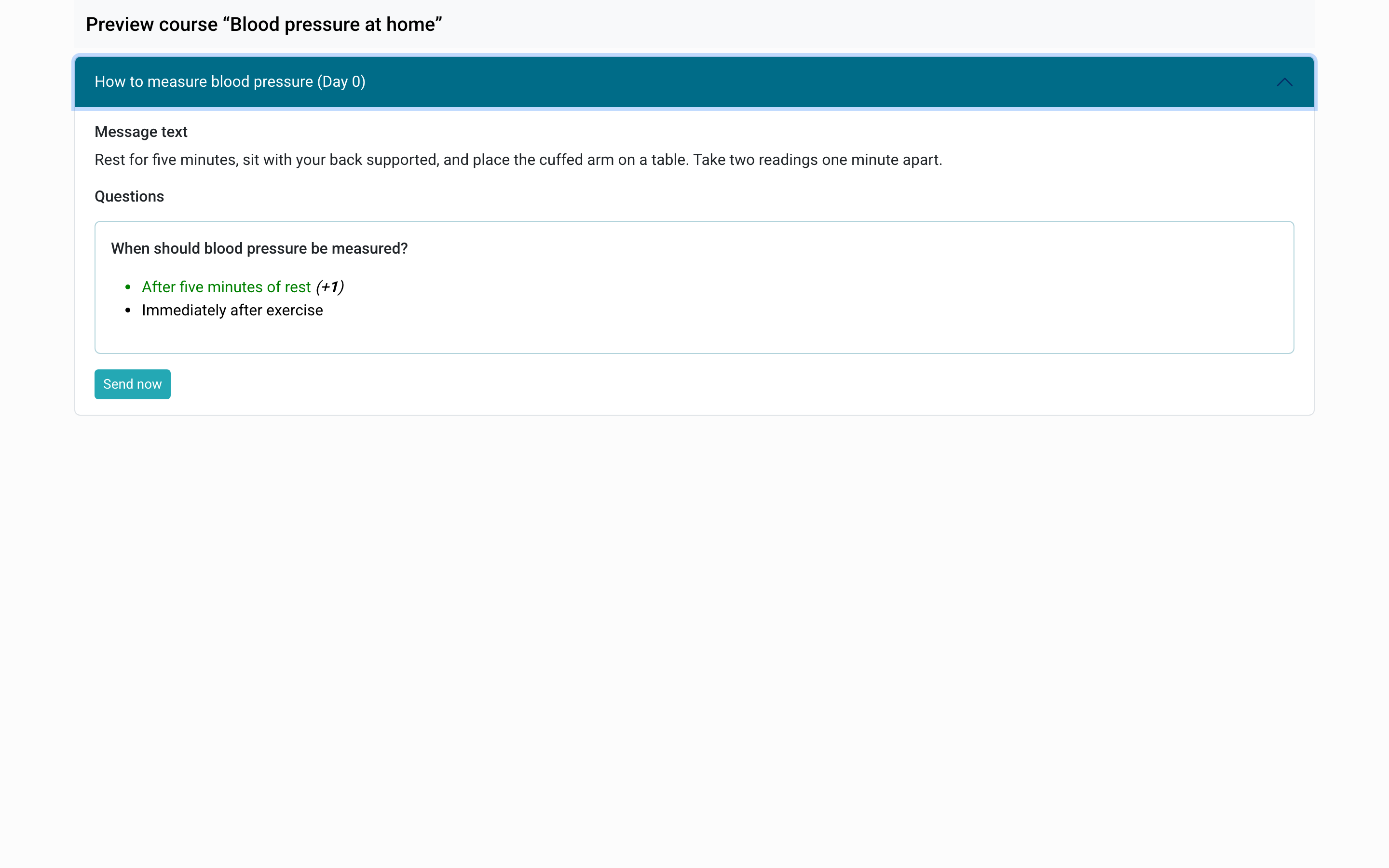
Select Preview to check the lessons, delivery order, and questions. You can also send an individual lesson immediately from this screen.
How do I connect another course?
Select Add, find the required course in the catalog, and choose Activate.
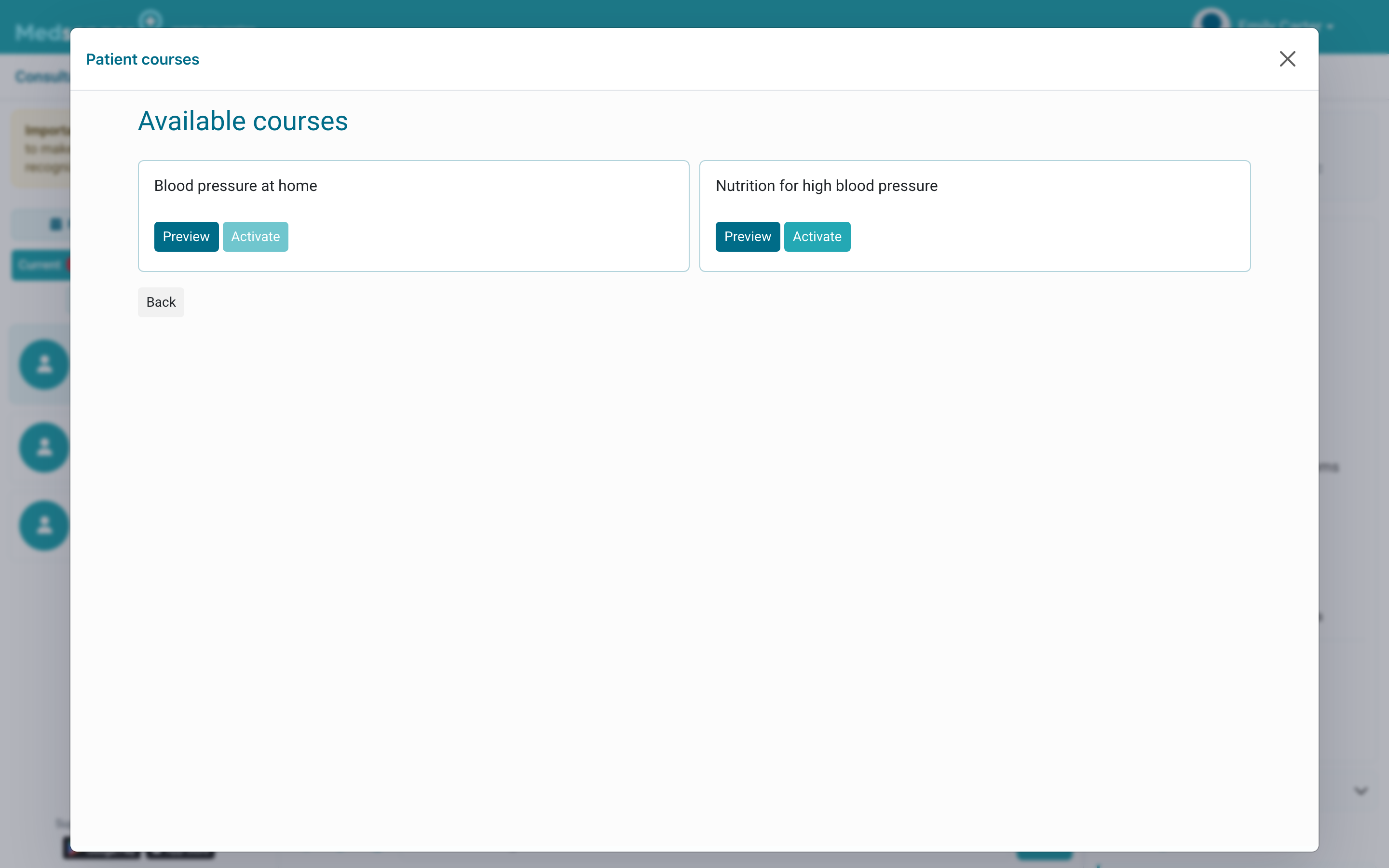
After activation, the materials will be delivered according to the course schedule. Return to the list and make sure the course appears among the assigned courses.
If the required course is not in the catalog, contact the clinic employee responsible for monitoring programs.