How do I activate the account and log in?
For the first login, open the invitation email from the clinic and follow the activation link. Before account activation, login in the browser and mobile app will not work.
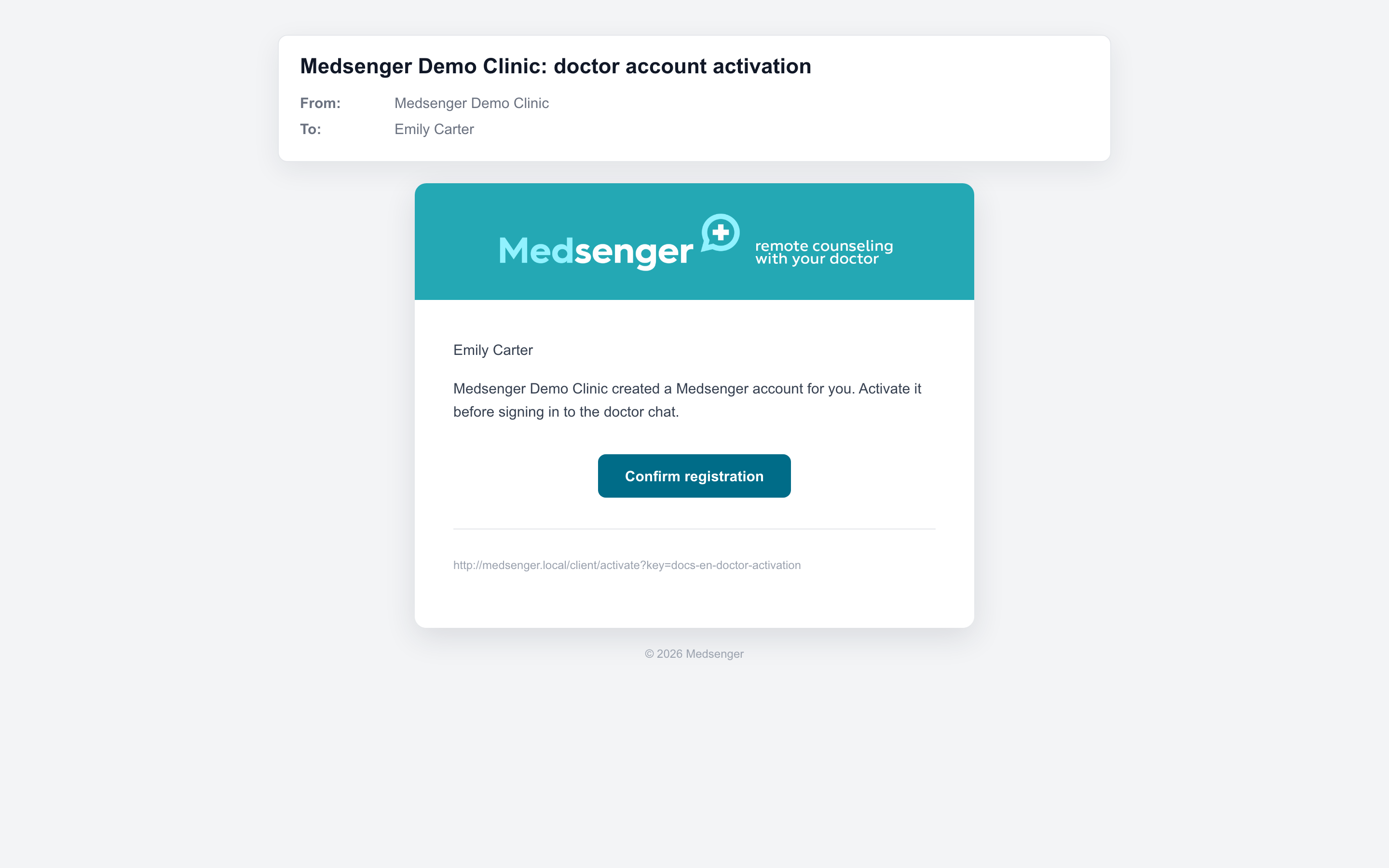
After confirming registration, open chat.medsenger.ru and use the email where the invitation arrived. The doctor's login is the email, not full name, position, or clinic name.
If the invitation came to another work email, log in with that exact address.
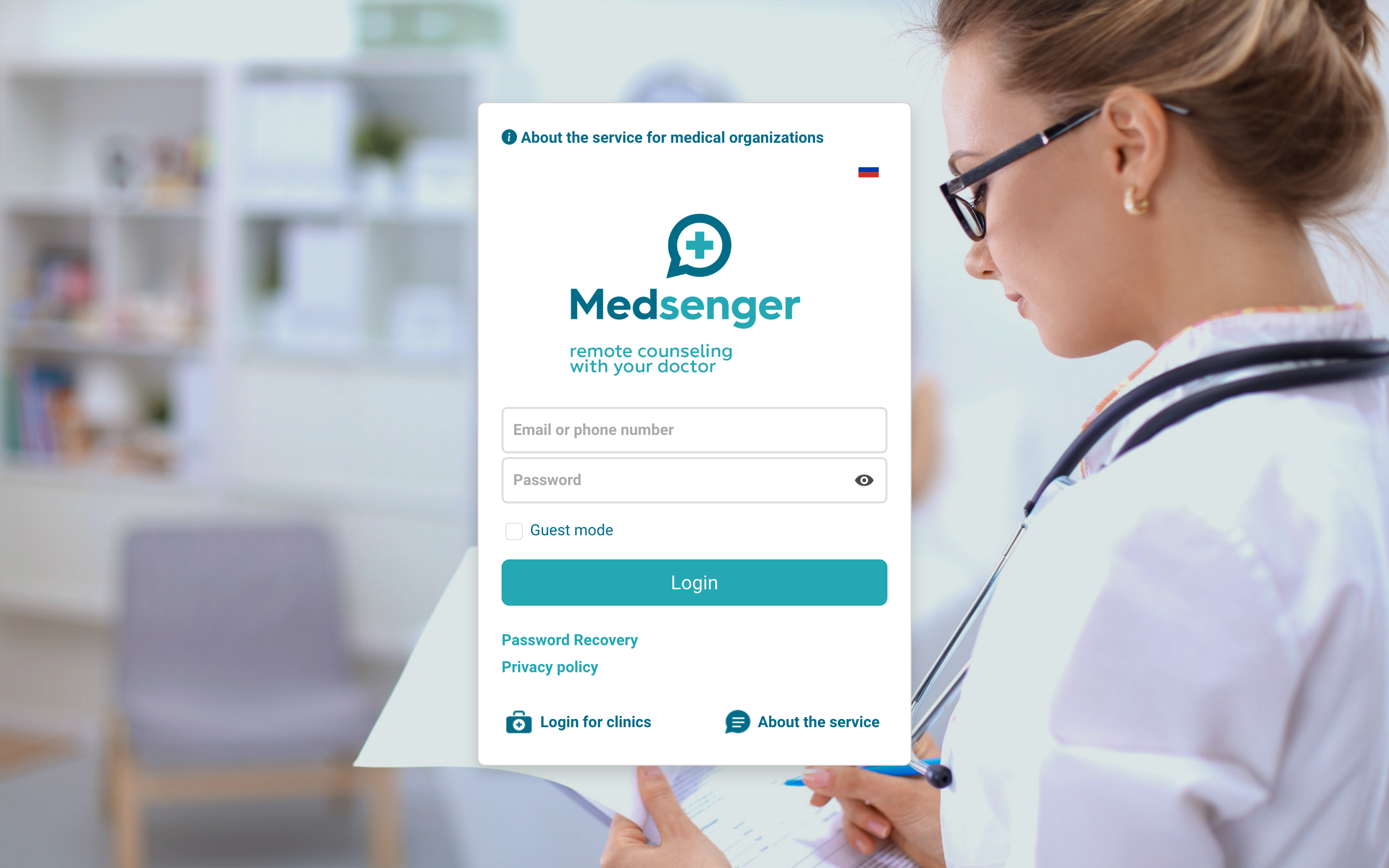
You can also work through the Medsenger mobile app. First activate the account through the clinic email, then install Medsenger and log in with the same email and password:
If the email did not arrive or the activation link does not open, contact the clinic employee responsible for doctor access. Specify full name, work email, clinic, and what exactly does not work: no email, expired link, or password problem.
If the invitation was resent, use the latest email. After restoring access, check login in the browser first, then in the app.