A message is considered overdue
Overdue status is calculated by the consultation response rule. Open the patient with the red badge and check the latest message that still has no doctor's answer.
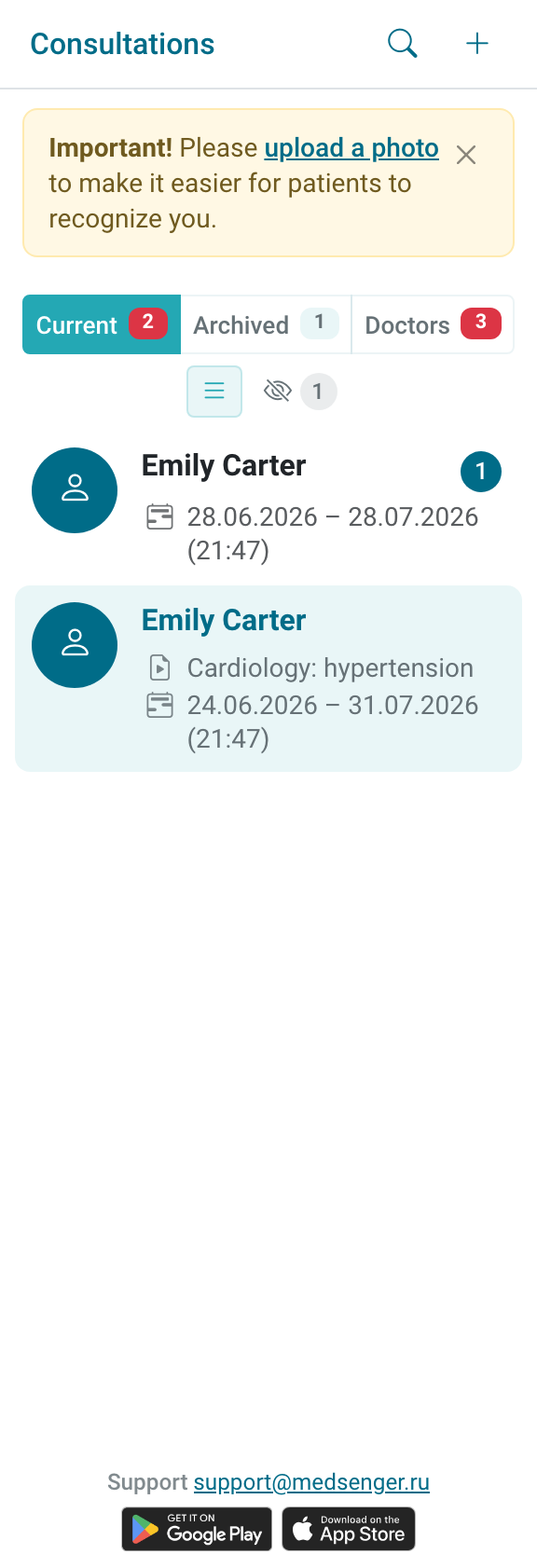
If the patient wrote a question, the response deadline is counted from the message time according to the consultation rule. First make sure there is a doctor's answer after this message in the chat.
A patient message can remain unanswered even after it has been read.
Use Mark answered only if the question has already been resolved outside Medsenger and clinic rules allow this action. This button does not send a message to the patient.
If you need to remove overdue status without a new chat message, first check the action rules: how to mark a message answered.
If the chat contains several messages in a row, answer in a way that covers the whole patient question, not only the last short clarification. After answering, refresh the consultation list and check whether the badge disappeared.
If the response deadline looks incorrect, clarify the response rule, working schedule, and consultation time zone with the clinic employee. Specify patient, consultation number, message time, current badge state, and why you think it is incorrect.