How do I assign rehabilitation training?
A training session is a sequence of exercises that the patient completes at home from the Medsenger chat. Each exercise can use a duration or repetition count and include instructions and media.
How do I select a prepared training session?
Open the consultation and select Trainings in the right column. On the Trainings tab, choose a suitable template and select Assign to patient.
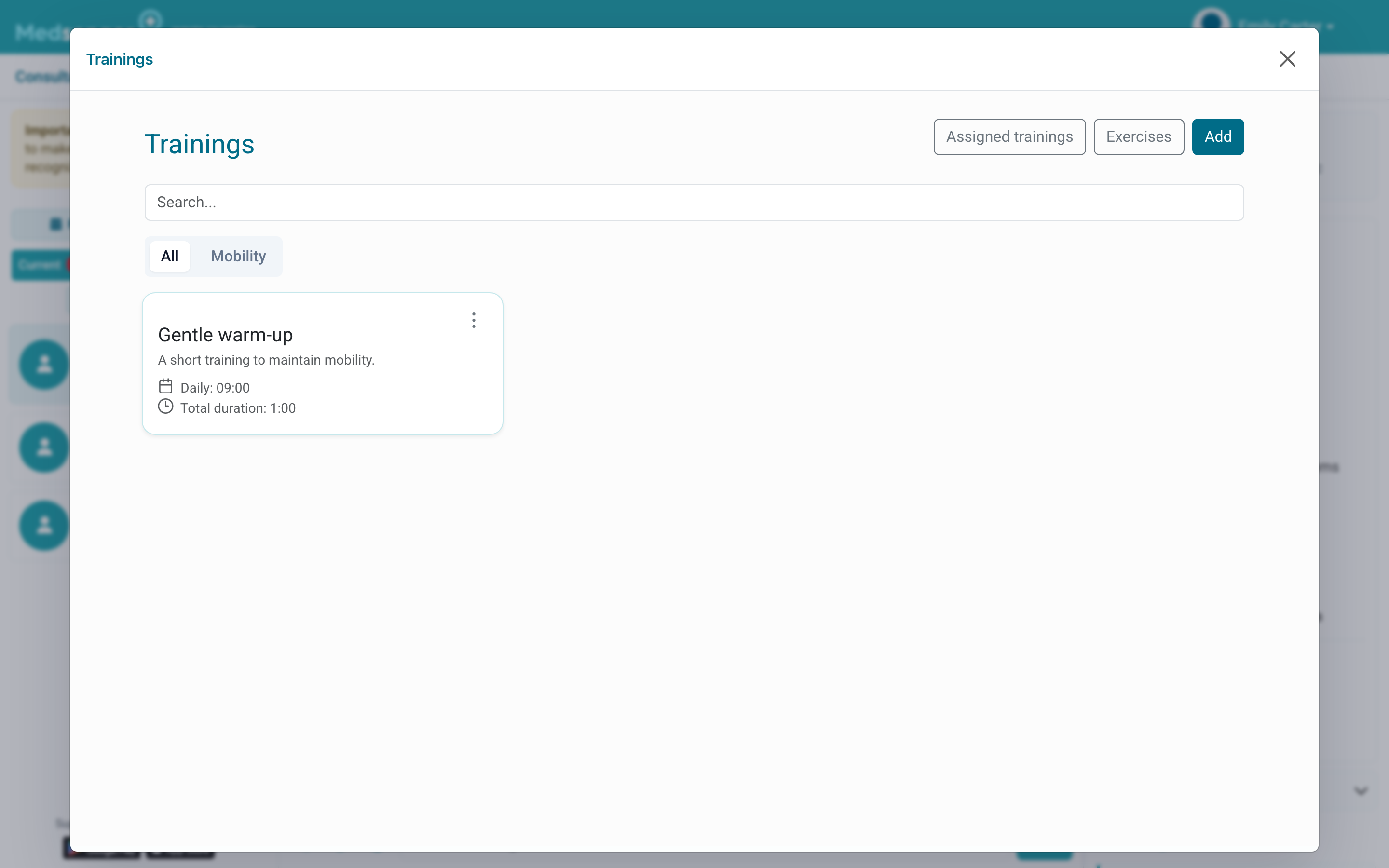
Medsenger creates a separate patient copy. You can change it without changing the original template.
What should I check before assigning it?
Open the assigned training and check:
- the title and patient-facing explanation;
- the schedule and sending time;
- the exercise order;
- the duration or number of repetitions;
- before and after questionnaires, when required.
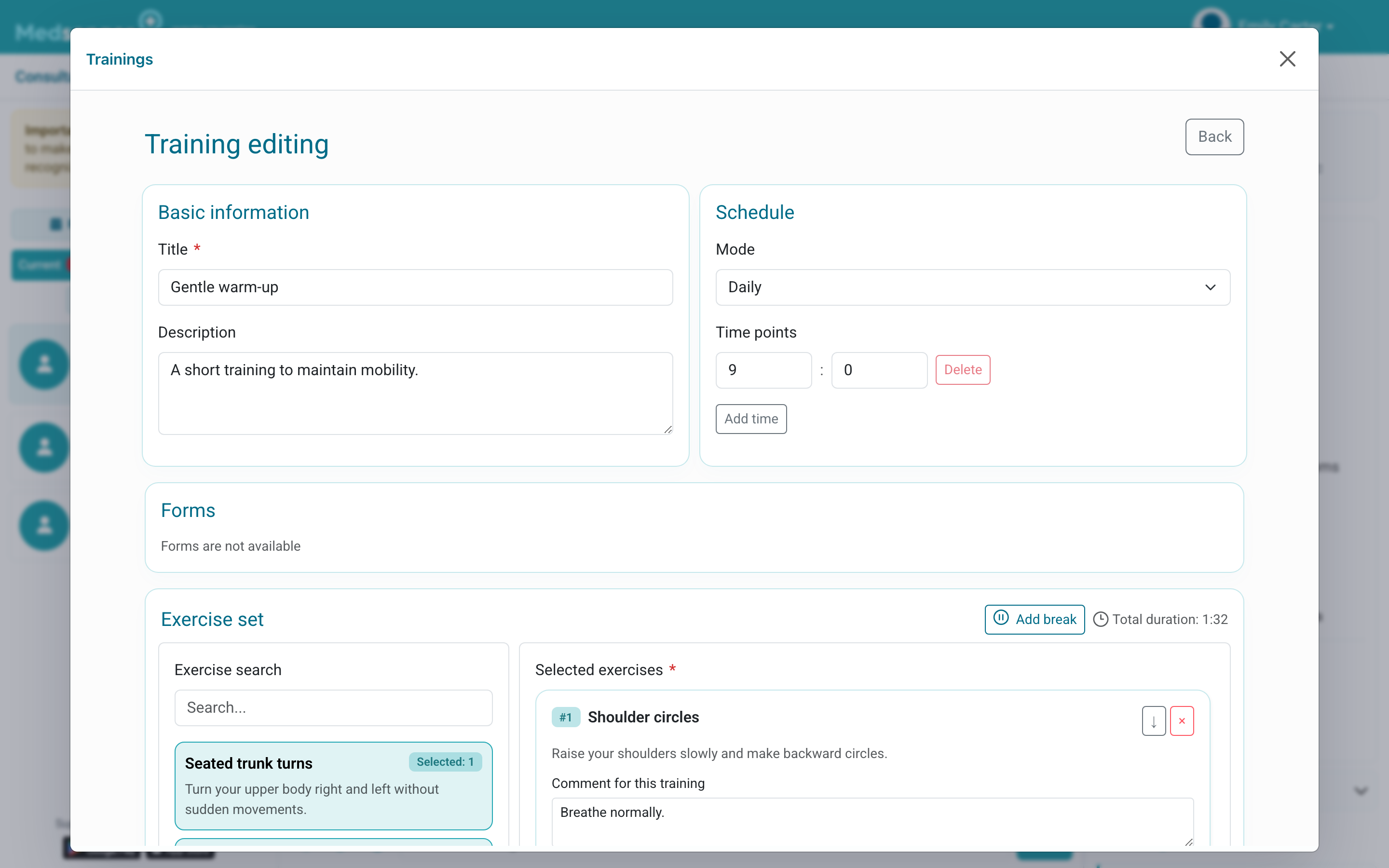
Consider the patient's condition and the limitations listed for each exercise.
How do I send a training session now?
Open the Assigned trainings tab, find the session, and select Send to patient. The patient receives a chat message with a Start training button.
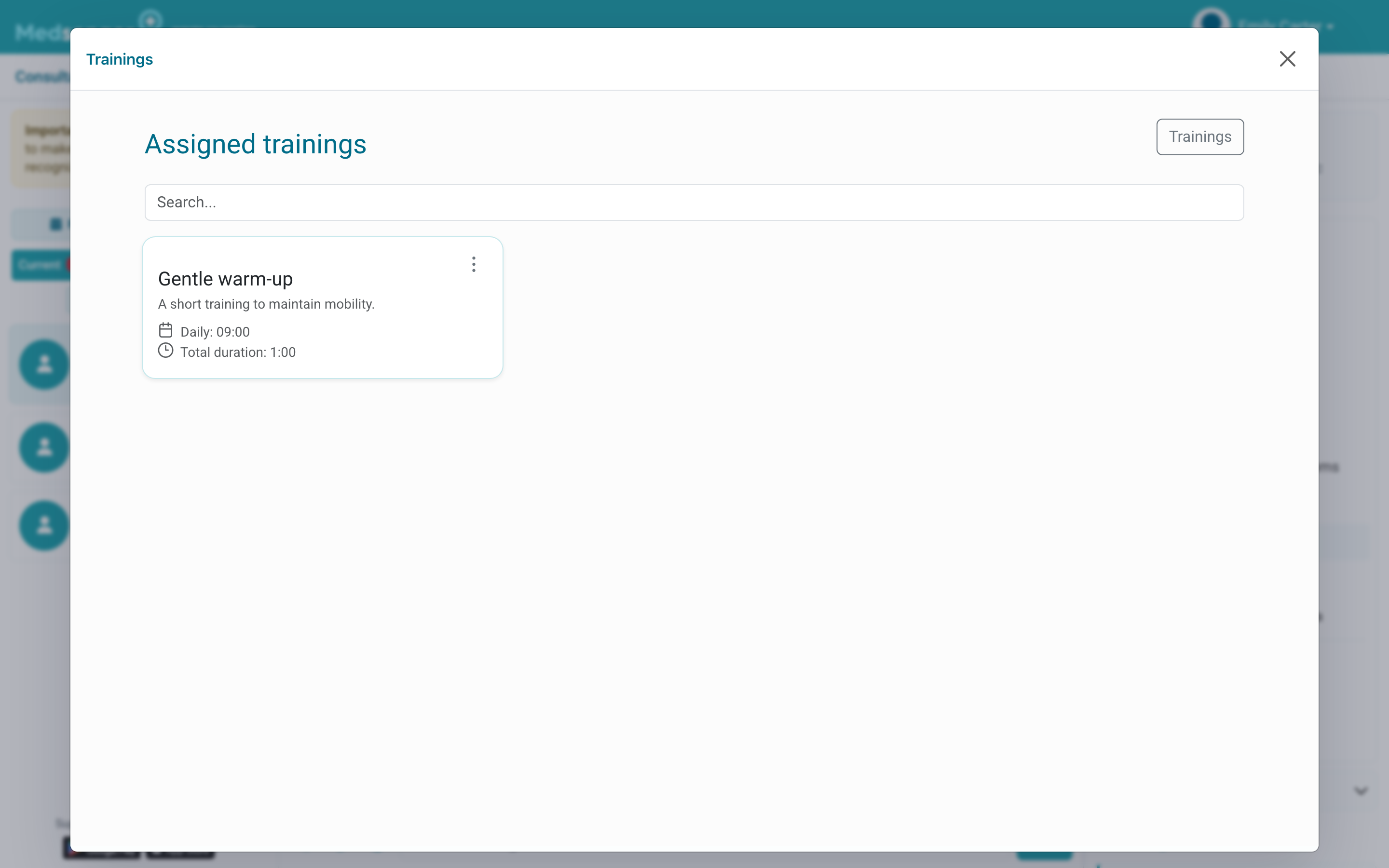
Check the chat after sending. Completion appears in assignment history, while answers to linked questionnaires appear in the relevant monitoring sections.