How do I configure a reminder?
Reminders are suitable for simple regular actions: measure blood pressure, prepare documents, do an exercise, or perform an action that is not set up as a separate questionnaire.
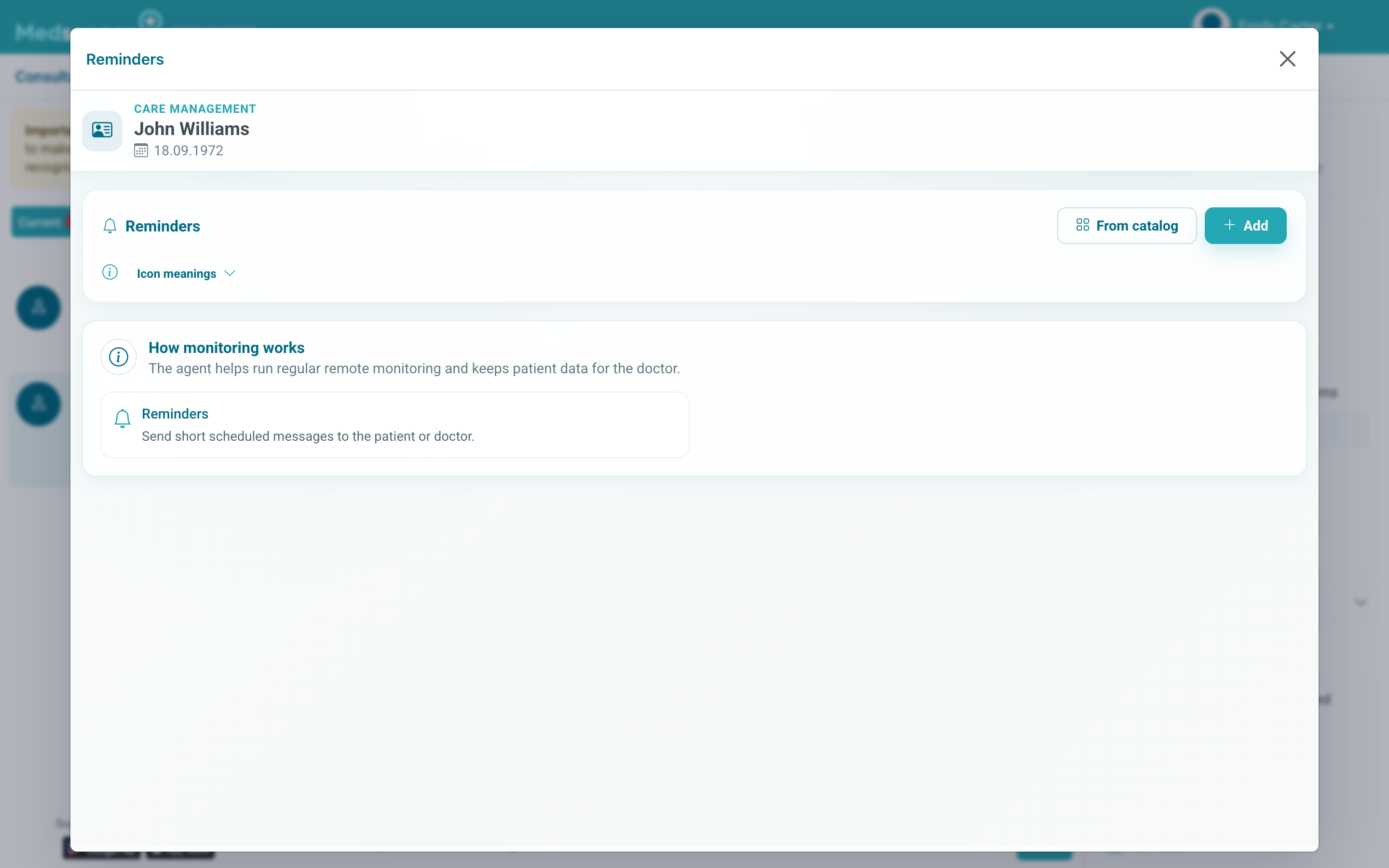
Phrase the reminder as a specific action: not "blood pressure control", but "measure blood pressure in the morning and enter the result". If the doctor needs the result, immediately specify where to send it: to a form, chat, or measurement.
A reminder is only a prompt for the patient. A structured result appears where the patient enters data: in a questionnaire, measurement form, chat, or examination file.
Do not duplicate an existing questionnaire or medication assignment with its own notifications by a reminder. The fewer extra messages the patient receives, the more likely they are to complete important tasks.
If the doctor needs a file, numeric indicator, or completion mark, it is better to assign the corresponding task rather than only a text reminder.
After setting up, check start date, frequency, and text: these are the parameters the patient will see in notifications. If the reminder is temporary, set an end date right away or plan who will turn it off after the task is complete.
If the patient says the reminder does not arrive, first check whether it is currently active by schedule and whether the consultation period has ended. Then move to notification diagnostics on the patient or doctor side.