How is the doctor cabinet organized?
The cabinet has three work areas: the consultation list on the left, the chat with the selected patient in the center, and consultation information and tools on the right.
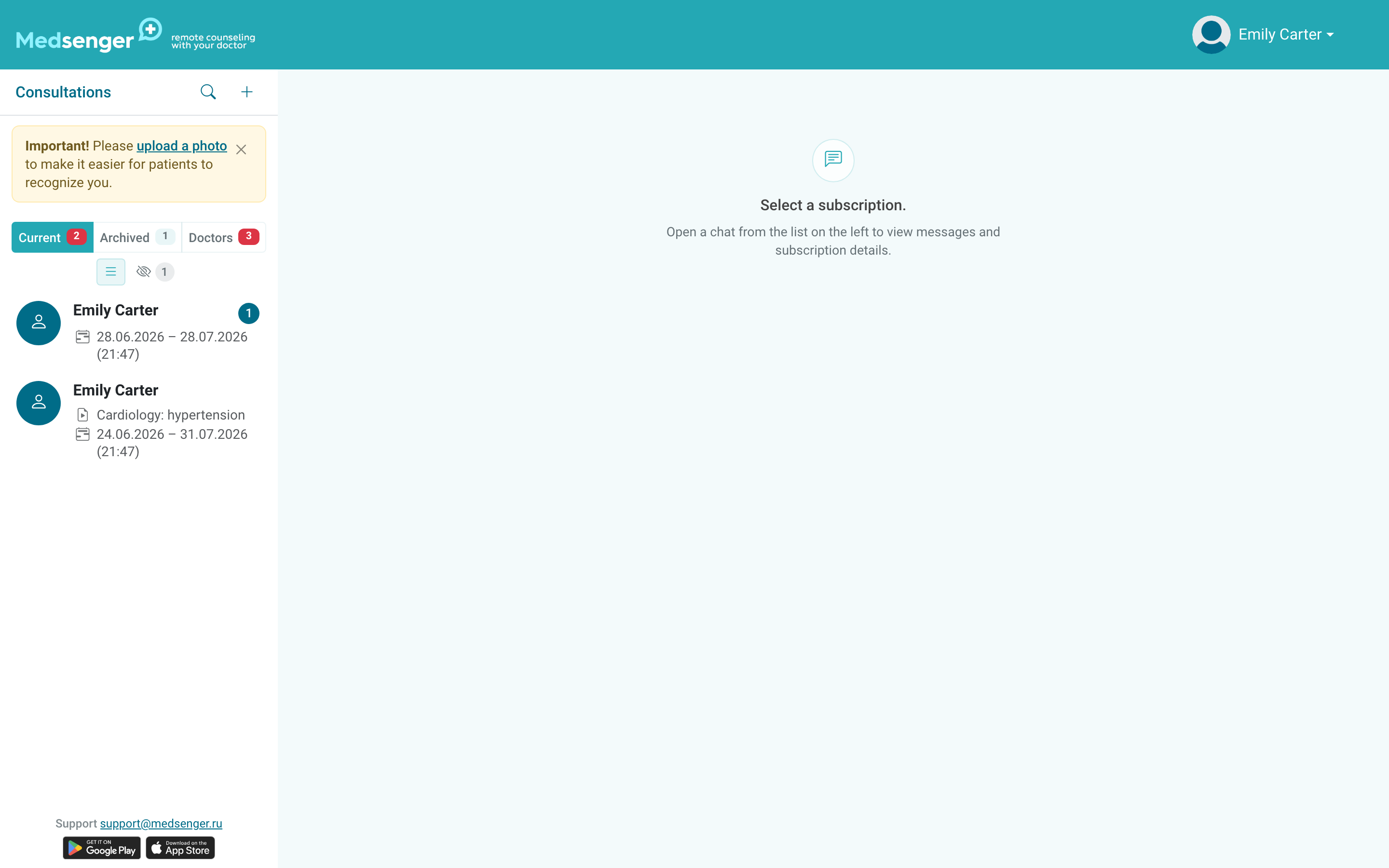
The doctor's main work in Medsenger is to answer patient questions and react to urgent alerts on time. Work from left to right: open a patient, read recent messages, check badges and response time, then answer the patient in the chat.
The left column helps understand priority: unread, unanswered, and overdue messages are visible before opening the chat. The center area is for answering the patient and reading the conversation.
The right panel contains consultation terms and action buttons: monitoring, documents, assistants, video calls, extension, or closing.
If no patient is selected, the right panel shows only general information or remains empty. Open the needed consultation first: most buttons appear only after selecting a patient.
If a button or data looks unexpected, first check that the correct patient is open. A patient can have only one active consultation with the same doctor. Archived consultations are available separately: they may have different periods, documents, and monitoring history.
On a mobile device these areas may open one by one. The workflow is the same: choose a patient, answer in the chat, and open the needed consultation button if necessary.