How do I mark a message answered?
The Mark answered button appears in an active consultation if doctors in the clinic are allowed to use this action and the chat contains unanswered patient messages.
The button marks unanswered messages in this consultation as handled without sending a new chat message. The patient does not receive a medical answer from pressing this button.
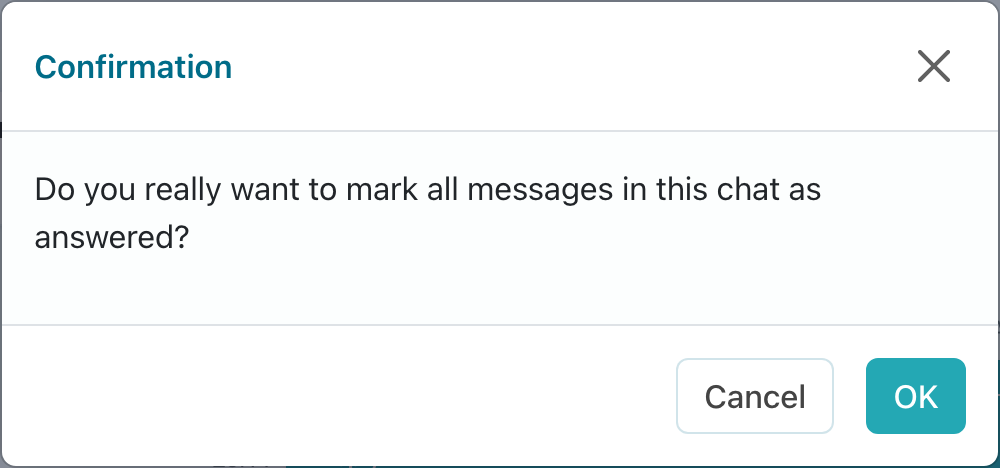
Click Mark answered only when the question has already been resolved outside Medsenger: by phone, during an in-person appointment, or through another clinic communication channel. If the patient is waiting for an answer in the chat, write a message first.
After confirmation, unanswered and overdue counters update, but chat history does not change: the patient will not see a new message. If the consultation contains several unresolved messages, make sure all of them were truly handled outside the chat.
If the patient writes again, a new response deadline appears and must be handled separately.
If the button is missing but the question was truly resolved outside the chat, ask the clinic who can remove the overdue status or change consultation settings.