How do I answer a patient?
The chat is the main place where the doctor communicates with the patient. It shows messages, attachments, conversation participants, and response deadlines.
How do I send a message?
Open the patient, write your answer in the field at the bottom of the chat, and click Send. You can send text, files, images, voice messages, and quoted replies.
If you answer a specific patient question, use a quote: this helps the patient understand what the answer refers to.
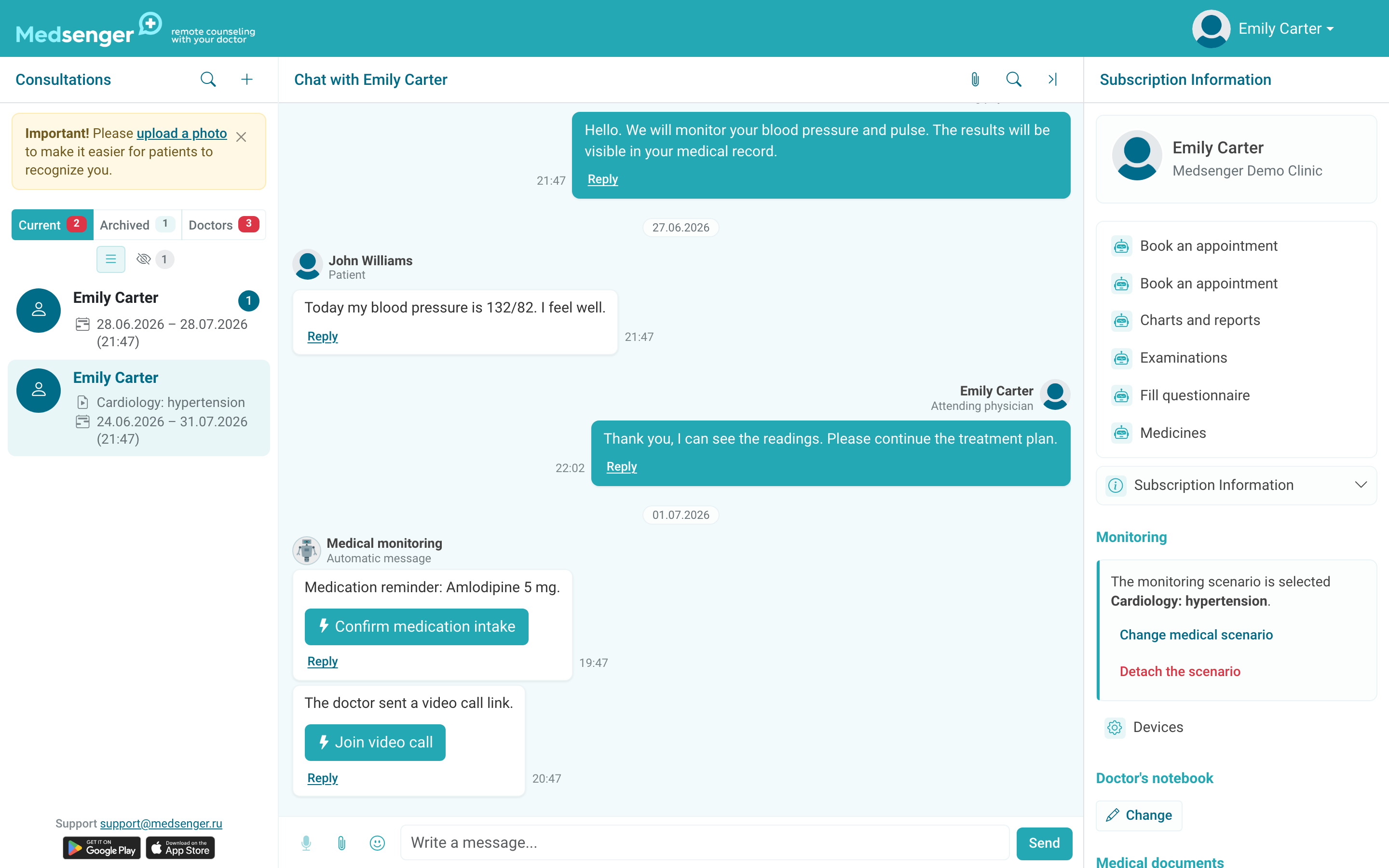
A file sent to the chat becomes part of the conversation. If the file should be stored separately from messages as a medical document or patient memo, use the needed block in the right consultation panel.
Write so that the patient understands three things: what to do now, when to expect the next step, and where to go if the issue cannot be resolved in the Medsenger chat.
If you send a link, file, or assignment, add a short explanation next to it. The patient should understand why the button or file is needed.
How do I find a message or file?
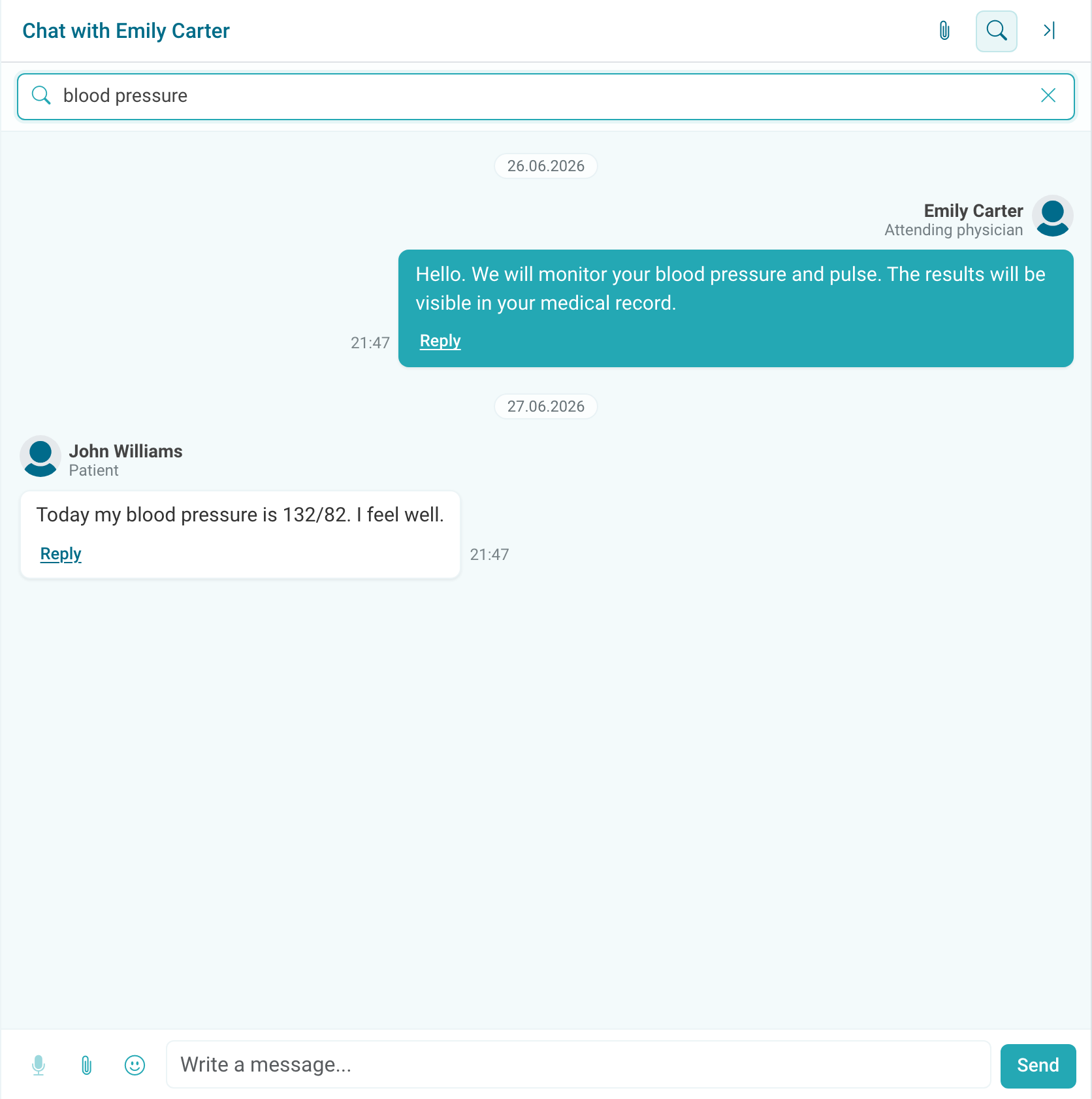
The chat header has conversation search and an attachment list button. The search icon searches message text, and the paperclip icon opens the list of all files sent in this chat. Use them when you need to quickly find an old assignment, examination result, patient file, or video call link without scrolling through the whole history.
If a file is not sent or the patient cannot attach a document, use the separate guide: file is not sent.
For medical documents and memos, do not rely only on chat search: important files are better stored in the correct section of the right panel.
How do response deadlines work?
The response deadline is defined by the consultation rule. If the patient is waiting for an answer, the left list shows a badge next to the patient: warning, overdue, or unread message.
A read message may still require an answer until the doctor replies or marks the question resolved according to clinic rules.
One message can answer several unanswered patient messages at once. The main thing is that the answer clearly covers all questions asked above.
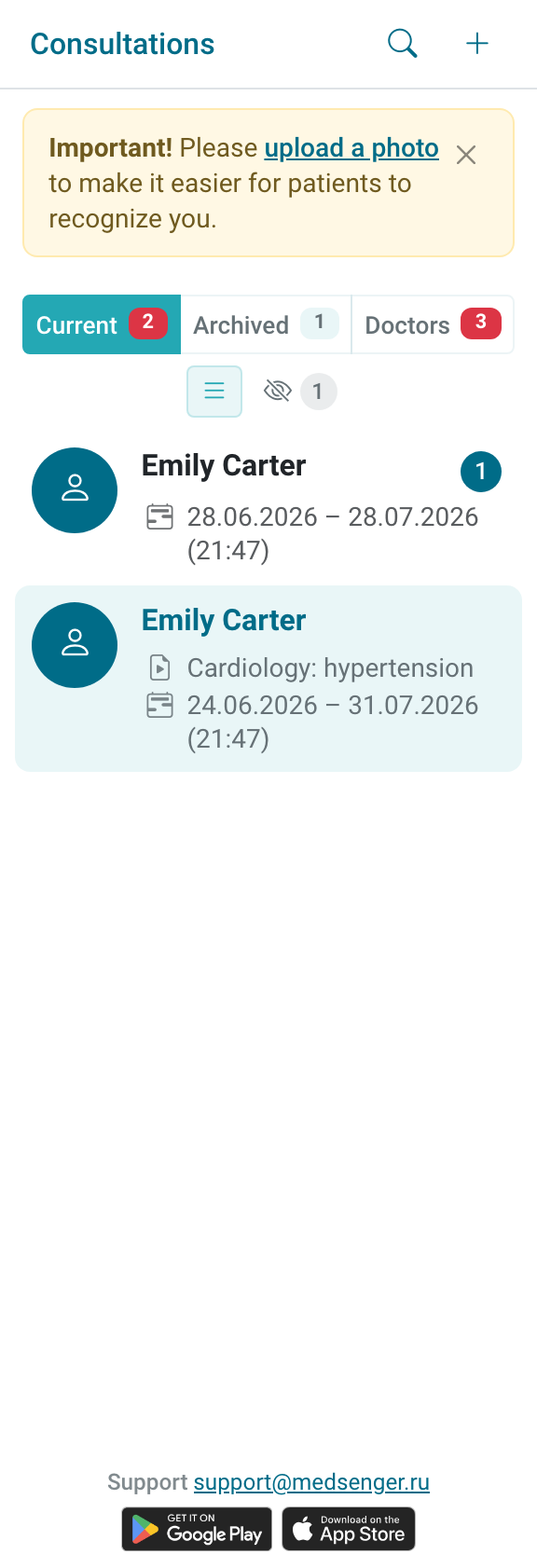
After the answer, the counter updates automatically. If you answered only part of the patient's questions, clarify this in the message or keep the question in work according to clinic rules.
Do not use Mark answered instead of a medical answer if the patient is waiting for a consultation in the chat.
The consultation may include doctor assistants or patient representatives. An assistant is a clinic employee; a representative is a person helping the patient from the patient side and writing from a separate account. Their messages appear in the same conversation with the author label.
If several people participate in the chat, check who wrote the message before replying: patient, representative, or clinic employee. In the text, specify the addressee, decision, and next step so it is clear after a long conversation which message is the final answer.