How do I view archived and delayed consultations?
Where can I view the consultation archive?
After completion, the consultation remains available in the archive. Use the Current / Archive switch if you need to view conversation, documents, or monitoring data for a completed consultation.
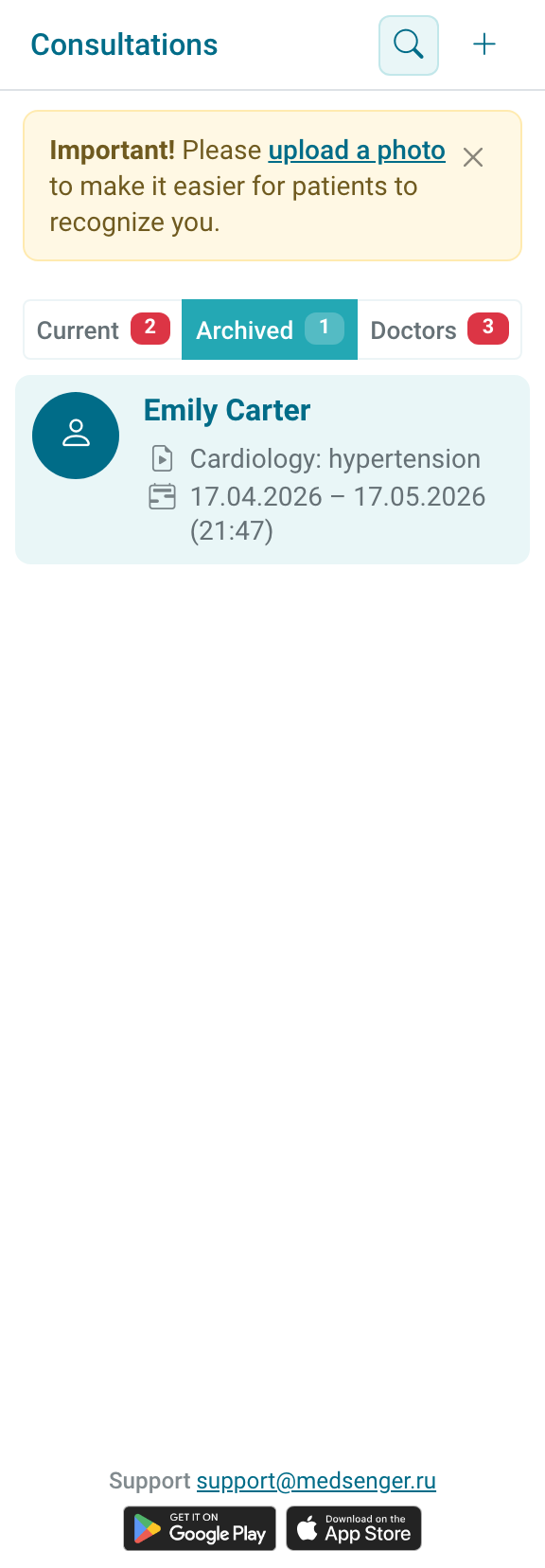
In the archive, the input field is hidden, and the right panel works in view mode: an archived consultation is for checking messages, documents, and data from the past period.
An exception is possible if the consultation still requires a final doctor action, for example it is in Waiting for conclusion status. Then it may remain in the current list until the doctor completes the required answer or conclusion.
Before working with an archived consultation, check that you opened the correct period: one patient may have several completed consultations with different dates, documents, and monitoring.
If the patient needs support again, you can create a new consultation with the same patient or ask the clinic administrator to reactivate the old consultation. Archived chat reactivation is available only if this option is enabled by the clinic's main administrator.
After reactivation, always check monitoring settings if monitoring was connected before: scenario, tasks, schedules, devices, and data that should appear in reports.
Do not use an archived consultation as the work chat for a new observation period: this mixes periods, documents, and monitoring results.
What is a delayed consultation?
A delayed consultation is created in advance, but the period starts after activation. It may activate from a link in an email or SMS, when the patient sends the first message, or according to clinic rules.
The doctor may not see such a consultation in the regular list until it is open for work. In this case, surname search may return an empty list.

If the patient says they received an invitation but there is no consultation, contact the clinic employee who manages consultations and access. Specify patient full name, email or phone from the invitation, and which consultation the patient should see.
Before contacting the clinic, check three things: whether the patient activated access, whether the consultation is open for the doctor, and who it is assigned to.