How do I start a video call?
Video calls are available in the consultation if a video service is connected for it. Start an instant call when the patient is already waiting or the time has been agreed in the chat.
Open the patient consultation and click Start video call in the right panel.

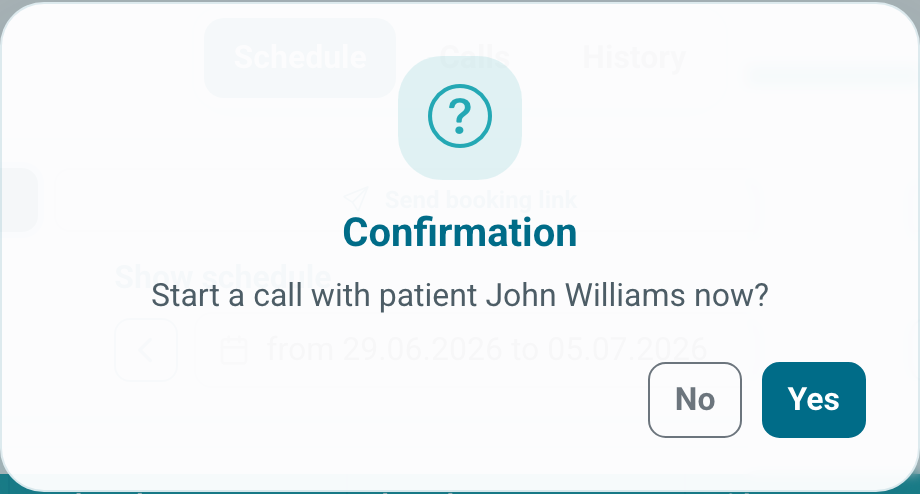
In the schedule, the same action is available through Start call now. After confirmation, Medsenger creates a video call room and sends links to the doctor and patient in the chat.
If the patient is not online, write next to the link when you expect them to join.
If the patient did not join, write to them in the chat, send a new link, or use the contact phone from consultation information if it is available to the doctor.
If the call is needed later, use the schedule: how to schedule a video call.
Before the first call or after changing devices, check camera and microphone: what to check before a video call.