Where should a doctor ask for help?
If the problem interferes with patient work, collect details right away: patient full name, consultation number, doctor email, error time, Medsenger section, and a screenshot. This helps the clinic employee or support find the cause faster.
Clinic employee.
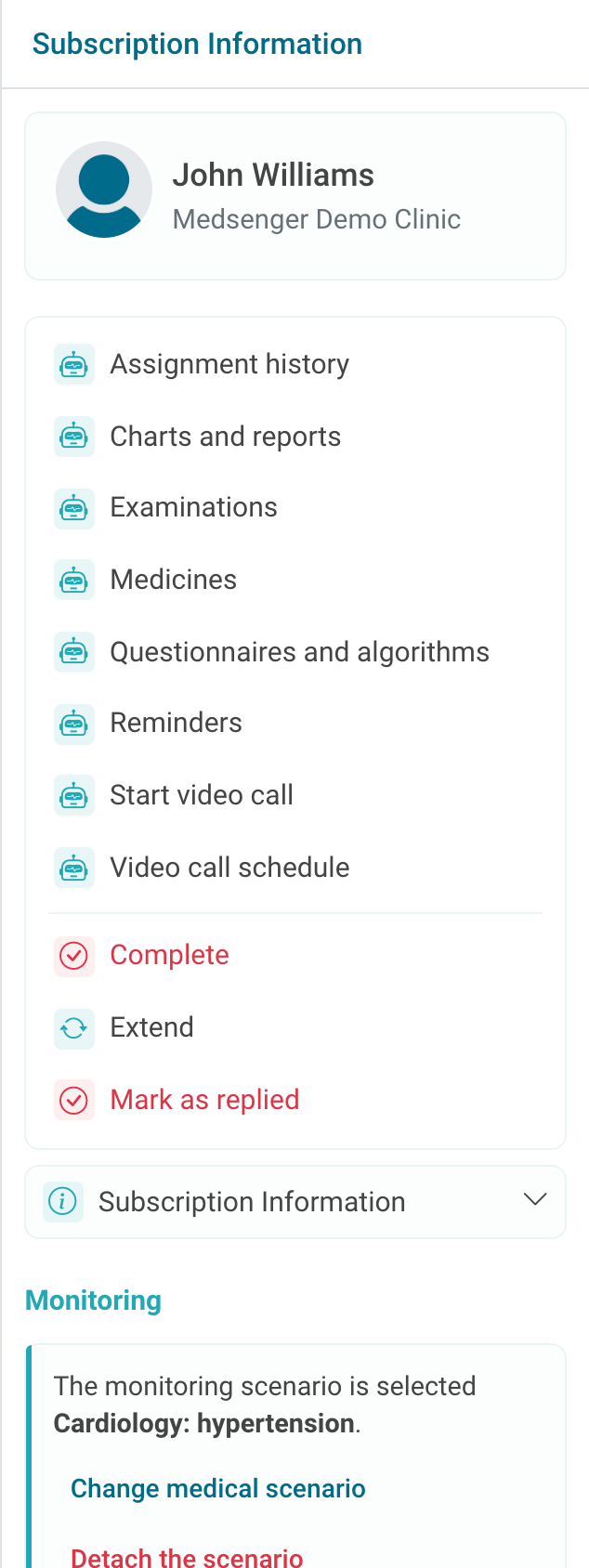
Contact the clinic employee who manages consultations and access for questions about permissions, roles, patient assignment, consultation period, archive, extension, closing, and button visibility. Most often these situations depend on clinic settings, not on a browser error.
Technical support.
Send repeated login, file upload, video call, notification, data display, and interface errors to technical support. Exact steps matter: what was clicked, what you expected to see, and what appeared instead.
For browser errors, add browser name and approximate time. For the mobile app, add phone model and app version if known.
Inside the clinic.
Clinical questions belong to the doctor or responsible medical employee inside the clinic: how to answer the patient, whether a message can be marked answered, which monitoring scenario to connect, which tasks to assign, and what to do with results.
If the question is not about the Medsenger interface, pass it through the usual workflow in your clinic.