What should I check before a video call?
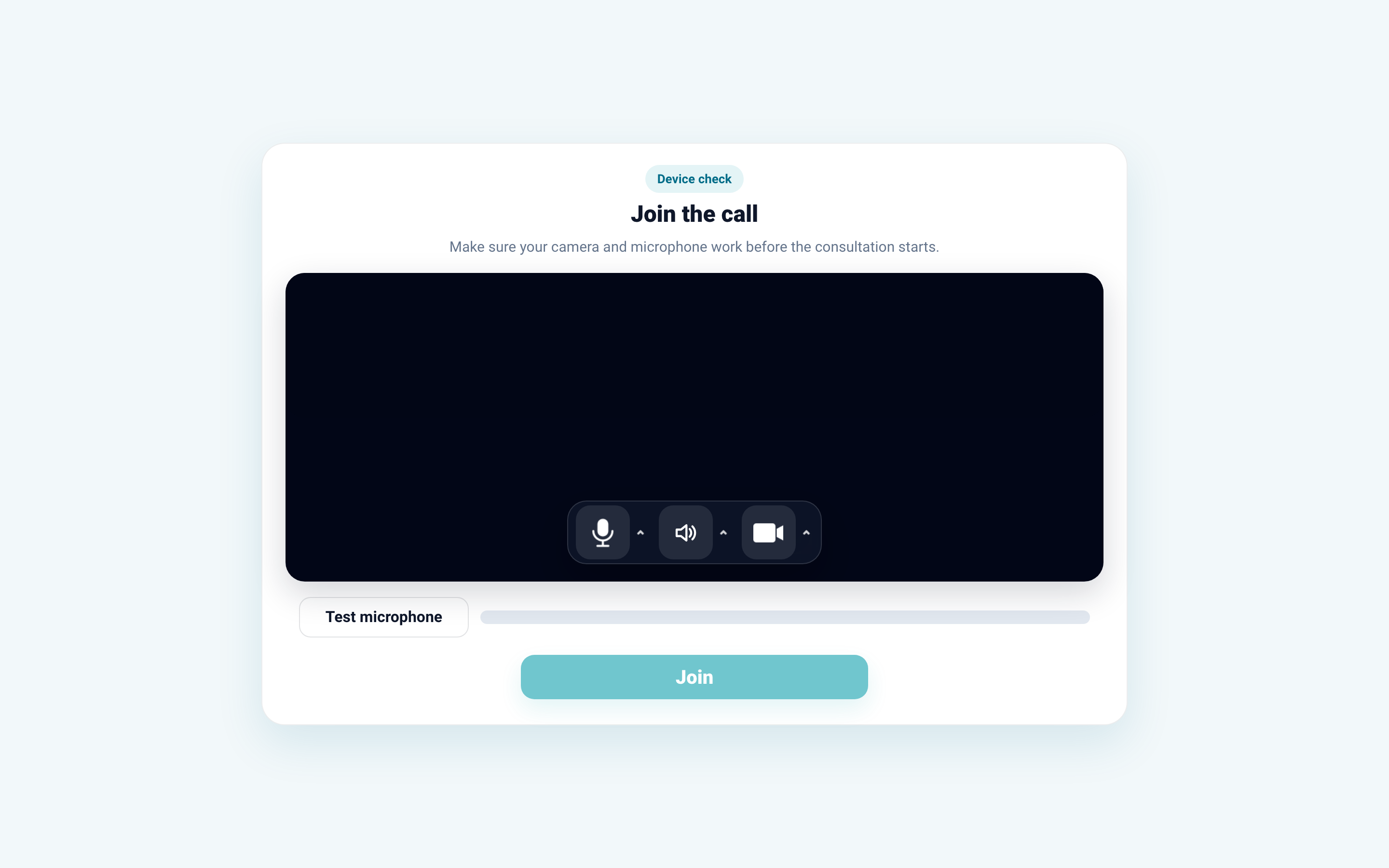
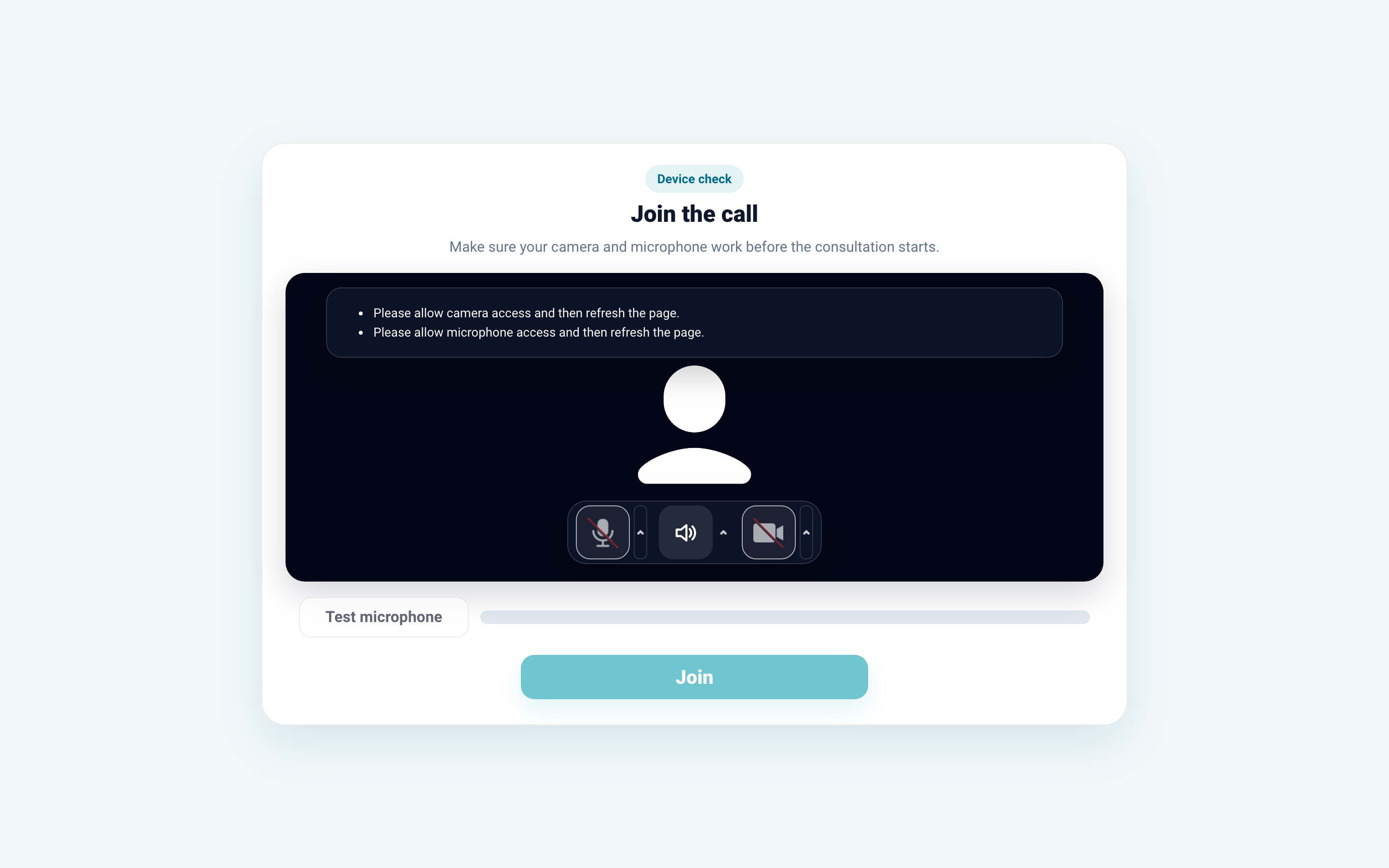
Before starting, check internet connection, camera, microphone, device battery, and needed patient documents in the chat. When entering the video service, allow the browser to access camera and microphone.
For a scheduled call, check that the patient opens the latest link, not an old chat message. If the patient did not join, write to them in the chat, send a new link, or use the contact phone from consultation information if it is available to the doctor.
If the video service window opens with an error, check that video calls are enabled for the consultation, the button is present in the right panel, the browser does not block camera and microphone, and the patient uses the latest link.
If the error repeats, contact Medsenger support. Specify patient full name, error time, browser, and the action that did not open: call start, scheduled call creation, or schedule.