I cannot log in
The doctor logs in to Medsenger after activating the account from the clinic email. If login does not work, first check three things: the account is activated, the correct email is used, and the password is entered correctly.
Check activation and login
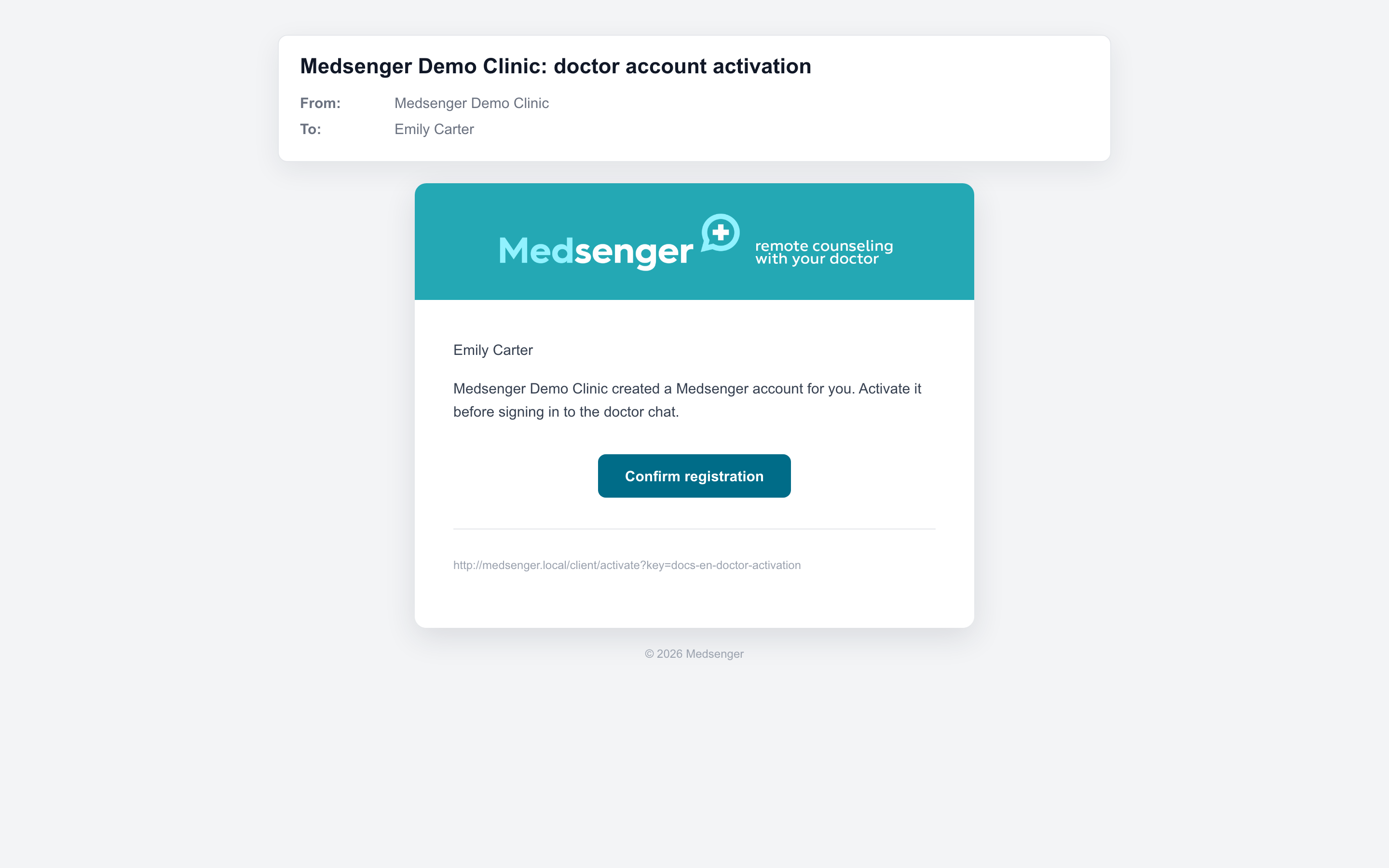
Open the clinic invitation email and click Confirm registration. After activation, set a password and log in with the email where the invitation arrived. Full name, position, and clinic name are not valid logins.
If the doctor has several work addresses, check the exact mailbox where the clinic sent the invitation. The account may have been created for another email. If there are several invitations, use the latest clinic email.
Before logging in to the mobile app, first activate the account from the email, then use the same email and password.
Check the password
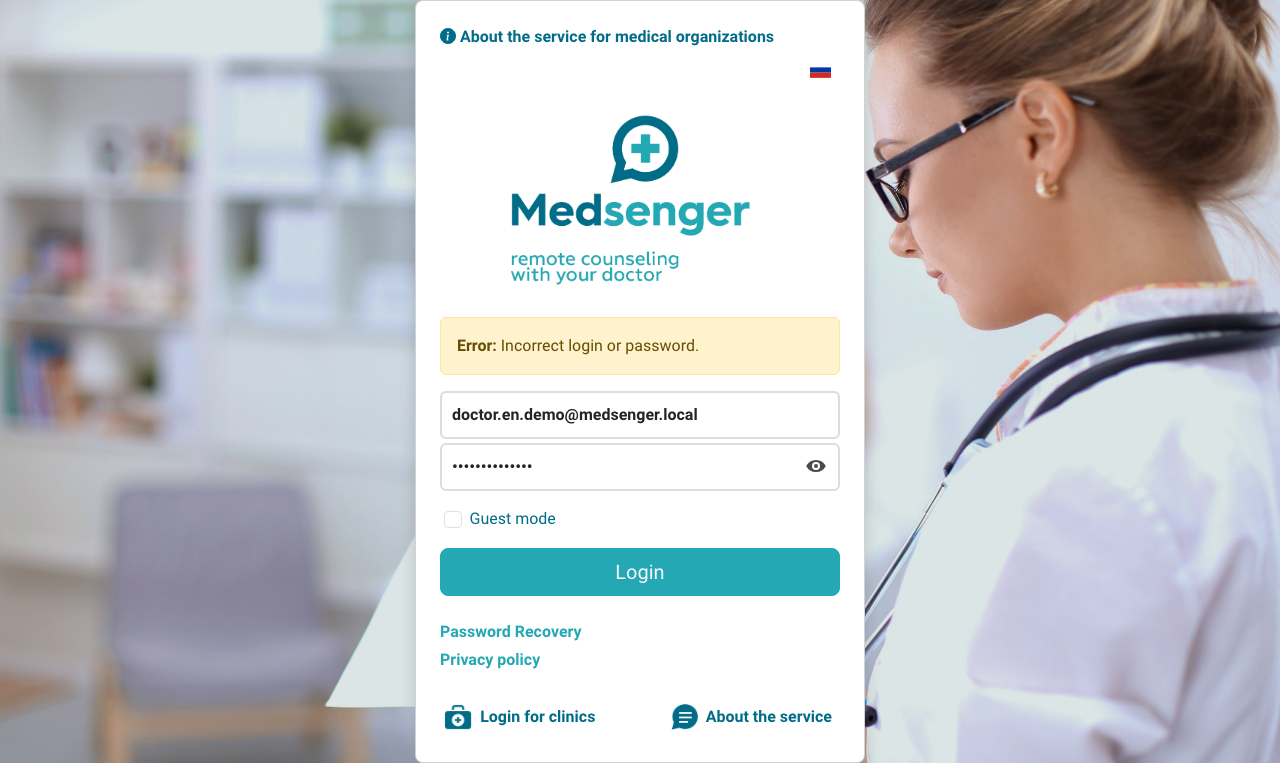
If the password is forgotten, use recovery on the login page. The recovery email should arrive at the account email. If there is no email, check another work mailbox and Spam.
If the activation email did not arrive, the link expired, or recovery does not help, contact the clinic employee responsible for doctor access.
When contacting the clinic employee, specify the doctor's full name, login email, and the error text on the login page. If it is unclear whom to contact, open where a doctor should ask for help.