How do I close a consultation?
Closing is not available to every doctor role. Use it when work with the patient is truly completed, not as a way to temporarily hide the consultation from the list.
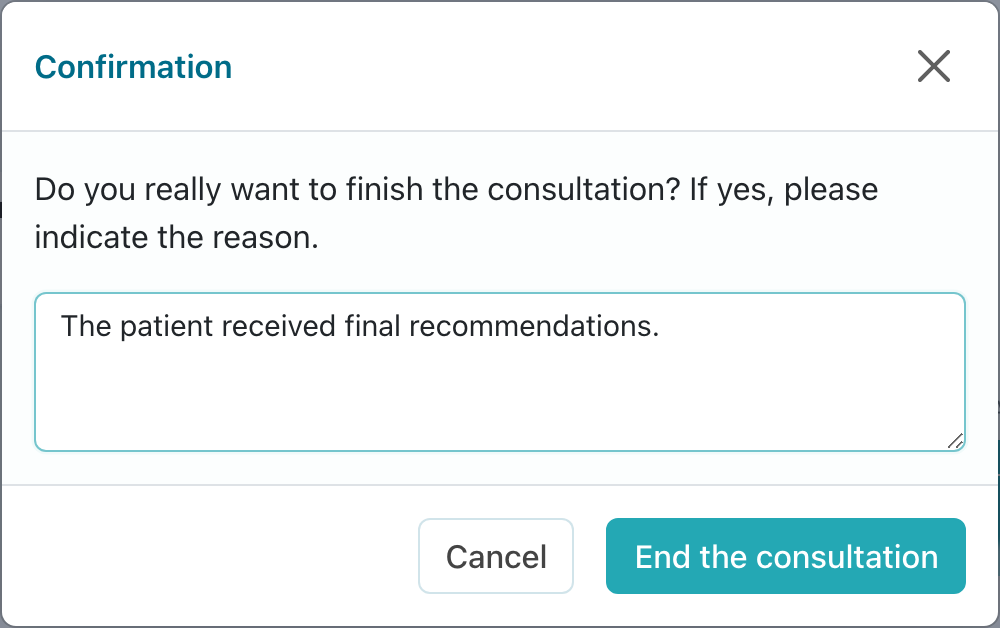
Before closing, check that the patient has received final recommendations, important documents are uploaded, and there is no unfinished question in the chat. If doctor assistants are working in the consultation, make sure they have no unfinished task for this patient.
Then click Finish, specify the closing reason, and confirm with Finish consultation.
After closing, the consultation moves to the archive. Messages and documents remain available for viewing, while the input field and work actions become unavailable for regular conversation.
If the patient needs continued support, act according to the consultation status. An active subscription can be extended if the clinic's main administrator enabled this option. If the consultation is already archived, you can create a new consultation with the same patient or ask the clinic administrator to reactivate the old consultation. Archived chat reactivation is available only if enabled by the clinic's main administrator.
Do not close a consultation just to clear the list: use search, filters, and archive for that. If closing is needed because of an error in period or contract, first check whether extending or changing the current consultation is more appropriate.
If the consultation was closed by mistake, contact the clinic employee who manages consultations. Specify patient full name, consultation number, and the time of the mistaken closing.