Doctor response rules
Available to: Registrar, Administrator
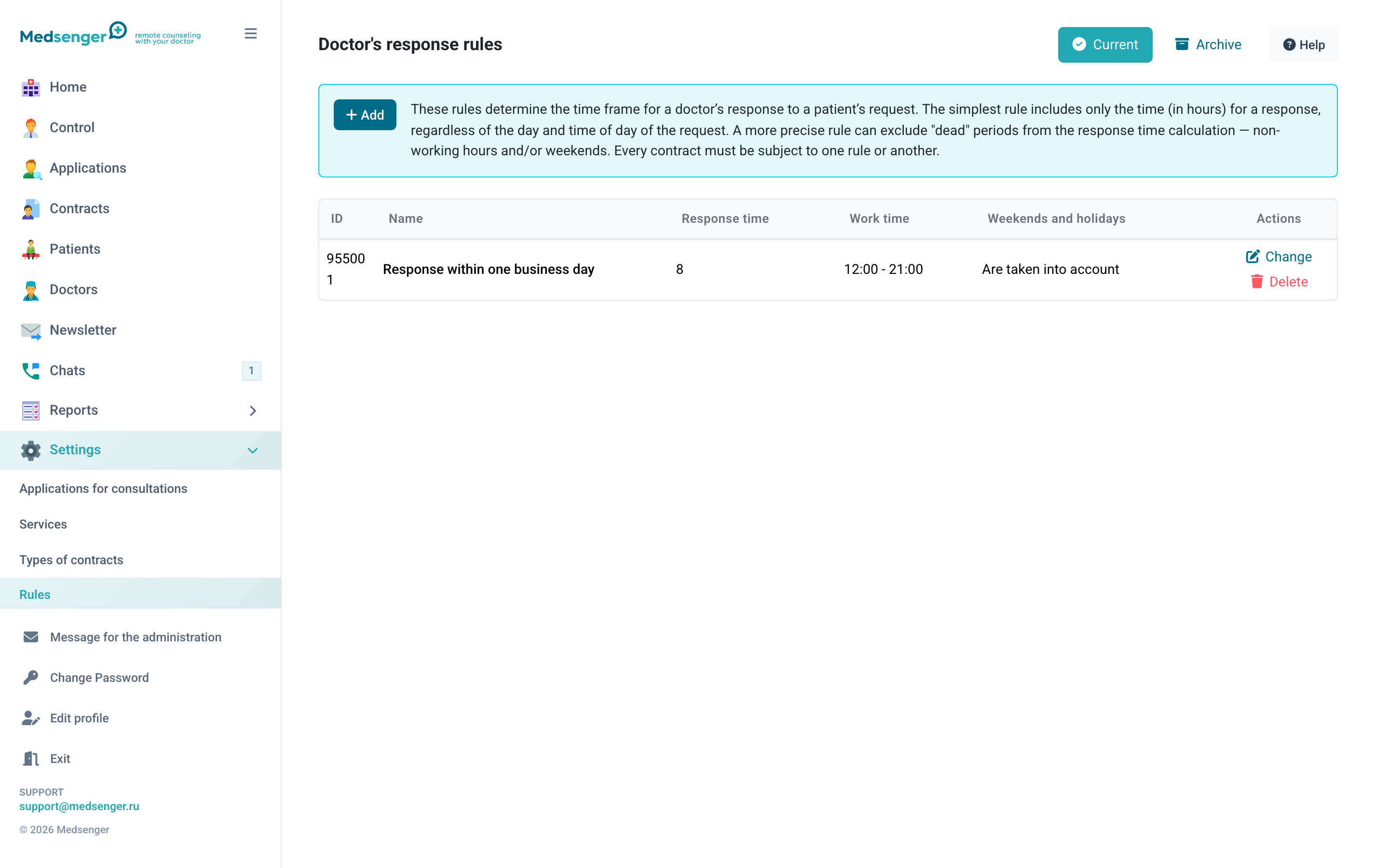
A response rule defines how much time the doctor has to answer the patient after receiving a question. Every contract must use one configured rule.
How the rule works
When the patient sends a question, the system starts a timer. The timer counts only the doctor's working time according to the rule; non-working hours and weekends may not count.
If the doctor does not answer before the deadline:
- 1 hour before deadline: doctor receives "answer urgently" notification
- after deadline: "answer immediately" notification, and the message is marked overdue
Rule parameters
| Parameter | Description |
|---|---|
| Name | Shown when selecting the rule in a contract |
| Response time, hours | Number of working hours for the answer |
| Working time | Time of day when counting runs, for example 08:00-22:00; other time does not count |
| Count weekends and holidays | Public holidays do not count toward response time |
A "working day" is not necessarily the doctor's time at the workplace, but the period when the doctor is ready to answer patients. Usually it is wider.
Rule testing
When creating or editing a rule, click See how the rule will work, enter any date and time, and the system will show the calculated deadline. It is recommended to test behavior near weekends.
Rule archive
Deleted rules move to archive and continue to work for contracts where they were applied. Changing a rule also does not affect active contracts; the new version applies only to future contracts.
Management
- Add: create a new rule
- Edit: change parameters
- Delete: move to archive
Where the rule is used
The response rule is selected when creating a contract manually or filled from a service. The doctor sees response deadlines through badges and notifications in the chat list.
If the clinic has several specialties, create separate rules: for example, for urgent consultations, standard subscriptions, and long-term monitoring.
Recommendations
- Do not set too short a period if the doctor is not on duty constantly.
- Check the rule on weekends and holidays.
- Rule name should be clear to administrators when creating a contract.
- Do not edit a rule "on the fly" if it is already used by many contracts. Create a new rule and apply it to new contracts.
Effect on notifications
The response rule is linked to doctor notifications. If the deadline is calculated incorrectly, the doctor will receive warnings too early or too late. After changing rules, check a test contract and send a message from the patient to see badge and notification behavior.