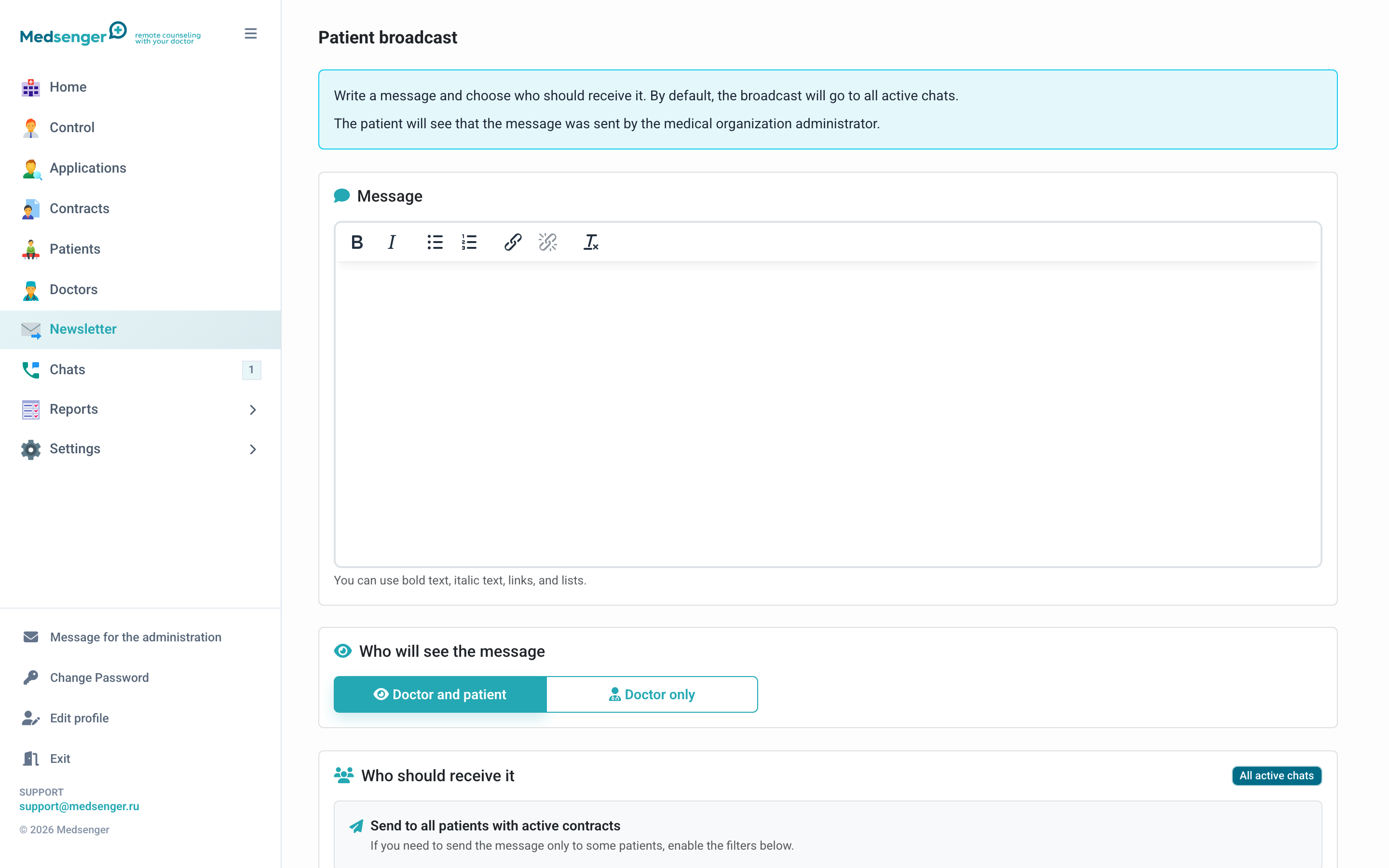
How do I send a mailing to patients?
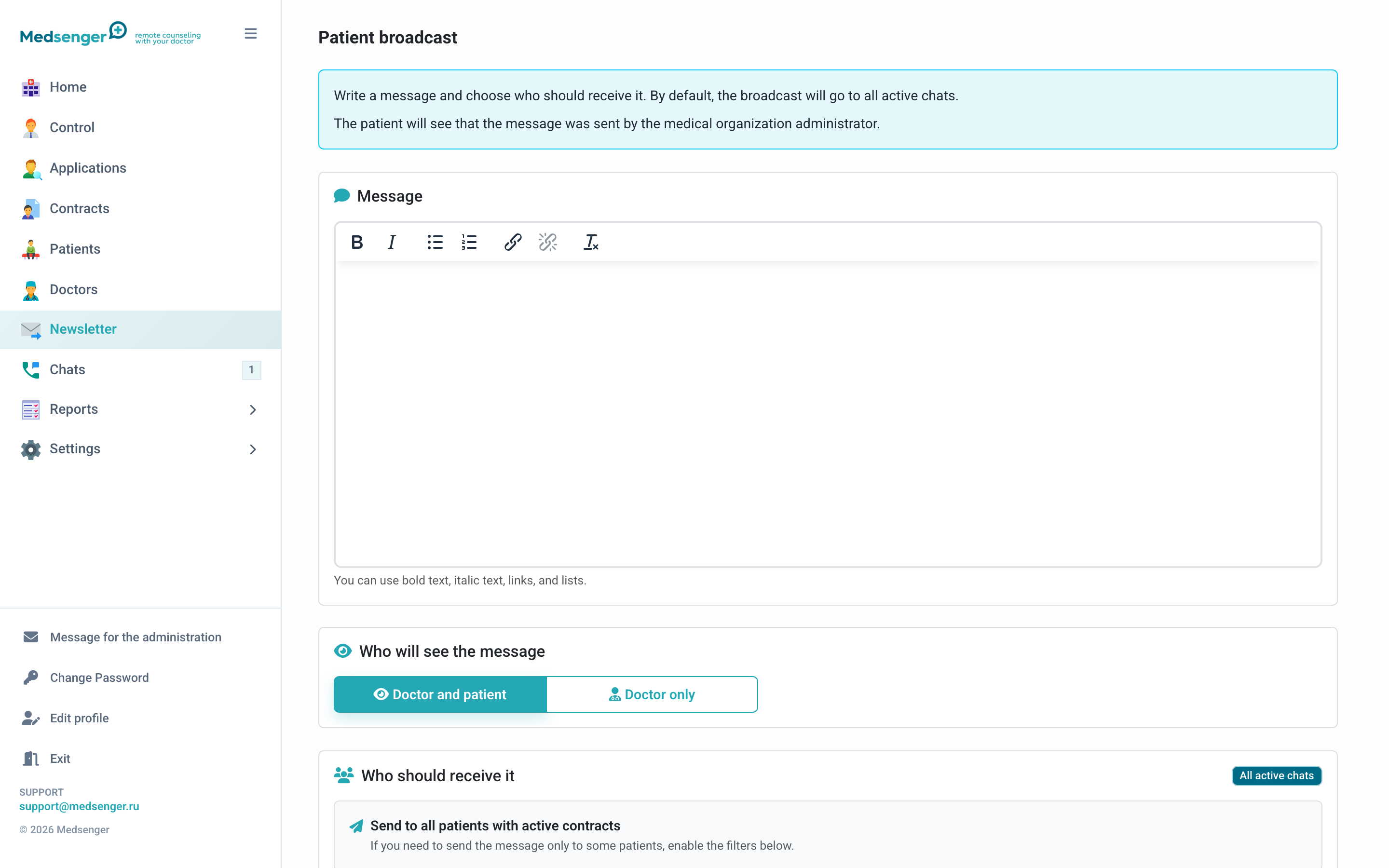
The Patient mailing section sends a message to active chats of selected patients. For announcements to all doctors, use a separate channel: how to send a notification to all doctors.
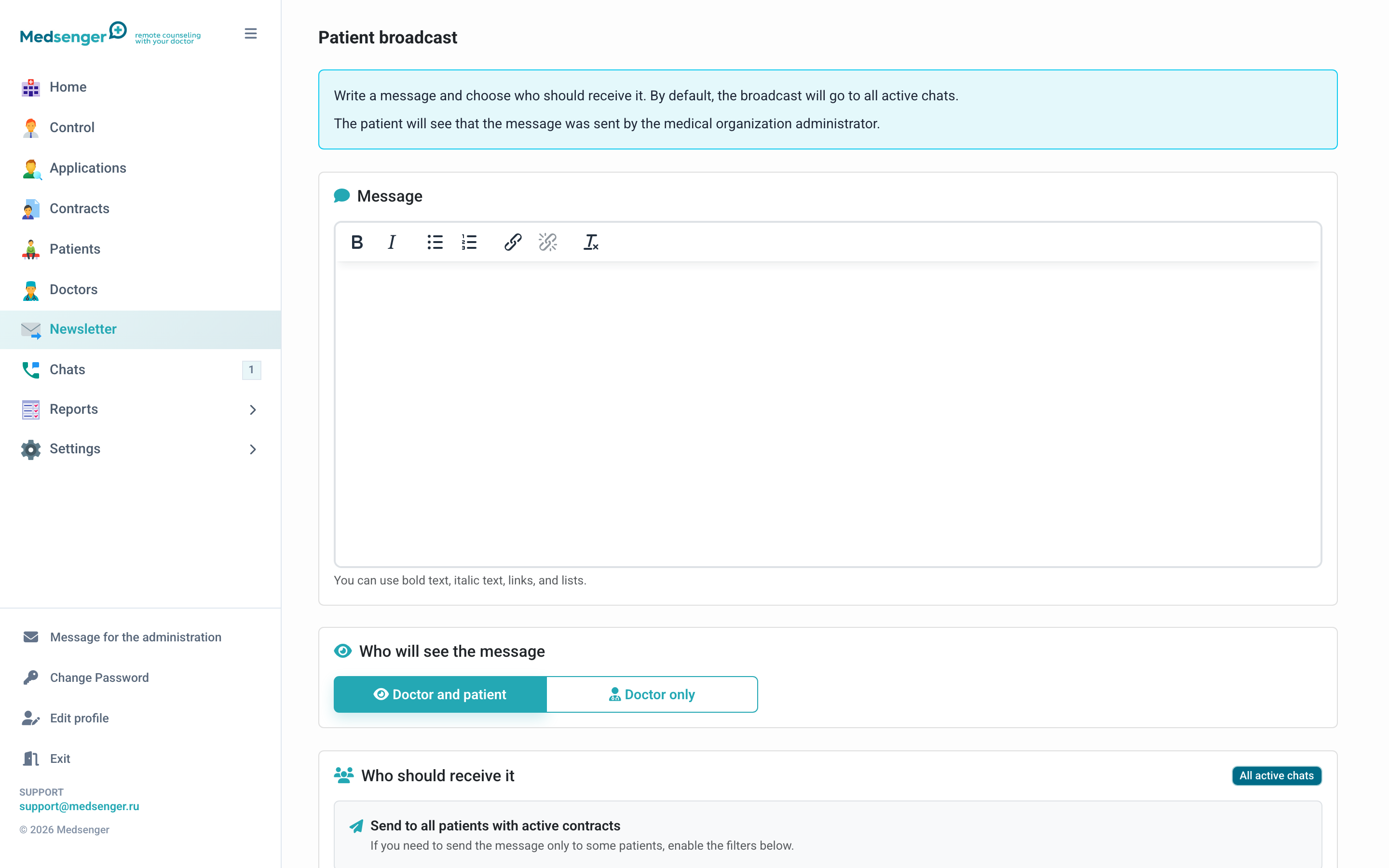
How do I write the message?
Enter the mailing text. The editor supports bold text, italics, lists, and links.
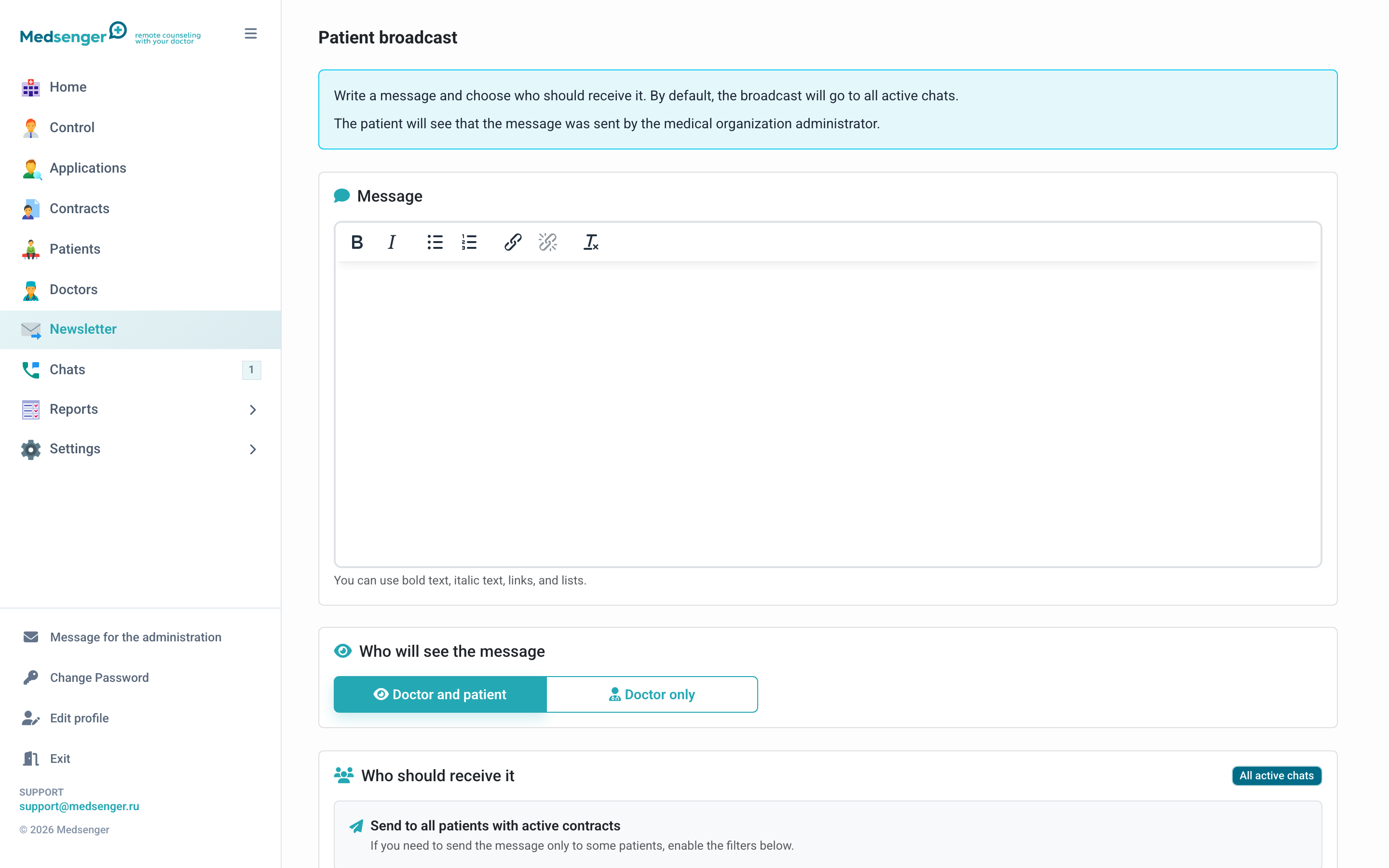
Who will see the message?
Choose visibility:
- Doctor and patient: the message appears in the patient chat and is visible to the doctor;
- Doctor only: the message appears in the chat as an internal notification for the doctor.
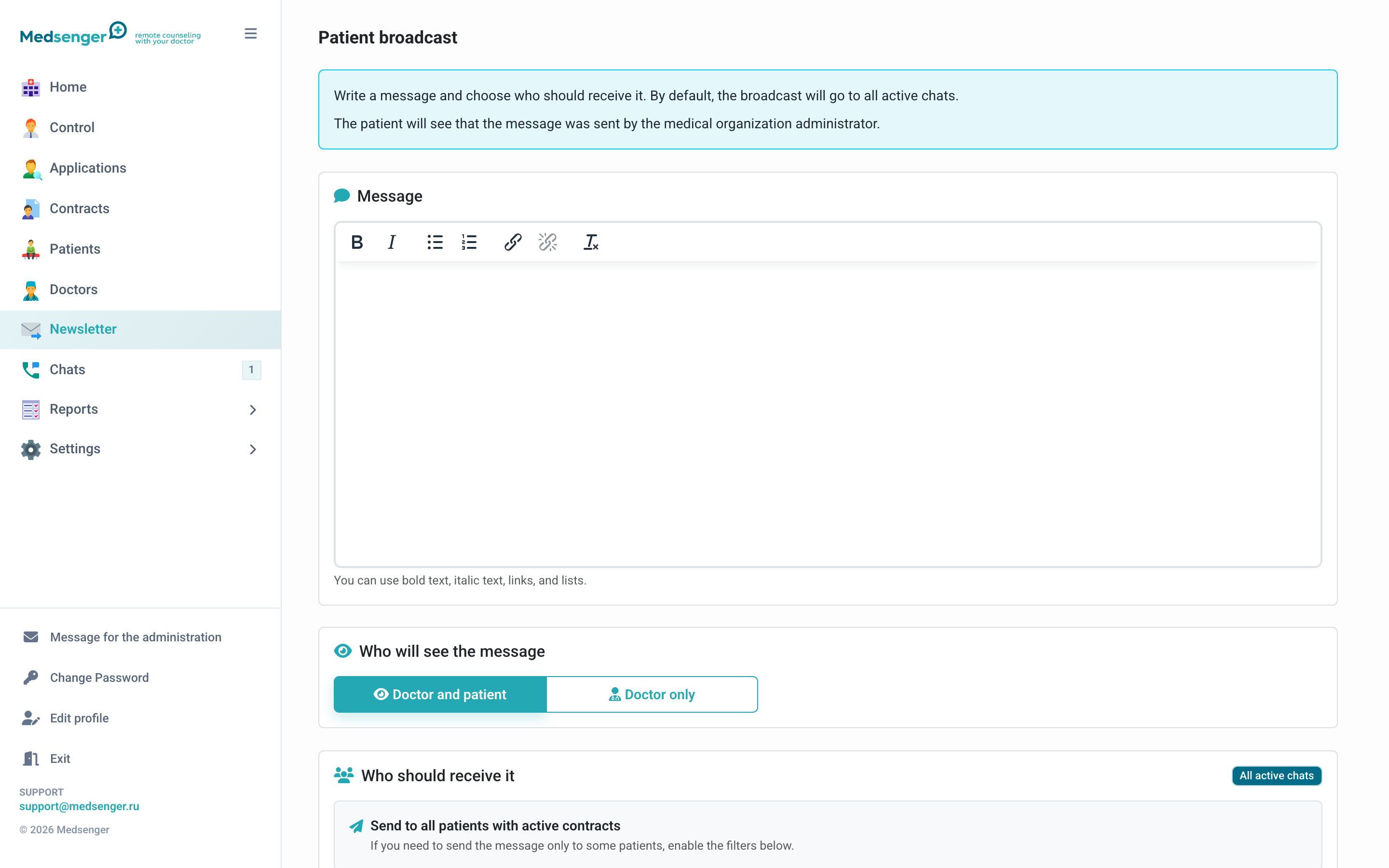
How do I choose recipients?
By default, the message is sent to all active patient chats. To narrow the audience, enable filters:
- patients of selected doctors;
- patients with selected contract types;
- patients with selected monitoring scenarios.
What should I check before sending?
Check text, visibility, and filters. A mailing cannot be recalled after sending. If the message should go to doctors without being tied to patients, send it through Chats -> Doctors -> Announcements for doctors.