What is a contract?
In the administrator cabinet, the word contract is used. It is the administrative record of a patient's consultation: doctor, access period, response rule, type, monitoring scenario, documents, and change history.
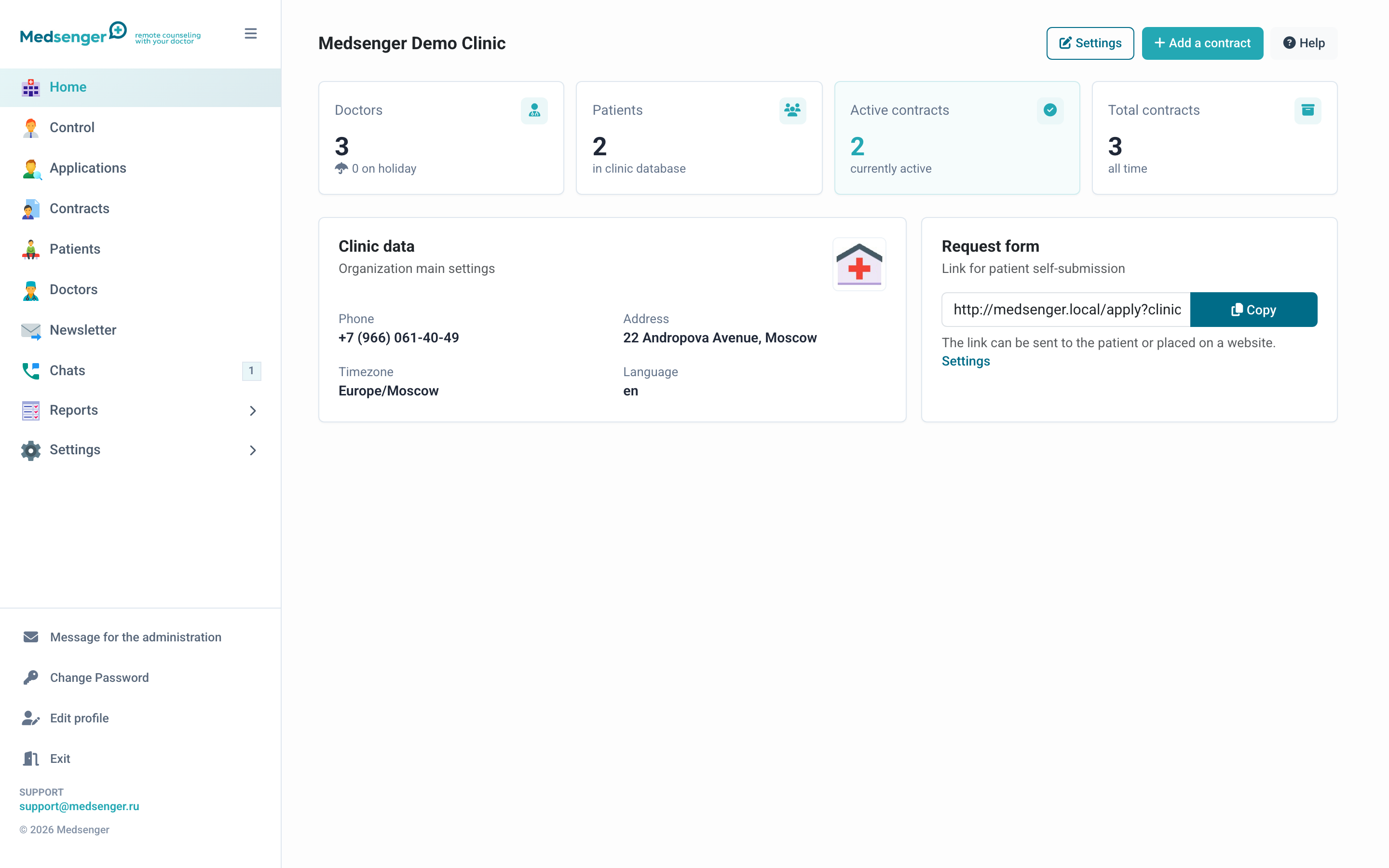
For the patient, the same object usually looks like a subscription or consultation in the chat. For the doctor, it is a chat with the patient and available monitoring actions.
Main difference
Consultation is the clear working name for the patient and clinic.
Contract is the name in the administrator cabinet. It does not necessarily mean that a legal contract is issued inside Medsenger: documents and payments are handled according to your medical organization's rules.
What is stored in a contract
A contract defines:
- patient and doctor;
- consultation validity period;
- doctor response rule;
- contract type for filters and reports;
- service, if the consultation was created from a standard package;
- monitoring scenario;
- medical documents for the doctor;
- patient activation status;
- consultation and change history.
Main roles
| Role | What they do |
|---|---|
| Administrator | Configures clinic, doctors, services, rules, and contracts |
| Registrar | Creates patients, doctors, contracts, and processes requests |
| Medical supervisor | Views conversations and overdue responses, but does not change settings |
| Doctor | Answers the patient and works with assignments |
| Patient | Activates access and communicates with the doctor |
Response time
The response rule defines how quickly the doctor must answer the patient. If the deadline is missed, the consultation appears in administrator attention areas: home page, supervision, and SLA reports.
Contract type
Contract type is a label for grouping: specialty, program, tariff, payment source, or another clinic-specific attribute. Types help search consultations and build reports.
Monitoring scenario
A monitoring scenario adds a ready-made observation program to the consultation: questionnaires, medications, charts, reminders, video calls, devices, or information materials.