Contract types
Available to: Registrar, Administrator
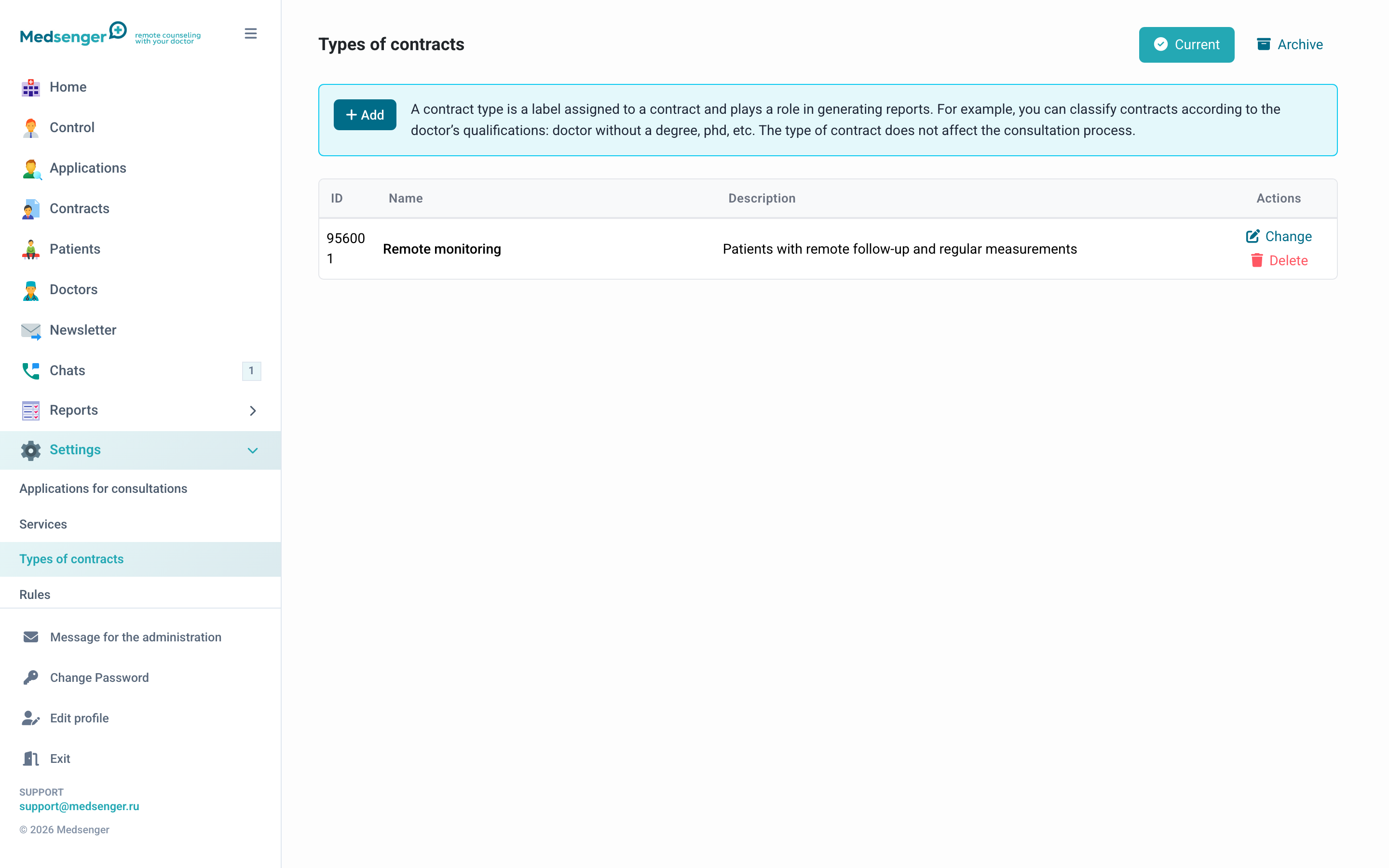
A contract type is a label assigned to a contract when it is created. It is used for grouping and filtering in reports. It does not affect the consultation process.
Examples: "Cardiology", "VIP", "Insurance", "30 days", or any classification convenient for your clinic.
Contract type parameters
| Parameter | Description |
|---|---|
| Name | Shown in contract list, reports, and contract creation form |
| Description | Internal comment for administrators |
| Color | Color label shown as a colored badge in the contract list |
Management
- Add: create a new type
- Edit: change name, description, or color
- Delete: move to archive
Deleted types move to archive and remain active for contracts where they were assigned.
Visibility settings
In Settings -> General settings, you can:
- Show contract types to doctors: the type will be visible in the doctor's chat list
- Allow doctors to change contract type: the doctor can change the type independently
How to use contract types
Contract types help separate patient flows without changing the medical scenario. For example, the clinic may use one monitoring scenario but different types for payment source or service level.
Types are useful for:
- filtering the contract list;
- reports by specialty or service package;
- mailings to patient groups;
- visual highlighting in the administrator cabinet;
- giving context to the doctor if types are shown in the doctor interface.
Recommendations
Do not create too many similar types. If a type is used only once and is not needed for filters or reports, it is better to put this information in the contract comment.
Before deleting a type, make sure it is no longer used in new services and contract creation templates. Old contracts keep the assigned type even if it is archived.