Administrators and supervisors
In this section, the clinic administrator manages access for employees who do not work as doctors: create consultations, process requests, change settings, or control answer quality.
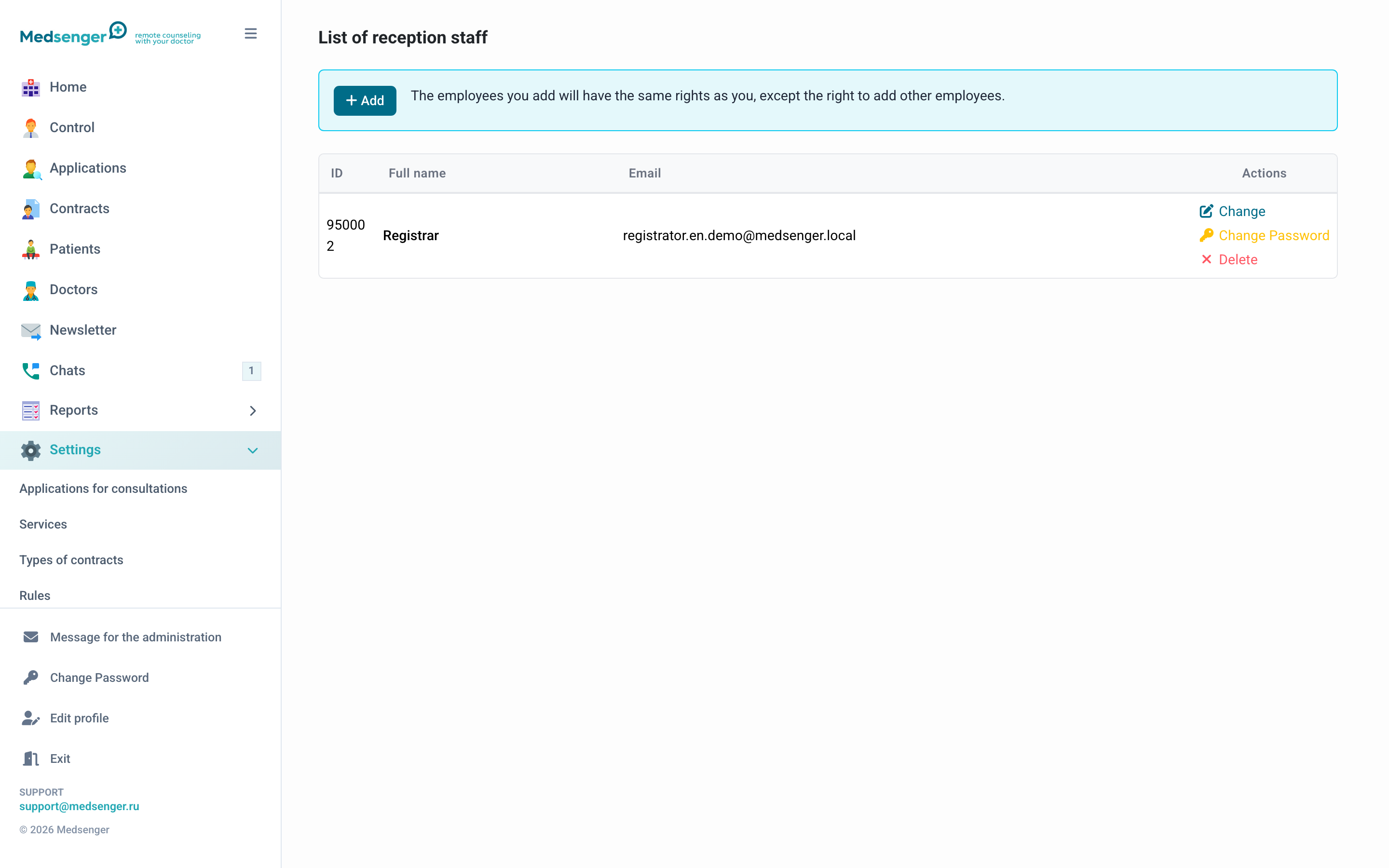
What roles exist
| Role | Purpose |
|---|---|
| Administrator | Clinic settings, services, rules, employees |
| Registrar | Doctors, patients, consultations, requests, mailing |
| Medical supervisor | Conversation viewing, response deadline control, exports |
One employee may have several roles. Give only the roles that are really needed for work.
How to add an employee
- Open the needed section: Administrators or Medical supervisors.
- Click Add.
- Enter email and employee name.
- Save the user.
- Make sure the employee received the invitation and logged in.
The employee email is used as login. Do not use a shared mailbox for several people: actions in the cabinet should be tied to a specific employee.
How to choose a role
| Task | Recommended role |
|---|---|
| Configure clinic, rules, services, and notifications | Administrator |
| Add doctors and patients | Registrar |
| Create consultations and process requests | Registrar |
| View overdue responses and conversations for quality control | Medical supervisor |
| Prepare medical exports | Medical supervisor |
If an employee must both configure the clinic and create consultations, they may need two roles.
If invitation did not arrive
Check email, Spam, and user status. If the link expired, it is usually easier to create a new user with the current email and delete the old one.
If the employee already activated the account, email became the login. To change login, contact Medsenger support.
When to remove access
Remove access immediately after dismissal or responsibility change. If an employee temporarily does not work with Medsenger, it is better to limit access in advance than leave extra permissions.
Before deleting, make sure the clinic still has at least one employee who can manage settings and access.
Security
- do not use shared accounts;
- do not share passwords between employees;
- regularly check the user list;
- delete old accounts;
- grant the minimum required roles.