Document templates for requests
Document templates define which files or consents the patient must provide when submitting an online request.
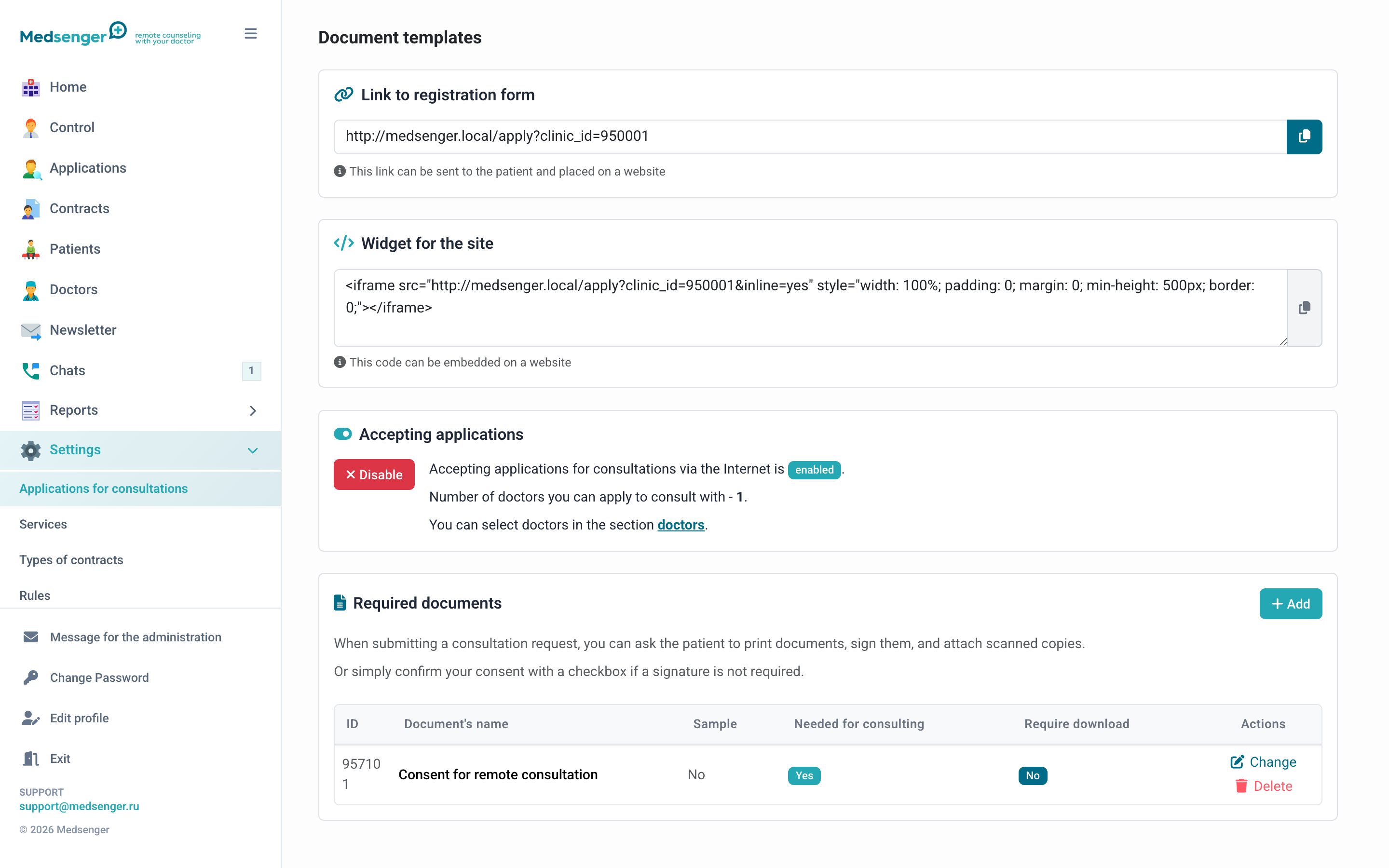
When documents are needed
Add documents if the clinic needs to receive consent, passport, referral, discharge summary, test results, or another file before opening the consultation.
The list should be sufficient for processing the request, but not excessive. The more required files there are, the more often patients do not finish the form.
What the patient sees
The patient sees the document name, can download a template if needed, and upload a file or mark consent.
If the document is required, the patient cannot submit the request without it.
Document types
| Type | How it works |
|---|---|
| File upload | Patient attaches a ready file: scan, photo, or document |
| Template for signing | Patient downloads the file, fills or signs it, and uploads it back |
| Checkbox consent | Patient confirms consent without file upload |
Document settings
In a document, you can specify:
- name visible to the patient;
- template file for download;
- whether to show the document in the request form;
- whether file upload is required;
- whether not to require the document from returning patients.
If the patient already had consultations in the clinic or with a specific doctor, the document can be skipped according to configured rules.
ESIA identification
If the clinic uses ESIA identification, the patient may confirm identity while submitting the request. Enable this only if required by clinic regulations.
Form check
After changing documents, open the request form as a patient and check:
- document names are clear;
- required documents cannot be skipped;
- optional documents can be skipped;
- templates download;
- files upload from phone and computer;
- administrator sees documents on the request page;
- returning patient sees the correct document set.
Changing documents
Changes apply to new requests. Already submitted requests keep the documents that the patient attached at submission time.