Patient page
The patient page helps check profile, activation, contacts, and consultation history.
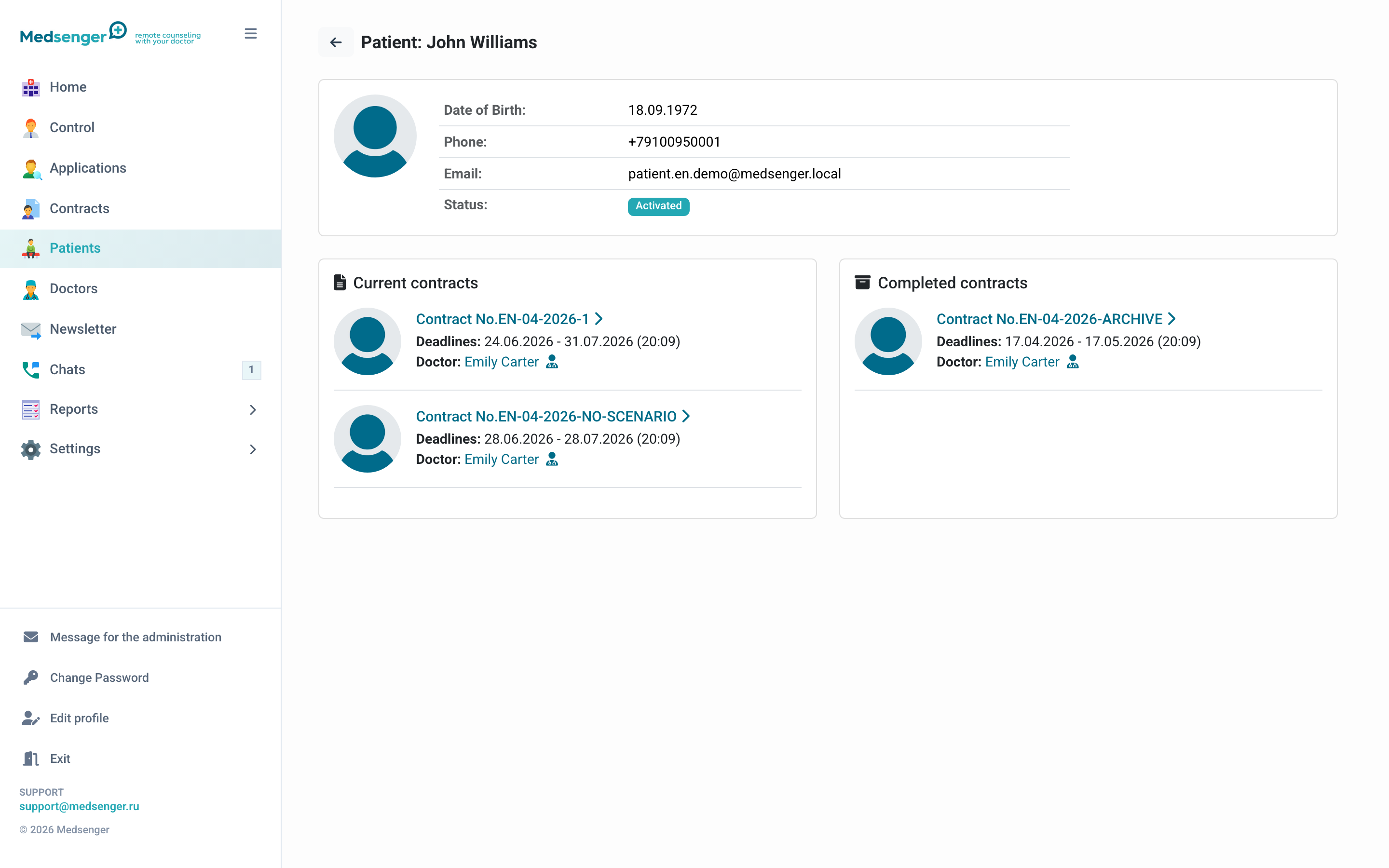
What to check in the profile
- full name;
- date of birth;
- email or phone for login;
- activation status;
- current and archived consultations;
- identification status if used in the clinic.
If the patient activated by email, email is the login. If the invitation was sent by SMS, the login will be the phone number.
Resending an invitation
If the patient has not activated the account yet, you can resend the invitation. If the email is incorrect, fix it before resending.
If the patient has already activated the account, do not change the login without checking the request. Usually the patient should use password recovery on the login page.
Activation link
If the clinic has activation link display enabled, it can be copied from the patient or contract page.
Send the link only to the patient themselves or to an officially connected relative through a confirmed communication channel. The link gives access to account activation.
Patient identification
If the clinic uses ESIA identification, the patient page may show identity verification status and a button for sending a request.
Before starting identification, make sure the data belongs to the correct patient.
Patient consultations
The page shows current and archived consultations. For each consultation, you can open the contract page and check doctor, period, type, response rule, documents, and monitoring.
If the patient says they do not see the doctor or consultation, check:
- Which email or phone the patient used to log in.
- Whether the account is activated.
- Whether there is an active consultation.
- Whether the consultation was created for another contact.
- Whether the consultation is archived or waiting for activation.
When to open the patient page
- patient did not receive email or SMS;
- patient cannot log in;
- you need to check all patient consultations;
- you need to resend an invitation;
- you need to understand which doctor the patient is assigned to;
- you need to check why the patient does not see the consultation.