Report types
The Reports section helps the clinic administrator control consultation work: how many contracts were created, how doctors answer, what happens with requests, payments, and video calls.
Which report to choose
| Task | Report |
|---|---|
| View created and active contracts | Contracts for period |
| Evaluate doctor workload | Doctors for period |
| Check response deadline compliance | Response SLA |
| Analyze online requests | Consultation requests |
| Reconcile payments | Payments for period |
| Check video consultation settings | Monitoring -> Video calls |
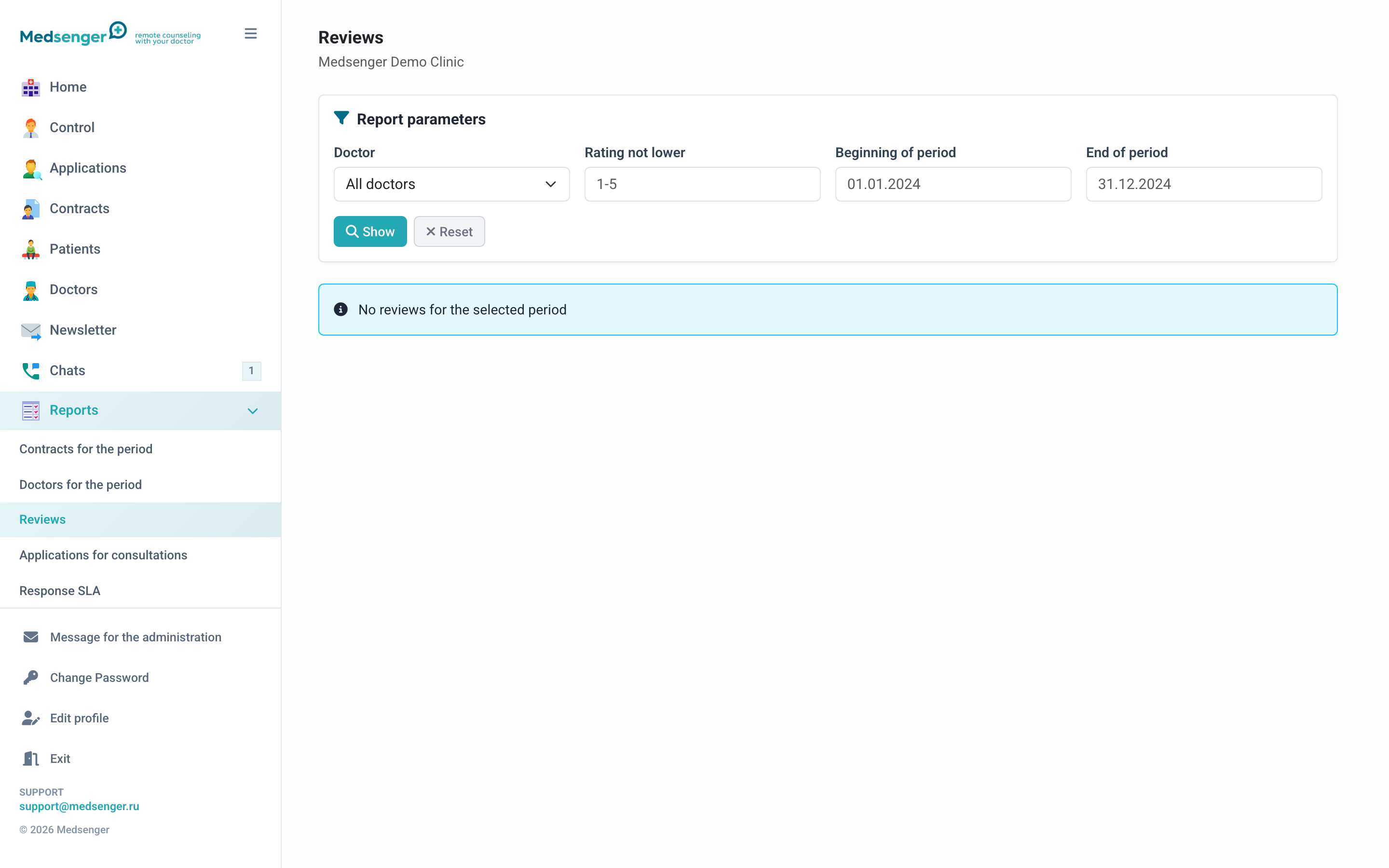
| View patient reviews | Reviews |
| Download data for internal analytics | Export |
Contracts and doctors
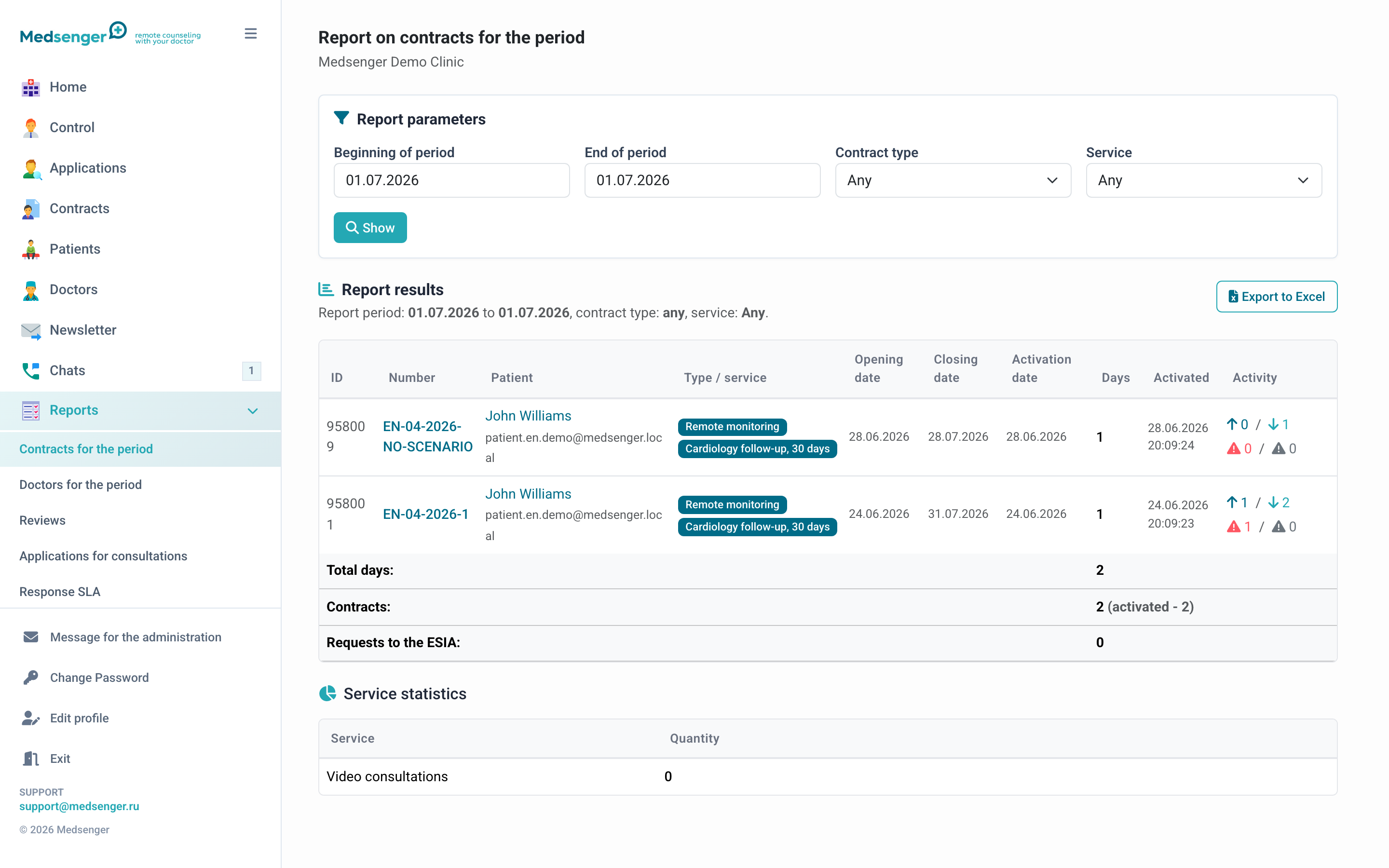
Contract and doctor reports are used for regular management checks: how many contracts were active during a period, which doctors support patients, where overdue responses exist, and how workload is distributed.
In the report, you can select a period and filter data by doctor, contract type, or monitoring scenario. Excel export is available for further processing.
Requests and payments
The request report shows patient flow from the online form: which requests are new, confirmed, or declined, which services they came for, and whether contracts were created from them.
If payment is connected in the clinic, use the payment report to reconcile amounts, statuses, and payment connection to a request or contract.
Work quality
The Response SLA report helps track compliance with doctor response rules. Patient reviews show subjective consultation ratings and comments after a contract is completed.
Data export
If standard reports are not enough, use data export. It may contain personal and medical data, so downloaded files must be stored and shared according to clinic rules.