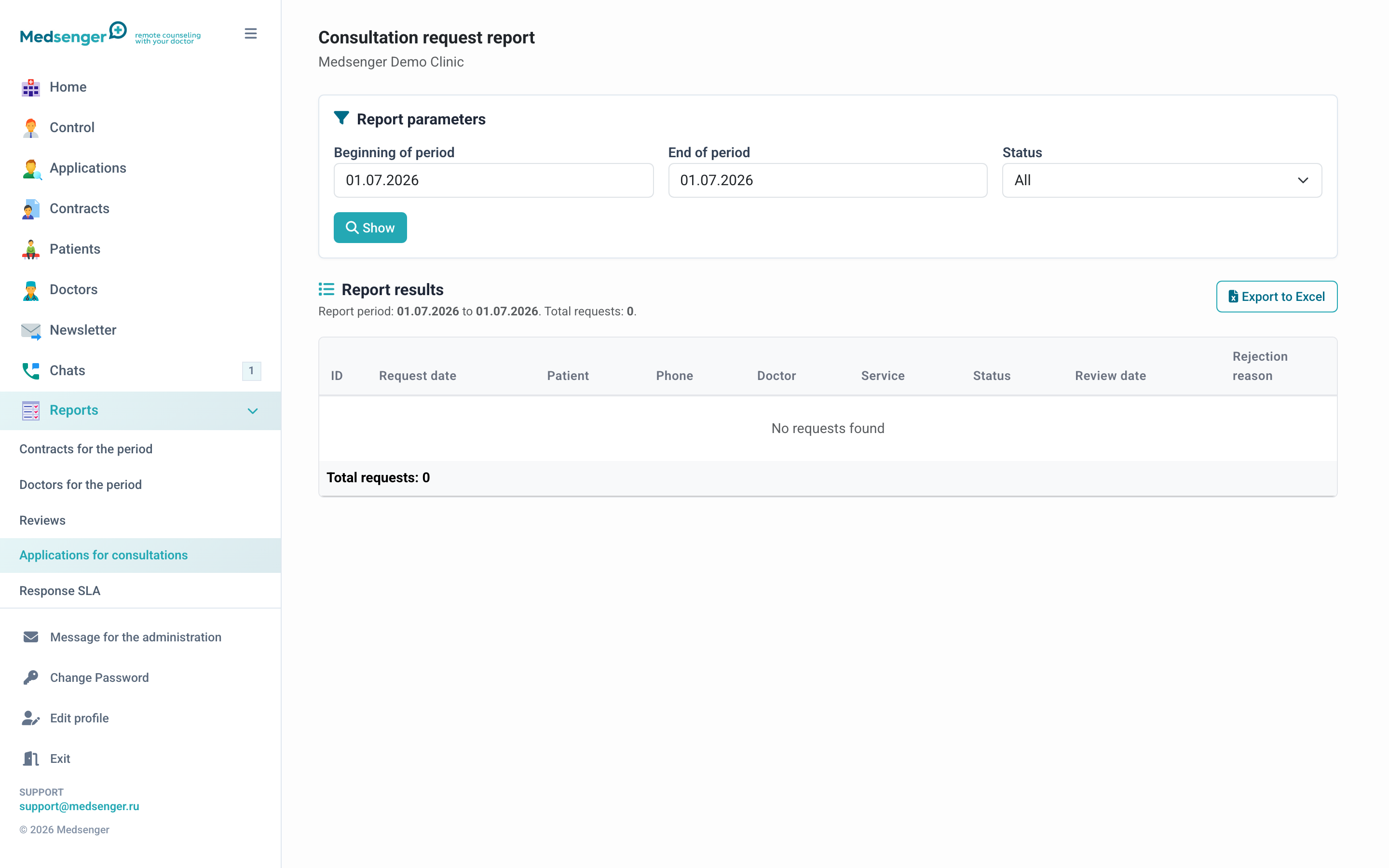
Request report
The report helps see how many patients came through the online booking form, which requests were accepted or declined, and how long processing took.
When to use it
Open the report when you need to:
- evaluate request flow for a period;
- understand which services and doctors patients choose more often;
- check how many requests remain unresolved;
- reconcile requests with created contracts and payments;
- prepare a management export for the clinic.
What to look at
Usually, the important fields are period, request status, selected service or doctor, patient, contact details, and processing result.
If the request is confirmed, check that a contract was created and the patient received access. If the request is declined, there should be a clear rejection reason.
How to analyze a disputed request
- Open the request from the report or Requests section.
- Check status, patient contact, selected service, documents, and comment.
- If the request was paid, also compare it with the payment report.
- If the contract was not created automatically, check service confirmation mode and payment status.