Paid services
Paid services let the doctor issue an invoice to the patient in an active consultation: for example, for a video call, repeat consultation, certificate, extended report, or another clinic service.
A connected clinic payment system is required. If paid services are not available, contact the employee responsible for Medsenger settings or Medsenger support.
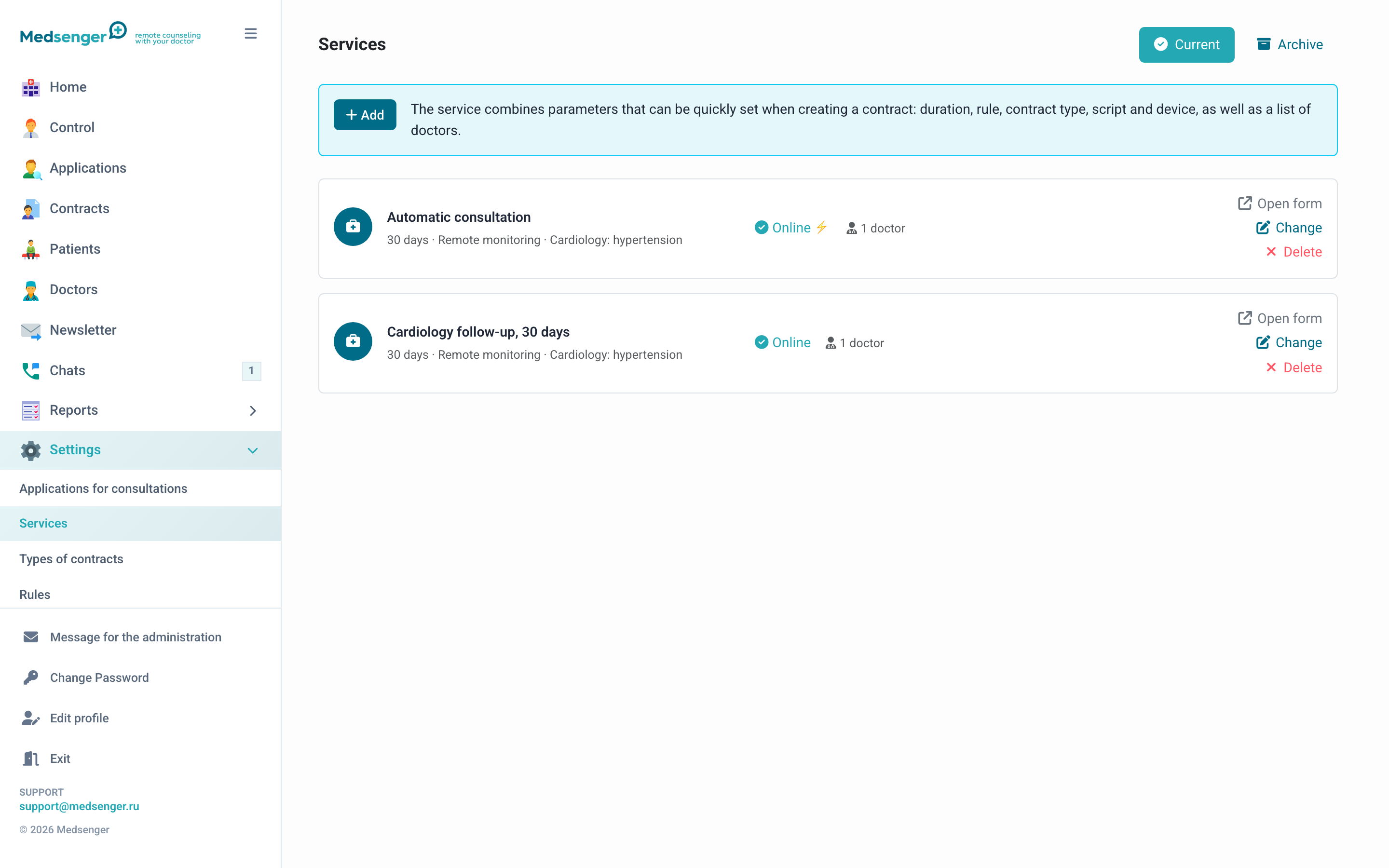
How it works
- The doctor selects a service from the list or creates a one-time service.
- The patient receives a chat message with a payment link.
- After payment, order status updates.
- If an action after payment is configured, it opens automatically.
What can open after payment
After successful payment, a separate action may open: for example, choosing video call time, instant call, or an additional service.
If no action after payment is configured, payment is only recorded in history, and next steps are performed according to clinic rules.
What the patient sees
The patient receives a chat message with service name, amount, and payment link. After payment, the patient should see a clear result: order status or opened action.
What the doctor and administrator see
The doctor sees the order in the consultation. The administrator can reconcile the payment in the payment report and, if needed, check the linked action or request.
What to check before launch
- clinic payment system is connected;
- services and prices are current;
- doctors are allowed to issue the needed services;
- patient message text is clear;
- after payment, the needed action opens;
- payment appears in the report;
- test payment completes fully.
If patient paid but action did not open
- Check order status in Medsenger.
- Check payment in the payment system cabinet.
- Check whether an action after payment is configured.
- If needed, perform the action manually under clinic rules.
- If status does not update, send Medsenger support order number, patient email, amount, payment time, and screenshot of payment system status.
Safety
Do not send external payment links to the patient if the service should go through Medsenger. Otherwise, doctor and administrator will not see correct order status in consultation history and reports.