What should I do if I cannot log in?
This guide helps you understand why you cannot log in to Medsenger. Most often the reason is an incorrect email, an old activation link, a forgotten password, or an account that has not been activated yet.
Important: before logging in to the website or mobile app, first activate your account using the link from the clinic email or SMS. The login is your email if the invitation came by email, or your phone number if it came by SMS. The patient's full name is not used as a login.
If you open an old link
For regular login, use chat.medsenger.ru, not the old link from the activation email.
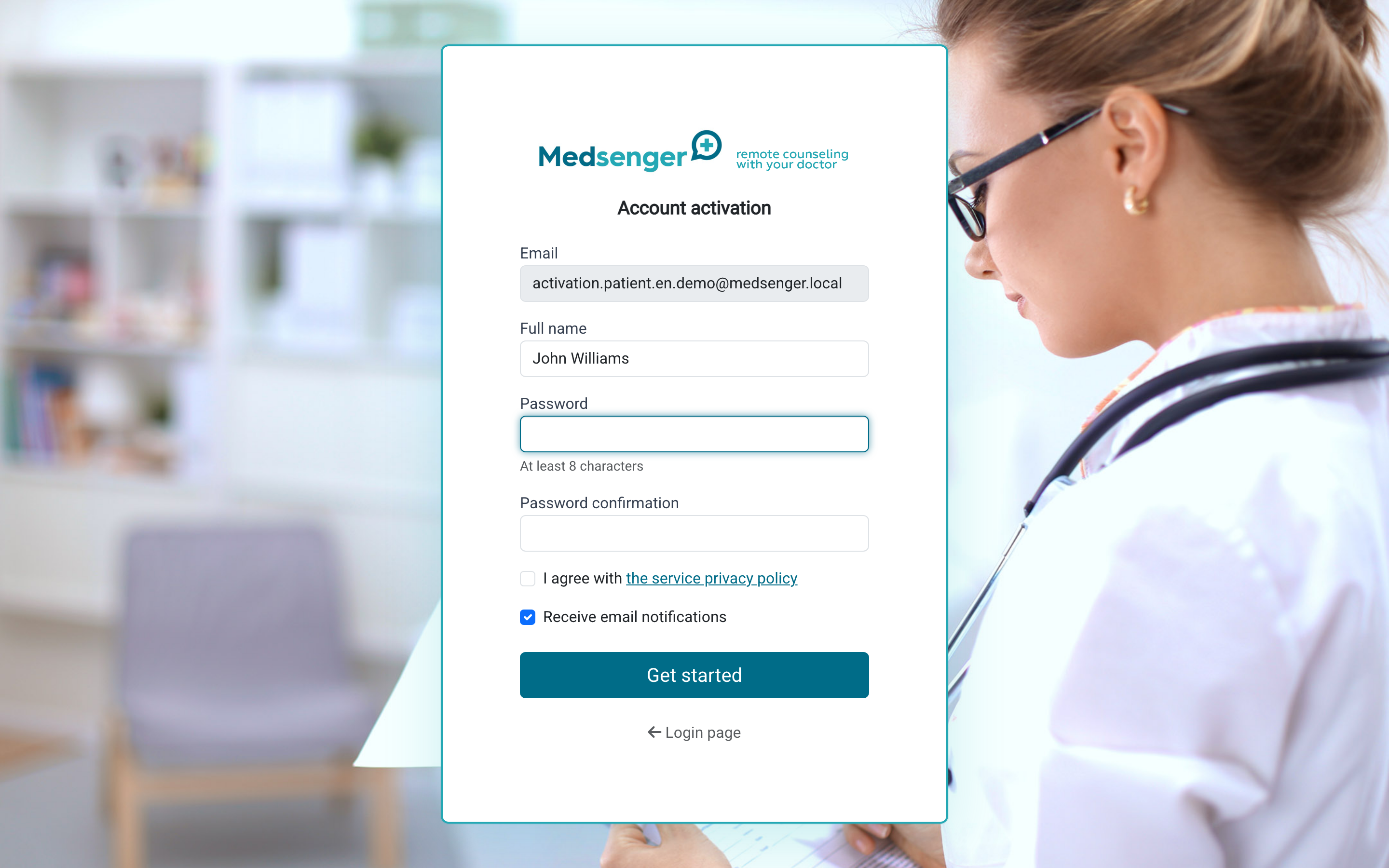
The activation link is needed only for the first launch of the account or subscription. After activation, log in with email or phone and password.
If the system cannot find the account
Enter the login where the clinic sent the invitation: the email from the letter or the phone number from SMS. If you activated by email, log in by email. If the invitation came by SMS, log in by phone. Do not enter the patient's full name in the login field.
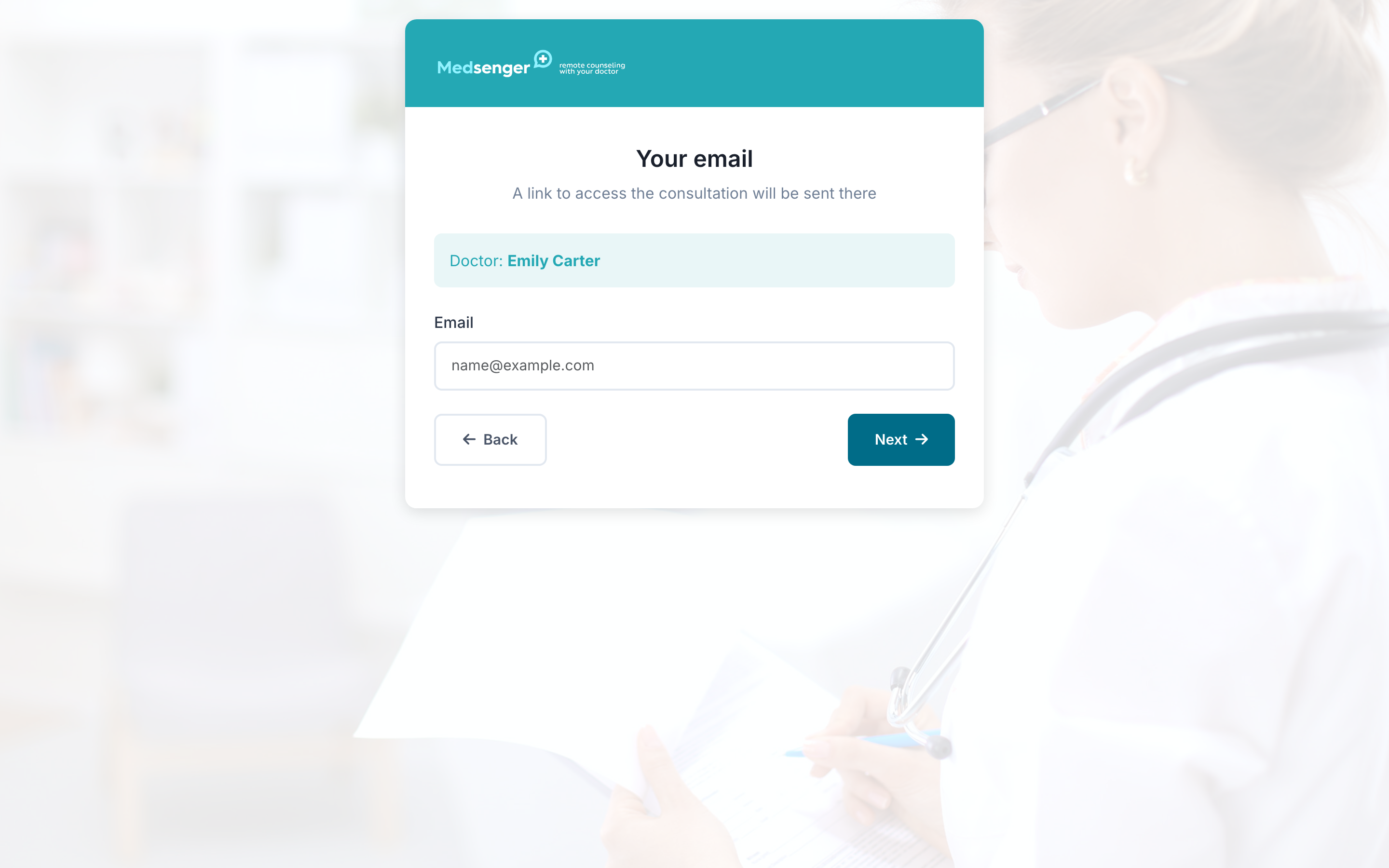
If you use another email or phone number, the system may not find your account or may show an empty subscription list.
Check spaces, keyboard layout, similar addresses, country code in the phone number, and whether the subscription may have been created for another contact. If you are not sure which email or phone was used, contact the clinic.
If you forgot the password
If the password does not work, use password recovery on the login page.
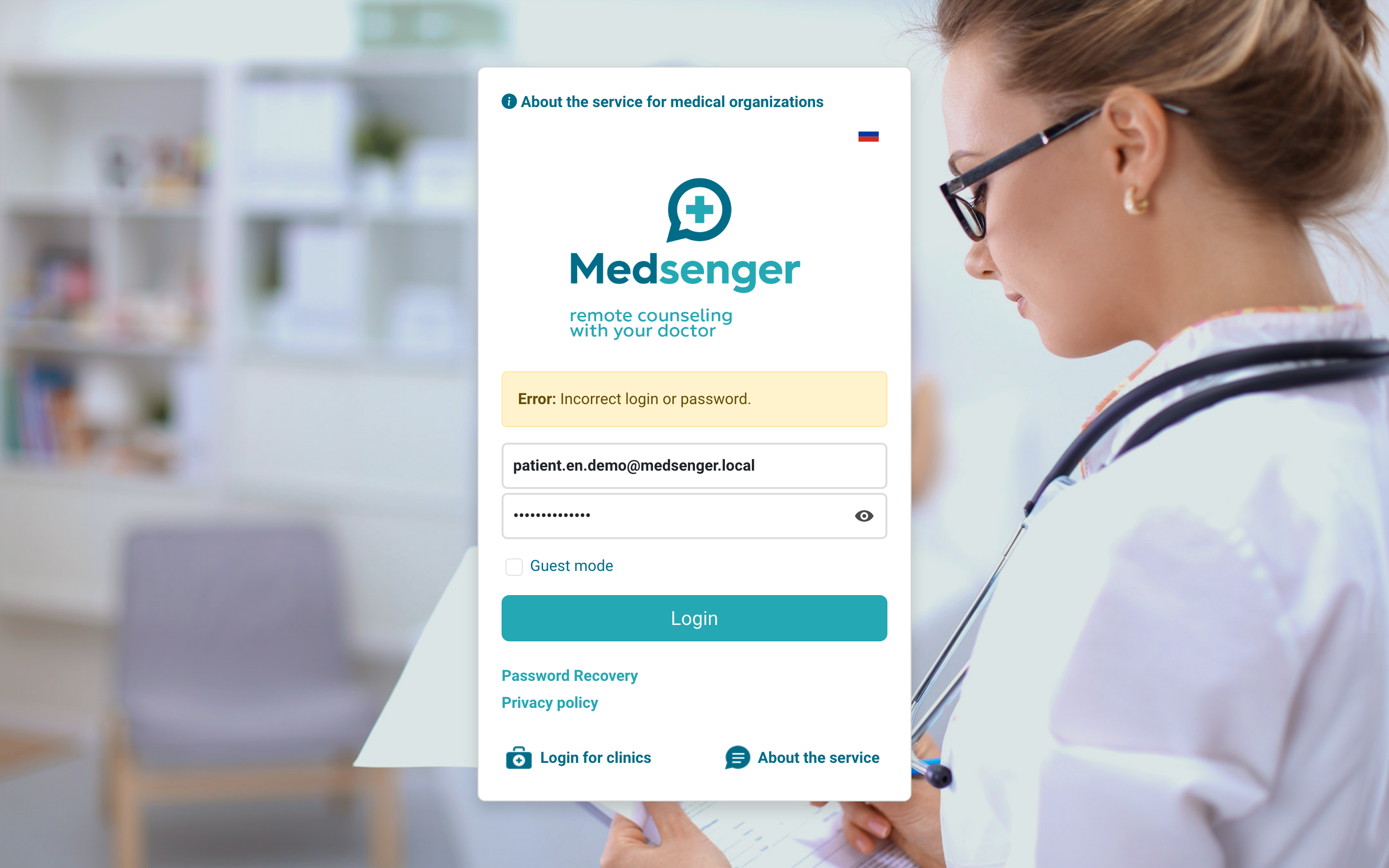
Recovery steps:
- Click Forgot password? on the login page.
- Enter the email or phone number you used for login.
- Open the password recovery email.
- Set a new password.
If the recovery email did not arrive, check Spam and the email spelling. If login was by phone and password recovery does not work, contact the clinic.
If the account is not activated yet
If you have not opened the activation link from the invitation yet, activate the account first. The clinic email or SMS should contain a button or registration confirmation link. Before activation, login to the website and mobile app may not work.
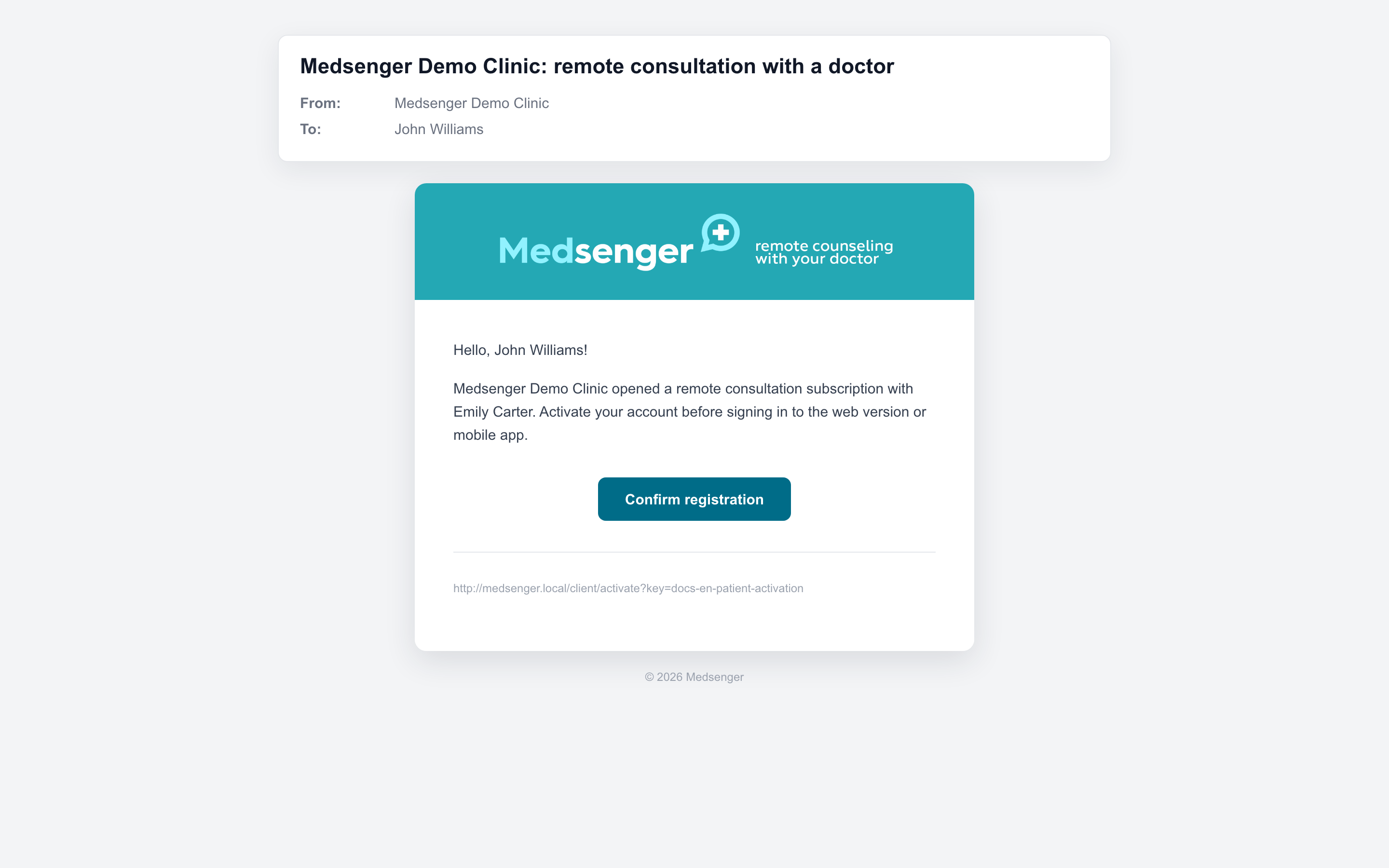
After activation, set a password and log in through chat.medsenger.ru.
If the activation email did not arrive or the link no longer opens, contact the clinic. A clinic employee can check the address and send the invitation again.
If you logged in but do not see the consultation, this is no longer a login issue. Check the separate guide: consultation or doctor is missing.