Access for relatives
If the patient needs help from a relative or legal representative, do not share the patient's password. Ask the clinic to add separate access to the consultation for the relative.
How can a relative be connected?
Contact the clinic by phone or email and say who needs access: the patient's full name, the relative's full name, the relative's email, and their relationship to the patient. The clinic will check whether access can be added and connect the relative to the consultation.
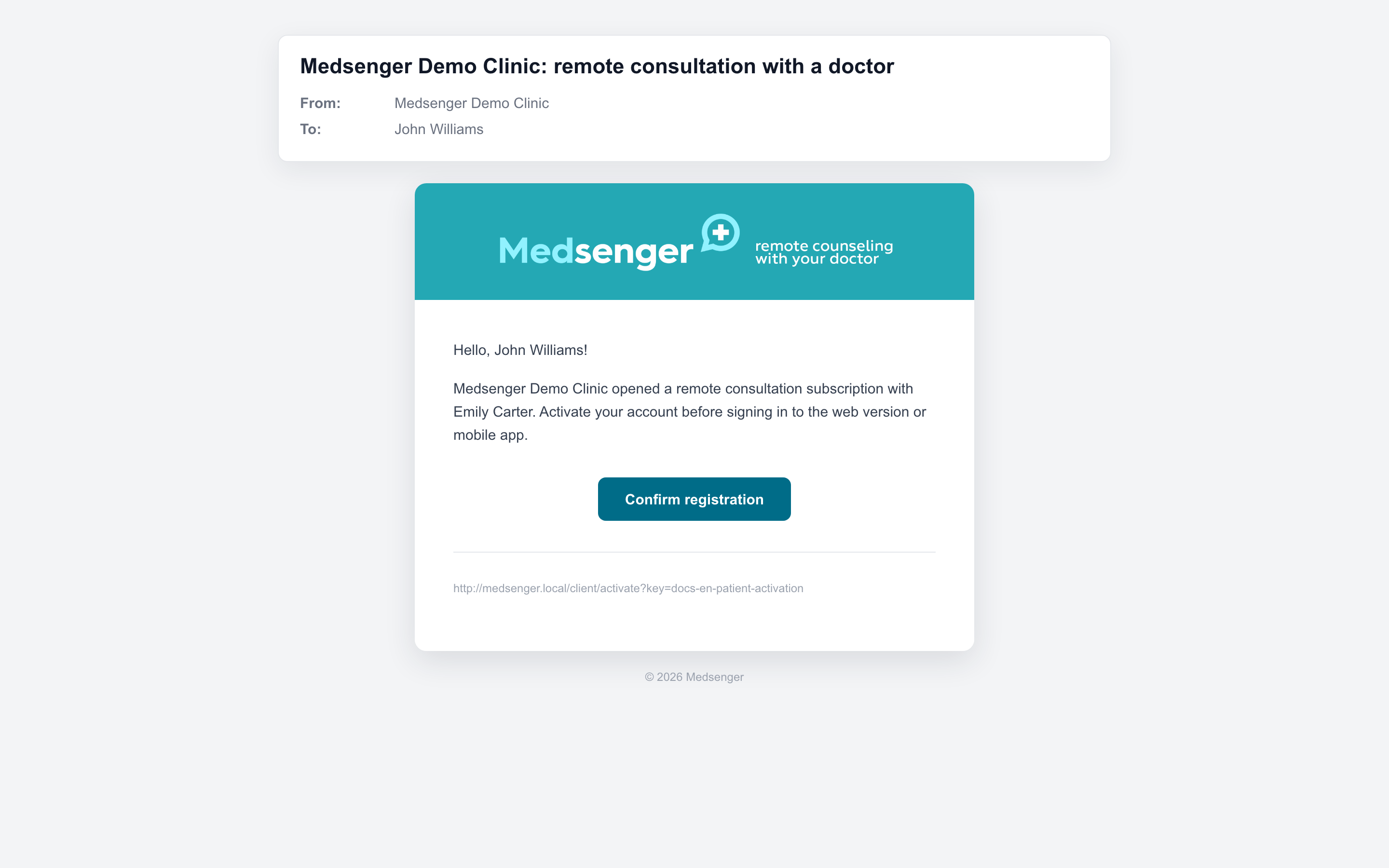
After connection, the relative receives a Medsenger activation email. Using the link in the email, they set a password and log in to their own account.
What can the relative do?
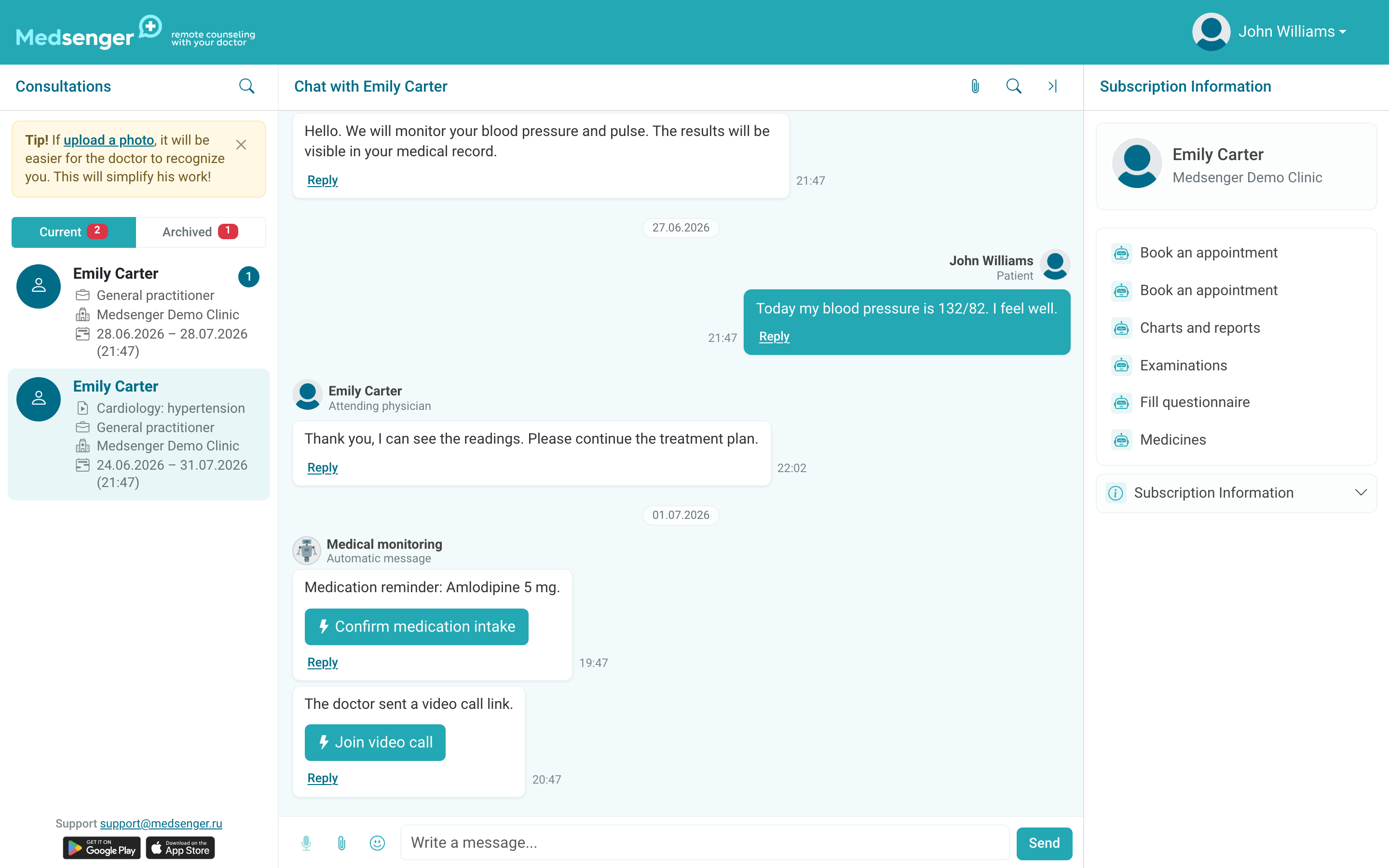
The relative can open the consultation in Medsenger and write to the doctor in the chat from their own account. This is useful when a relative helps the patient communicate, send documents, or follow assignments.
Do not give the patient password or email codes to the relative. If access is no longer needed or the relative's email is incorrect, contact the clinic.