How do I get a consultation?
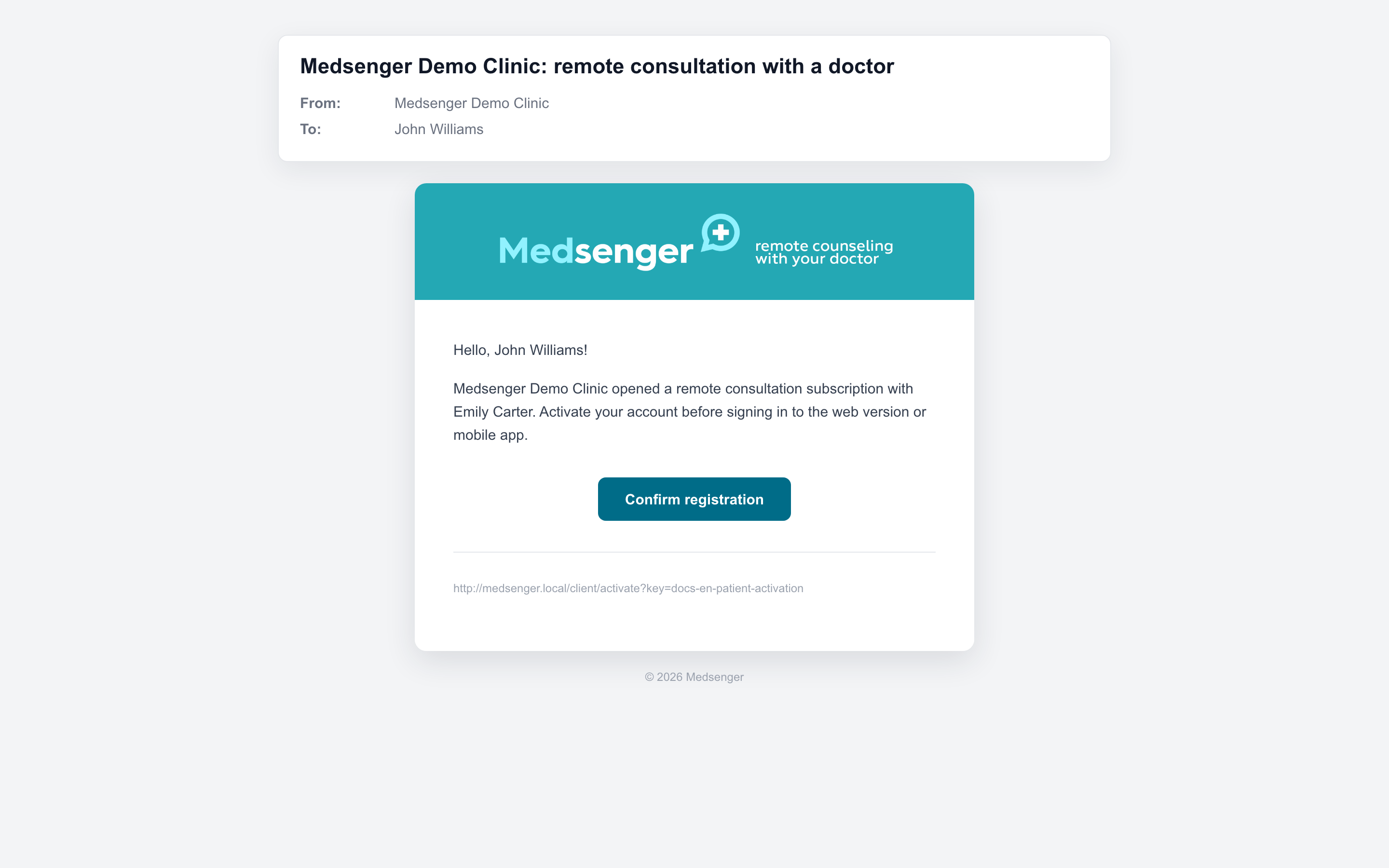
In most cases, a medical organization creates the consultation in Medsenger. Usually, the patient first contacts the clinic in person, by phone, through the clinic website, or another usual channel. After the service is agreed, the clinic opens the consultation in Medsenger and sends an invitation by email or SMS.
An online request is available only in some clinics. If the clinic has enabled this option, it may give you a link to the request form or place it on its website.
If the clinic opens the consultation
This is the main scenario. The clinic opens access after your request, appointment with a doctor, payment, or another step agreed with the clinic.
After that you will receive an invitation with a link to activate your account or subscription. If the email did not arrive or the link does not open, use the guide I cannot log in.
If an online request is available
If the clinic accepts online requests, you fill in the form yourself: choose a service or doctor, confirm your email, enter patient details, and submit the request.
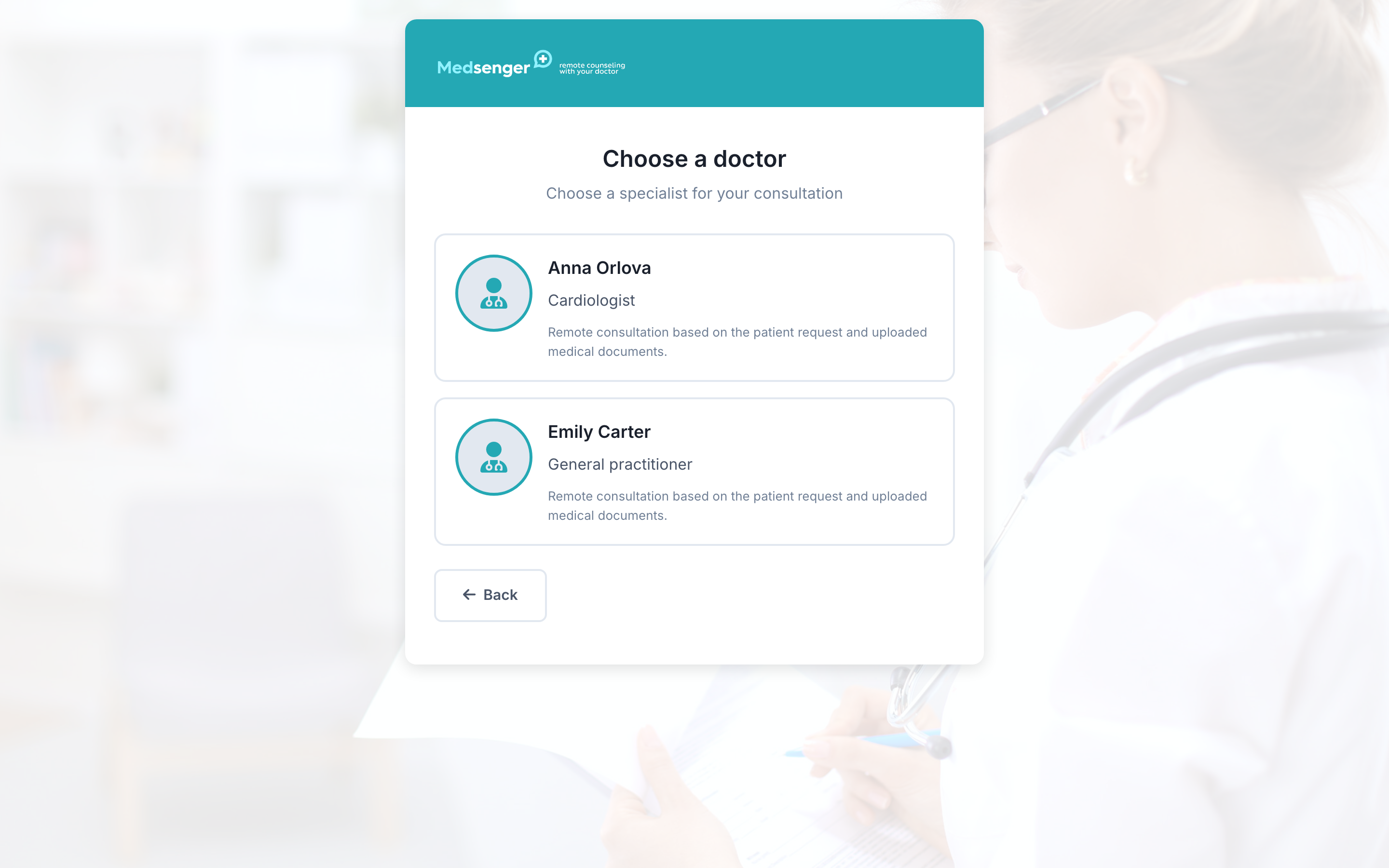
After submission, the request may be reviewed by the clinic, sent to payment, or open the consultation automatically. This depends on the selected service or doctor. See the detailed guide: how to submit an online request.
If you do not have a link to the online request form, contact the medical organization in the usual way. Medsenger does not show a public list of all clinics and doctors for self-booking: access depends on the rules of each clinic.