Medical record, charts, and reports
The medical record shows data the patient sends to the doctor through questionnaires, manual input, medications, examinations, or devices. The administrator checks that data really appears and is available to the needed roles.
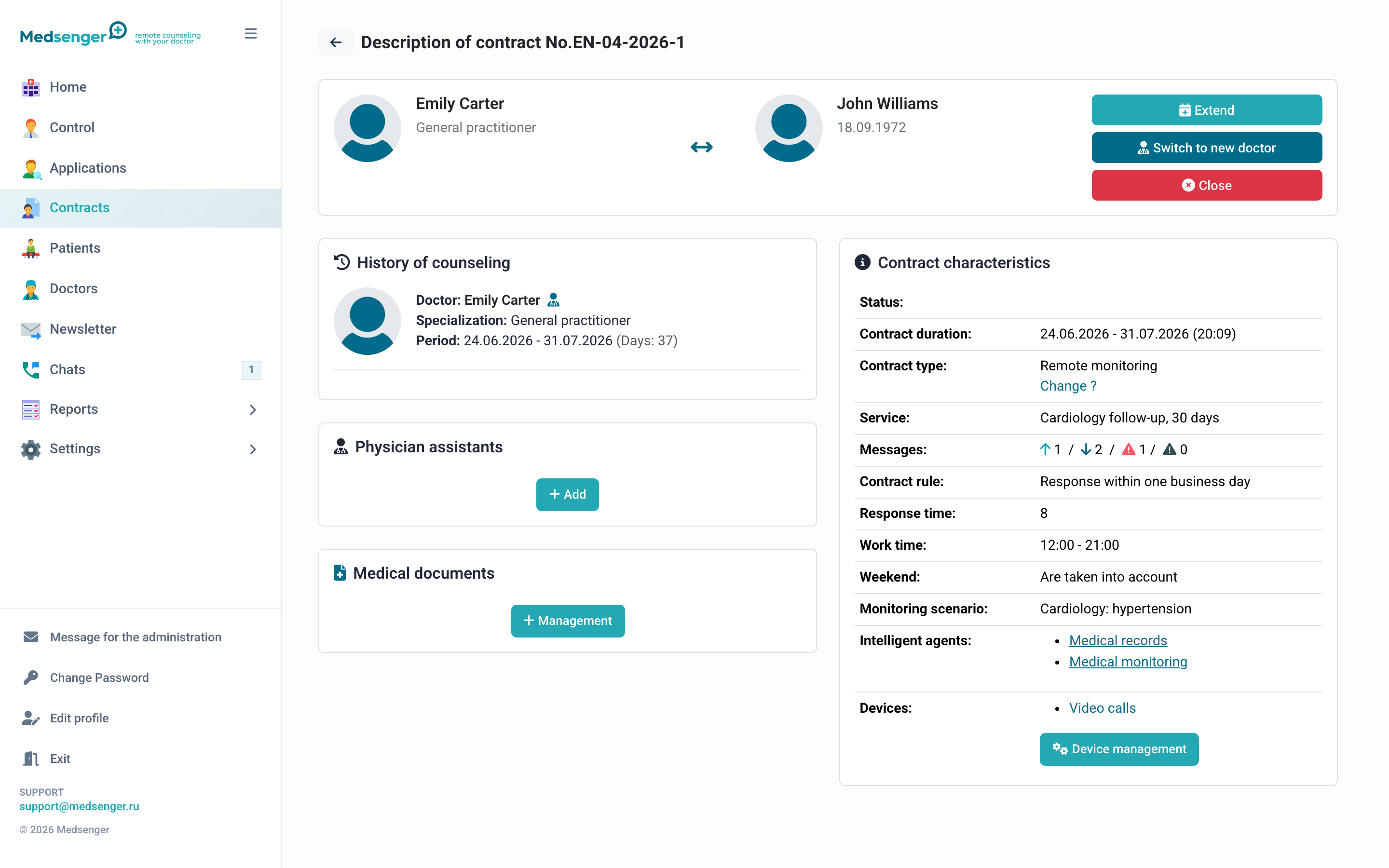
What the doctor sees
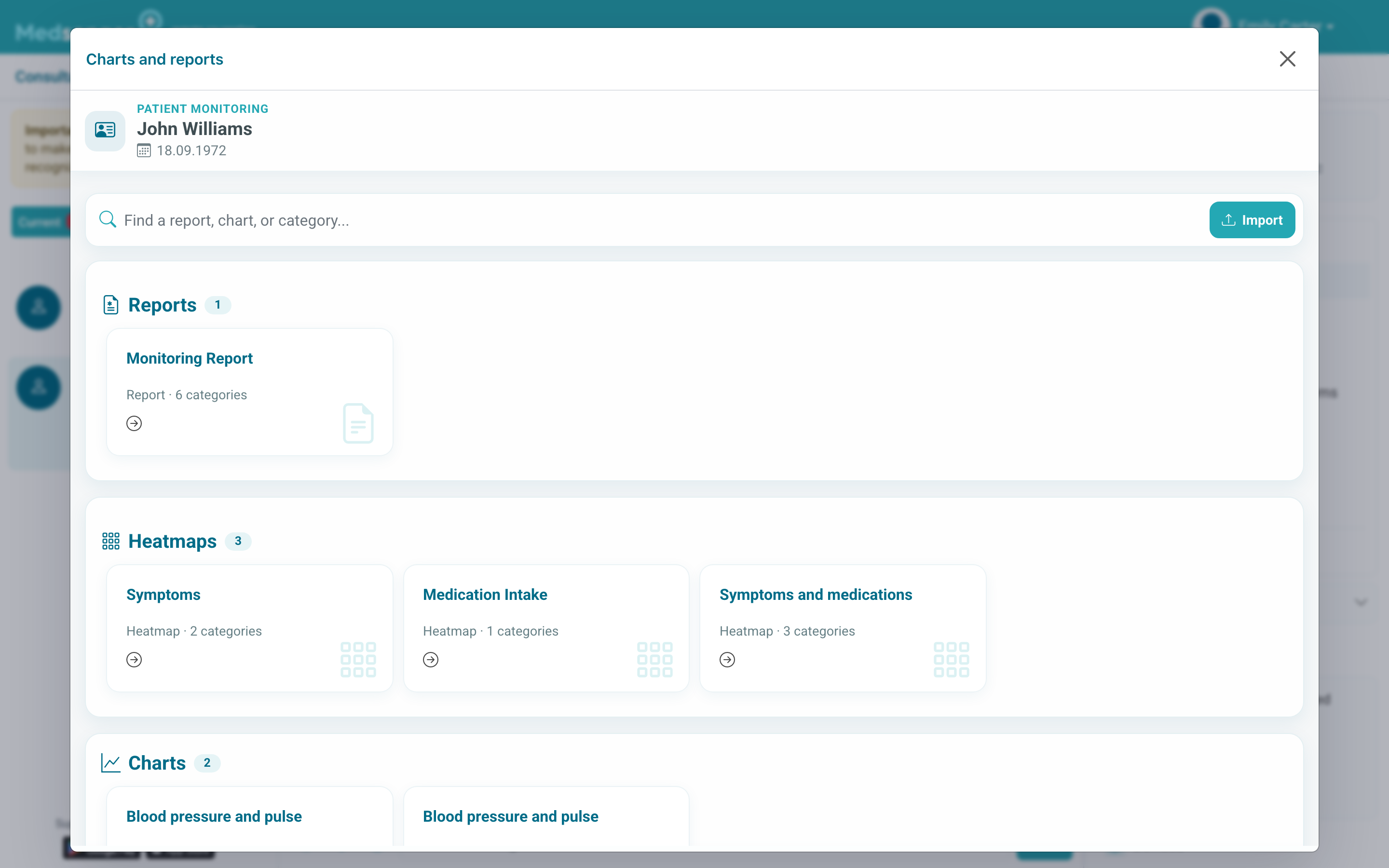
The doctor opens Charts and reports from the consultation. The card set depends on the scenario: blood pressure, pulse, weight, symptoms, medications, comments, device data, and other indicators.
What to check after connection
In a training consultation, complete one task and check:
- record appeared in the medical record;
- correct indicator is selected;
- chart or table shows data for the needed period;
- doctor sees data in their consultation;
- patient sees data only if clinic allowed viewing.
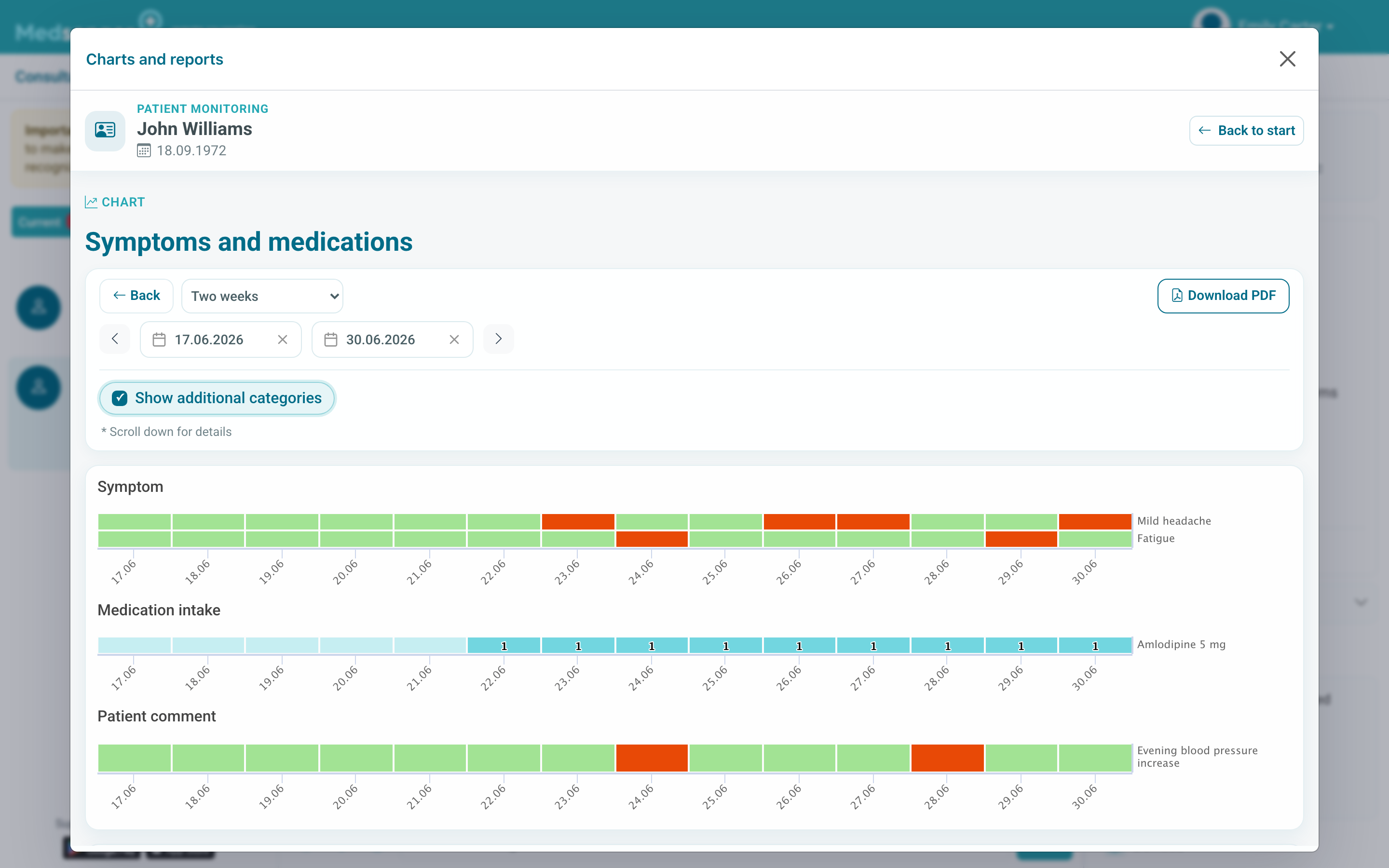
If there is no data
Check:
- patient really submitted a form or measurement;
- correct period is selected;
- form saves this answer to the medical record;
- data belongs to the correct patient and consultation;
- scenario is connected to the contract.
If the medical record window opens with an error, send support the contract number, report name, period, and screenshot of the error.