How do I check a scenario before use?
Click Save, return to the list, and make sure the scenario is enabled. Then create a test consultation and select this scenario.
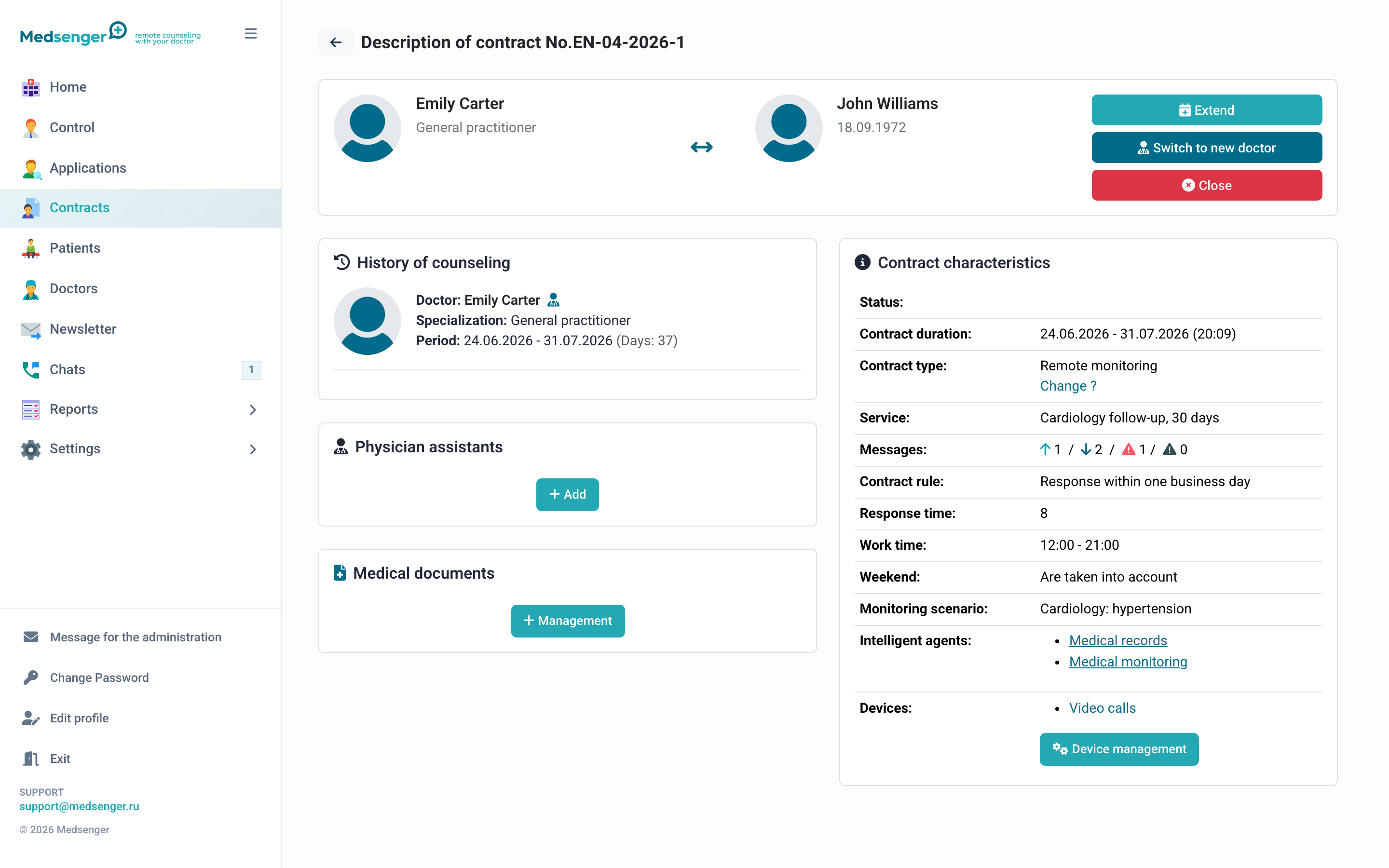
What to check
- The doctor sees the required actions: questionnaires, medical record, video calls, or other program items.
- The patient receives a clear welcome message and the first task if sending on connection is enabled.
- The questionnaire opens, submits, and saves data to the expected indicators.
- The schedule uses the correct time zone and does not send tasks too often.
- The doctor sees the result in the chat, task history, or medical record, depending on the template settings.
- Connected devices and doctor assistants appear in the consultation.
Check changes in a new test consultation: a program that was already connected may keep its previous settings.
If the result is not as expected, first check the scenario contents and schedule, then the task template.