How do I add devices and doctor assistants?
These settings are optional. Use them only when they are part of the monitoring program.
Devices and additional features
Open Devices and features and enable the required cards. This section may include video calls, education courses, and other features connected for the clinic.
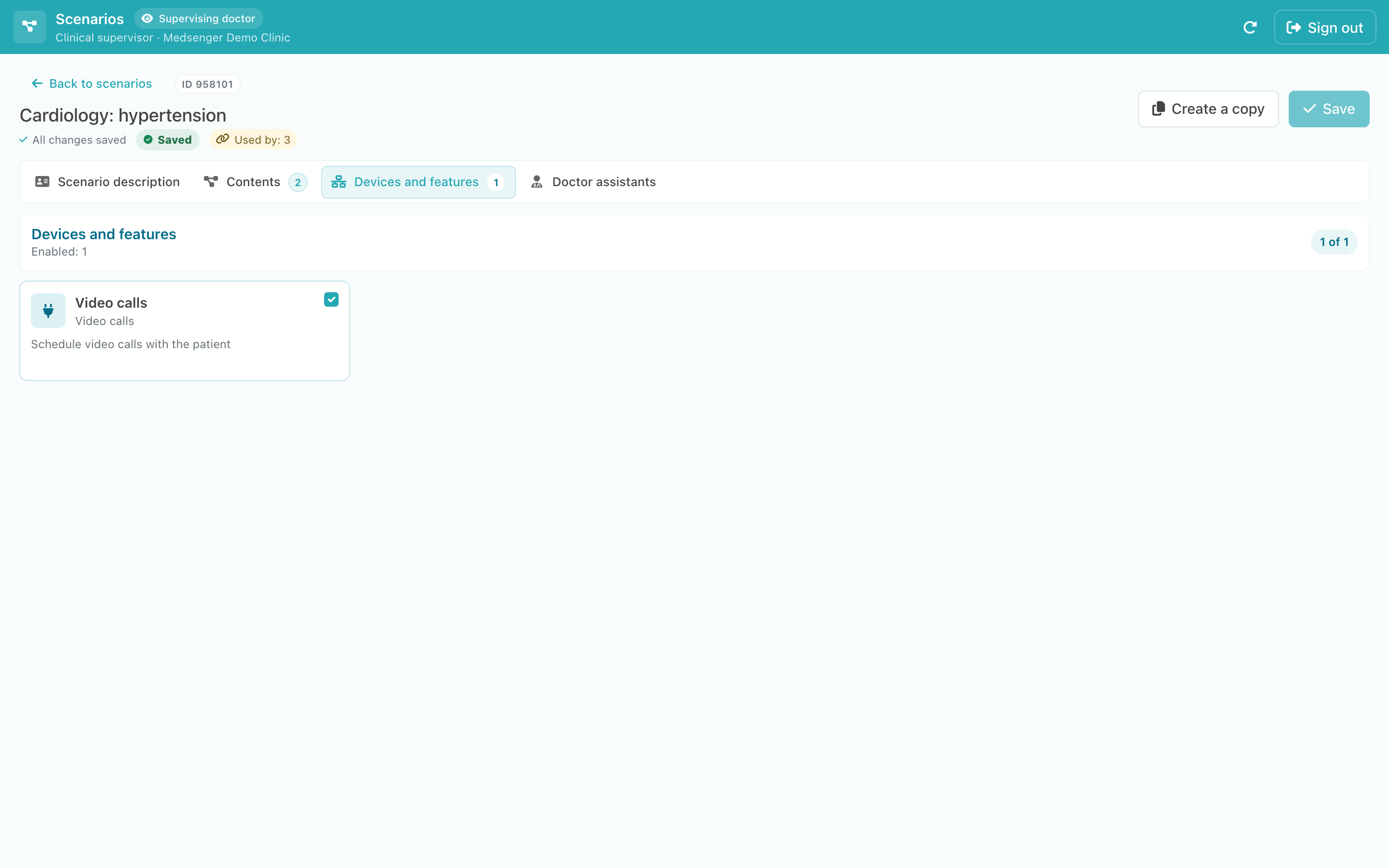
If a required card is missing, contact your clinic administrator. The feature must first be enabled for your organization.
Doctor assistants
Under Doctor assistants, select the specialists who should be added automatically to consultations using this scenario.
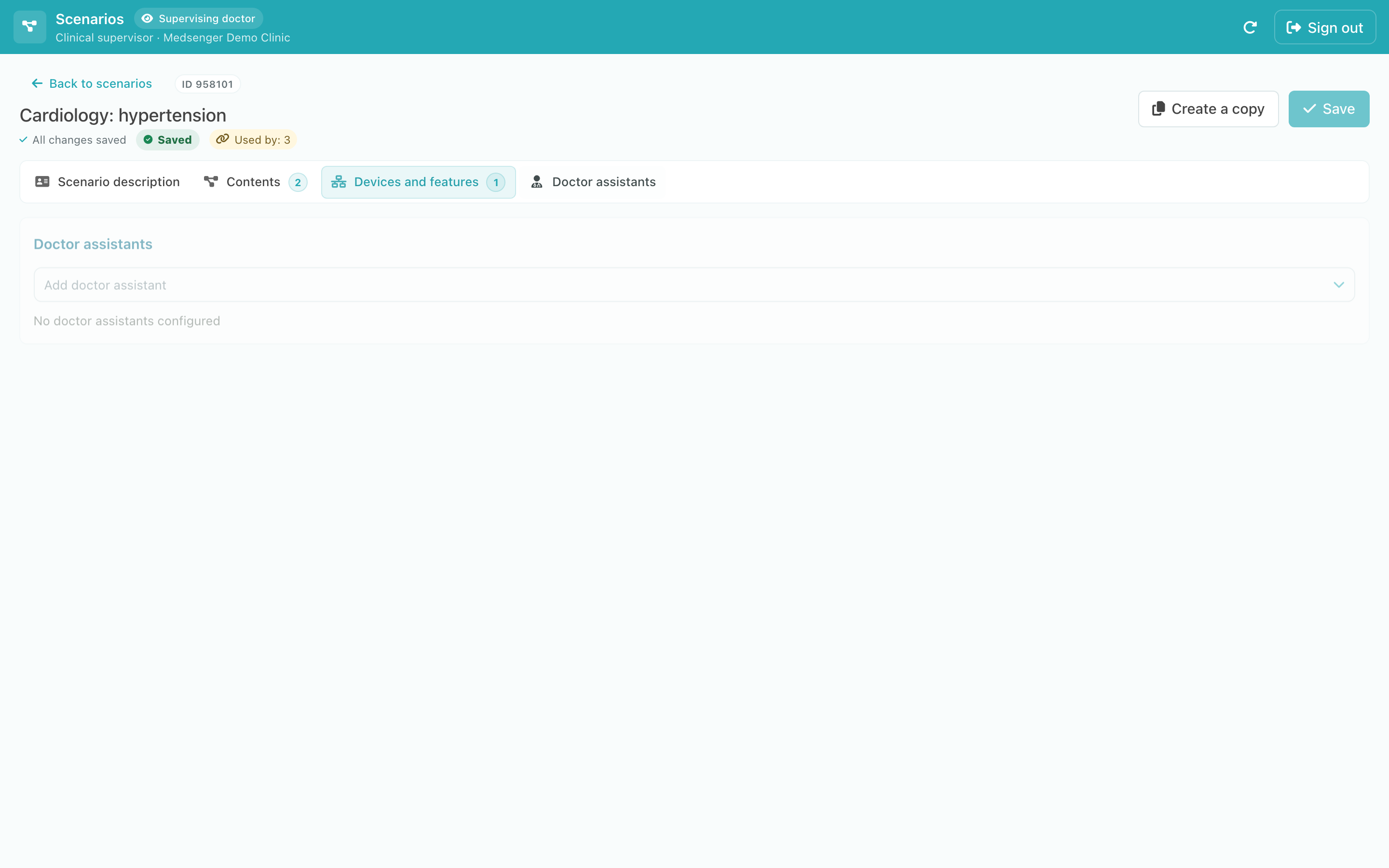
Open the list, select a doctor, and enter their role in the program, for example, “Cardiologist.”
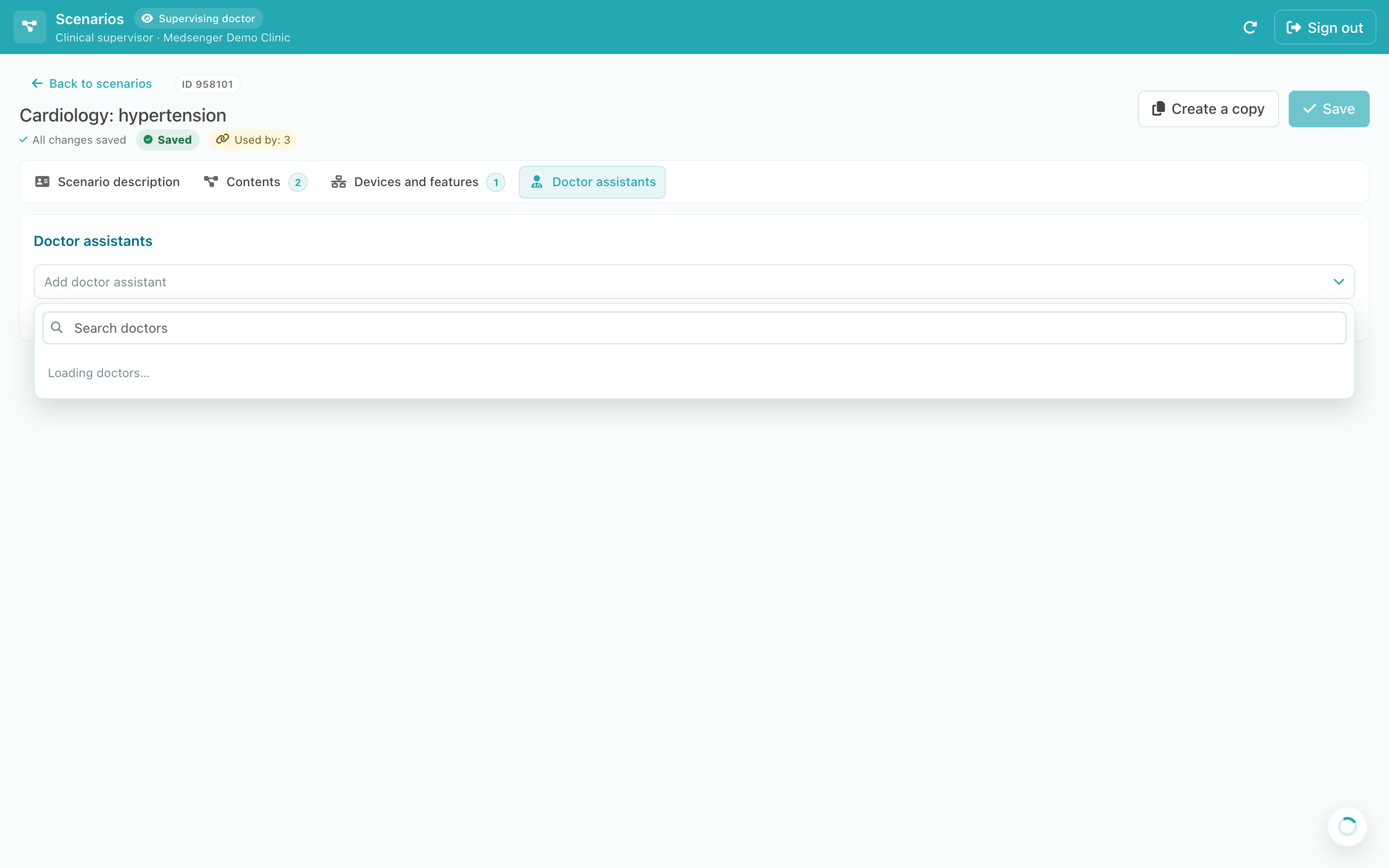
Only active clinic doctors appear in the list. When ready, save and check the scenario.