Gemocard/Gemodin blood pressure monitors
Integration with Gemocard and Gemodin blood pressure monitors is used so the doctor receives the patient's blood pressure, pulse, and ECG without manual entry.
If this option is not available in your clinic, contact the employee responsible for Medsenger settings or Medsenger support.
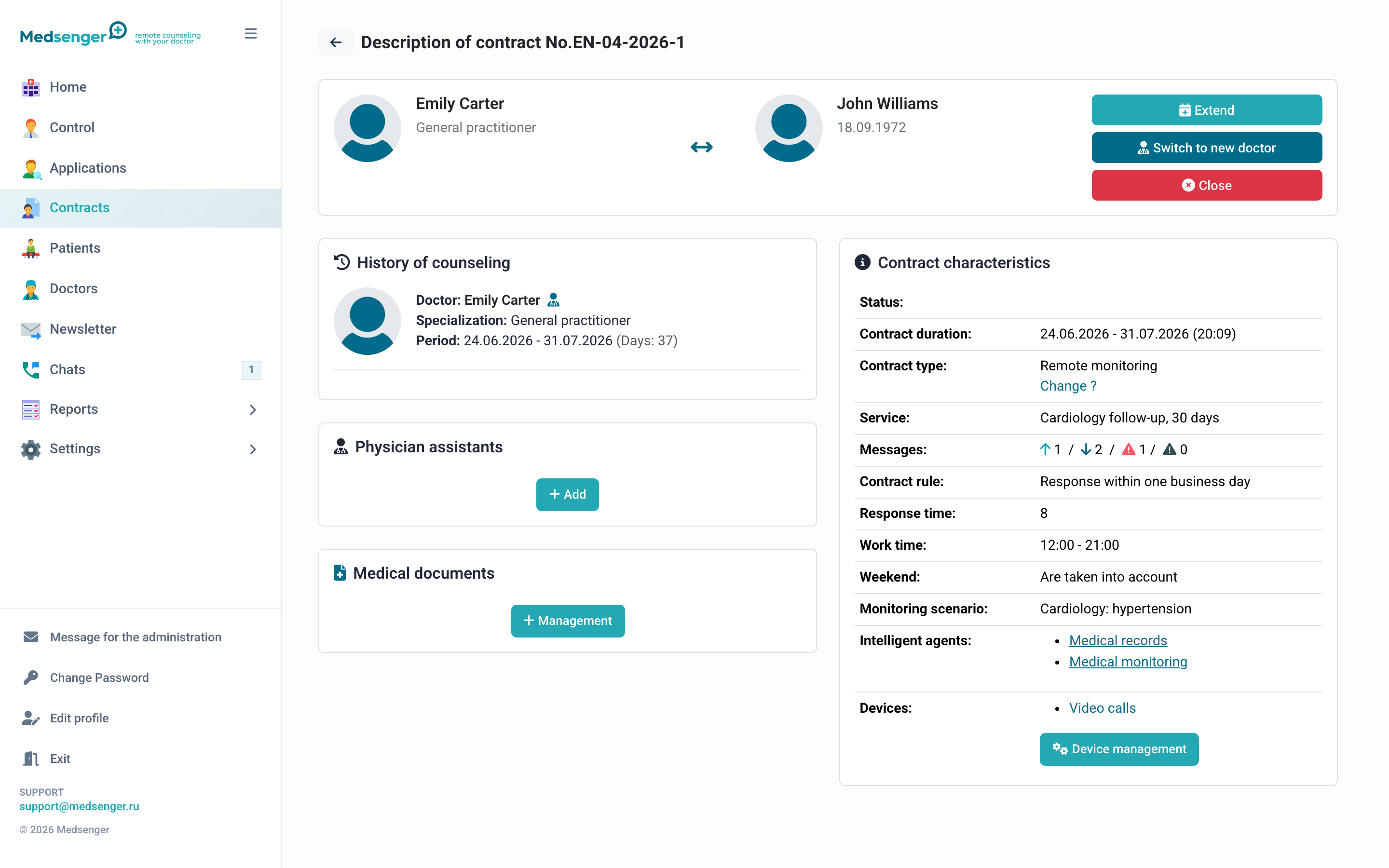
When to use
Use these devices in programs where it is important to receive blood pressure and pulse regularly and the patient finds it difficult to transfer values manually into a form.
How data is transferred
GSM mode. The device sends data automatically. The patient only needs to take the measurement.
Bluetooth mode. The patient uses a mobile app. This requires more patient participation, but may be convenient for home use.
What the patient sees
The patient receives device instructions. In Bluetooth mode, they also open the app according to the instruction or link from the message.
What the doctor sees
The doctor receives results in the chat and, if saving is configured, sees them in the medical record and charts. In some scenarios, the doctor can request a new measurement from the chat.
What the administrator should check
- scenario is connected to the needed consultation;
- correct data transfer mode is selected;
- device is linked to the correct patient;
- test measurement arrived in Medsenger;
- blood pressure, pulse, and ECG display correctly;
- data enters the medical record if required;
- doctor sees measurement request button if it should be available.
How to choose a mode
GSM is more convenient for patients who find apps difficult. Bluetooth requires an app and correct authorization, but may be more convenient if the patient is used to a phone.
Choose mode by patient skills, connection availability, and clinic requirements for measurement control.
If data does not arrive
Check device link, selected mode, last measurement date, and connection with app or device provider. In a support request, include patient full name, consultation number, device type, test measurement time, and screenshot of the page where you expected to see data.