How is the supervision queue organized?
The queue helps you find consultations where the conversation needs the doctor's attention. The list stays on the left, and the selected conversation opens beside it without leaving the workspace.
How do I filter consultations?
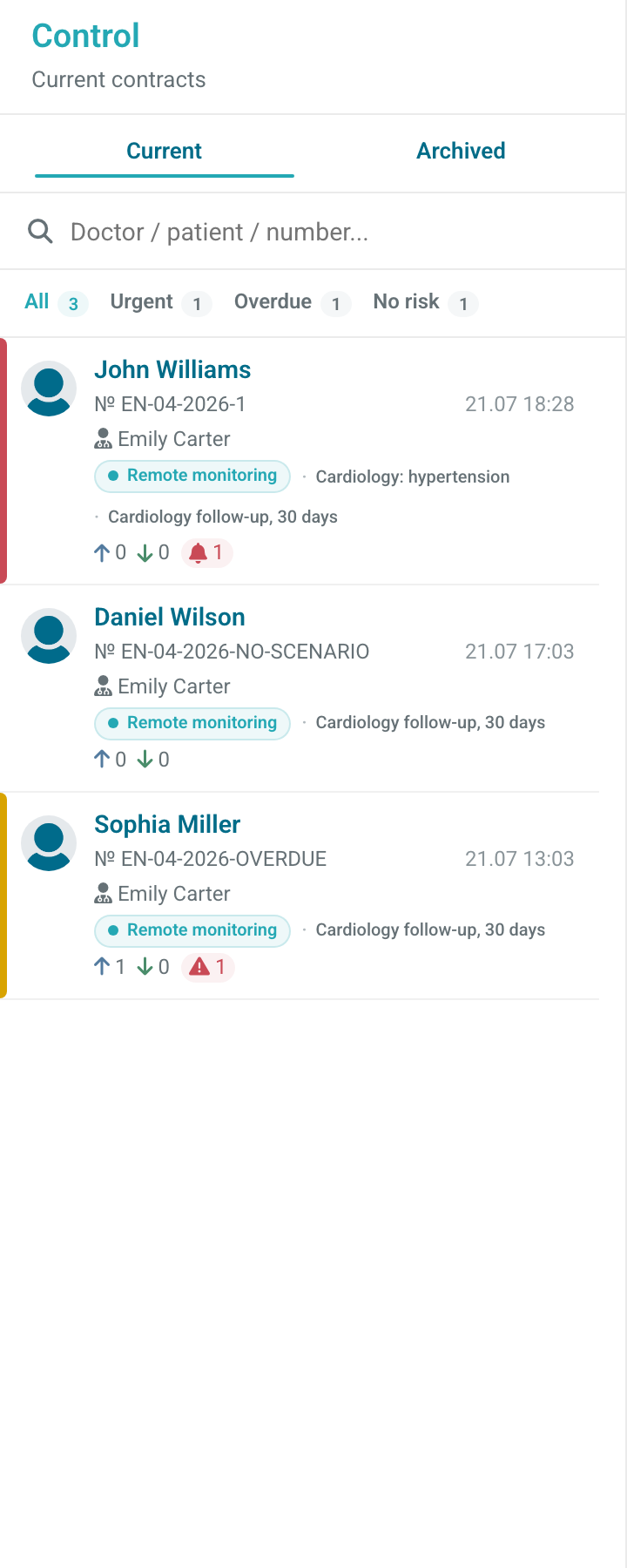
Switch between Current and Archived consultations. Search by patient, doctor, or consultation number, and use the status filters:
- Emergency — an active monitoring alert is present;
- Overdue — the doctor's response deadline has passed;
- No risk — there is no active alert or overdue response;
- All — no status filter is applied.
What does a consultation card show?
The card shows the patient, consultation number, doctor, monitoring program, time of the latest message, and counters for questions, answers, and problems. Hover over an icon to see its name.
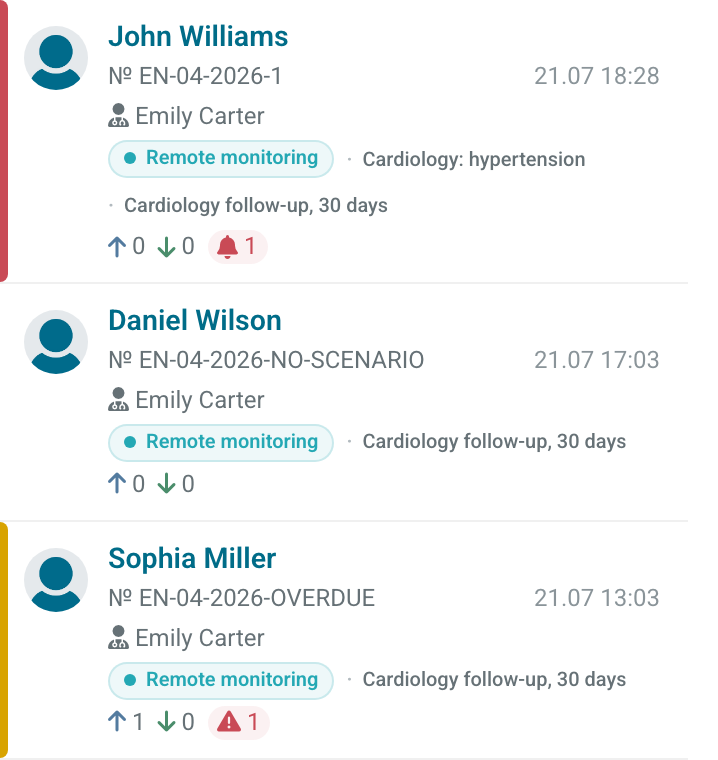
The list is sorted by the time of the latest message, with recent consultations first. A filter changes which cards are shown but does not change their order.
Select a card to open the conversation. The next steps are described in How do I review a consultation?.